User’s Manual
User’s ManualUser’s Manual
User’s Manual
EAP200
EAP200EAP200
EAP200 Enterprise Access Point ENGLISH
75
Copyright © 4IPNET, INC.
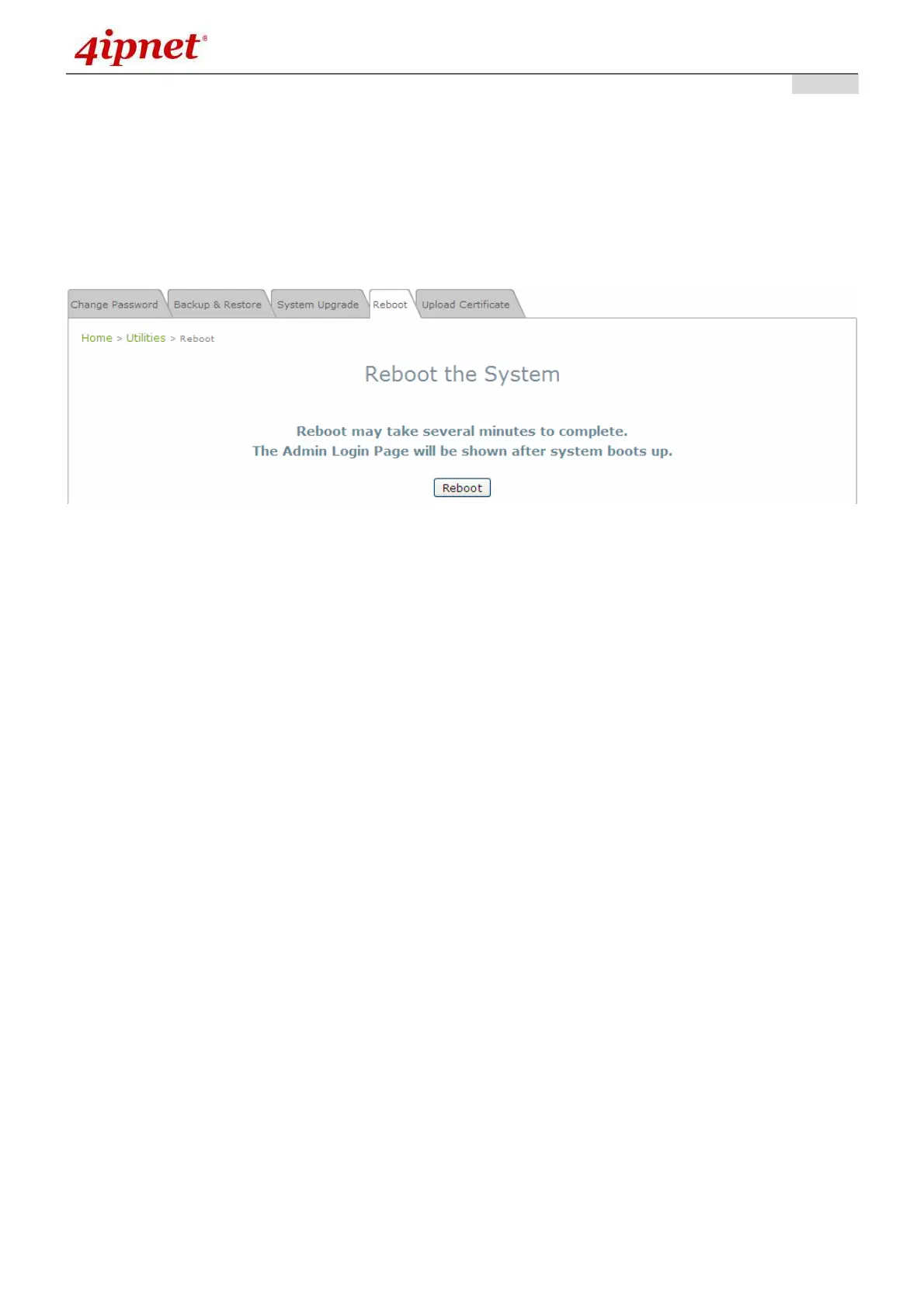
7.4.4 Reboot
This function allows the administrator to restart the EAP200 safely. The process shall take about three
minutes. Click Reboot to restart the system. Please wait for the blinking timer to complete its countdown
before accessing the system’s Web Management Interface again. The System Overview page will appear
after reboot successfully.
Occasionally, it is necessary to reboot the EAP200 to ensure that parameter changes are submitted.
Reboot Page



 To Next Page