Aprisa SRx User Manual 1.3.0
Serial Data Stream Mode
This parameter controls the traffic flow in the radio serial ports.
Serial port traffic from the network is broadcast on all serial ports
on this radio. This will include the RS-232 port derived from the
USB port.
Serial port traffic from the network from a specific port number is
directed to the respective serial port only (see Segregated Port
Directions).
The default setting is Broadcast.
TRAFFIC SETTINGS
Background Bulk Data Transfer Rate
This parameter sets the data transfer rate for large amounts of management data.
Utilizes more of the available capacity for large amounts of
management data. Highest impact on user traffic.
Utilizes a moderate of the available capacity for large amounts of
management data. Medium impact on user traffic.
Utilizes a minimal of the available capacity for large amounts of
management data. Lowest impact on user traffic.
The default setting is high.
Network Traffic Type
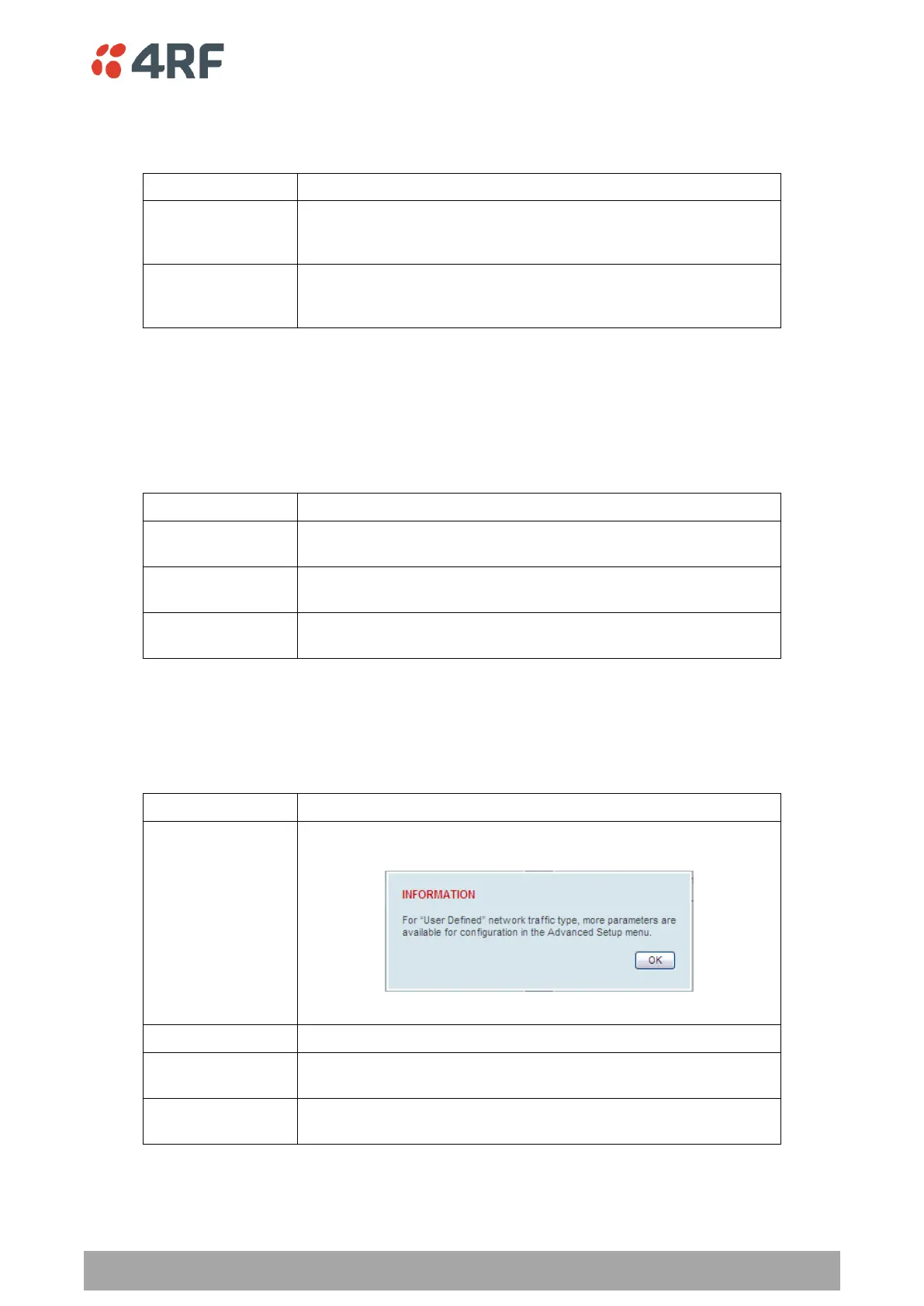
This parameter optimizes the channel settings for the predominant traffic type.
Allows the user to define the channel settings (see ‘Radio >
Advanced Setup’ on page 103).
Optimizes the channel settings for the predominantly serial traffic.
Optimizes the channel settings for the predominantly Ethernet
traffic.
Optimizes the channel settings for a mix of Ethernet and serial
traffic.
The default setting is Mixed.



 To Next Page