Aprisa SRx User Manual 1.3.0
Standard Radio
Terminal
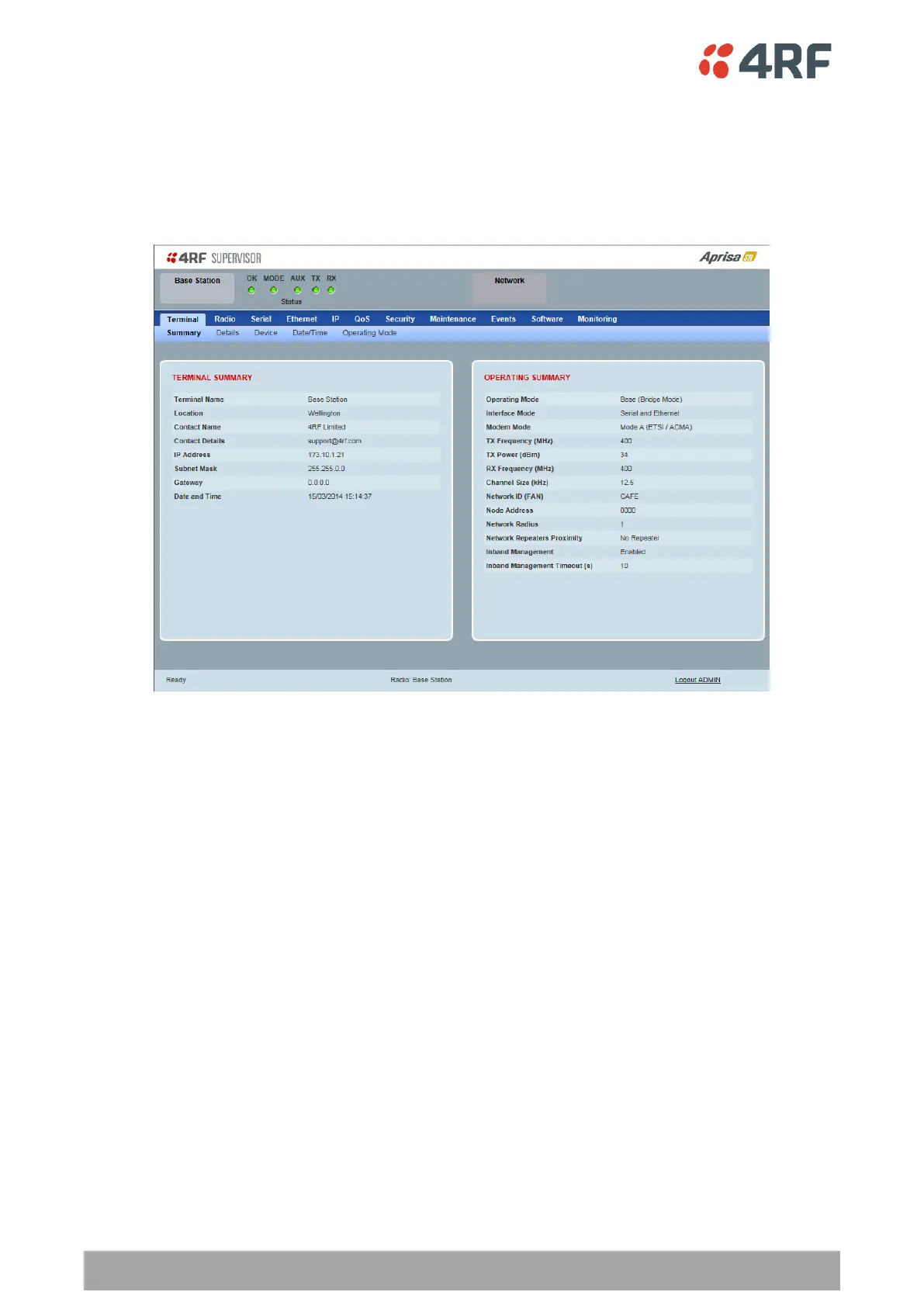
Terminal > Summary
TERMINAL SUMMARY
This page displays the current settings for the Terminal parameters. See ‘Terminal > Details’ on page 80,
‘Terminal > Device’ on page 82 and ‘Terminal > Operating Mode’ on page 87 for setting details.
OPERATING SUMMARY
Operating Mode
This parameter displays the current Operating Mode i.e. if the radio is operating as a base station,
repeater station or remote station and the network operating mode of Bridge Mode or Router Mode.
Interface Mode
This parameter displays the Interfaces available for traffic on the radio such as Ethernet and Serial. For
Ethernet availability on the radio see ‘Maintenance > Licence’ on page 160.
Modem Mode
This parameter displays the modem mode selected e.g. ETSI / FCC etc.



 To Next Page