Aprisa SRx User Manual 1.3.0
Command Line Interface
The Aprisa SR has a Command Line Interface (CLI) which provides basic product setup and configuration.
This can be useful if you need to confirm the radio’s IP address, for example.
You can password-protect the Command Line Interface to prevent unauthorized users from modifying
radio settings.
This interface can be accessed via an Ethernet Port (RJ45) or the Management Port (USB micro type B).
Connecting to the Management Port
A USB Cable USB A to USB micro B, 1m is provided with each radio.
1. Connect the USB A to your computer USB port and the USB micro B to the management port of the
Aprisa SR (MGMT).
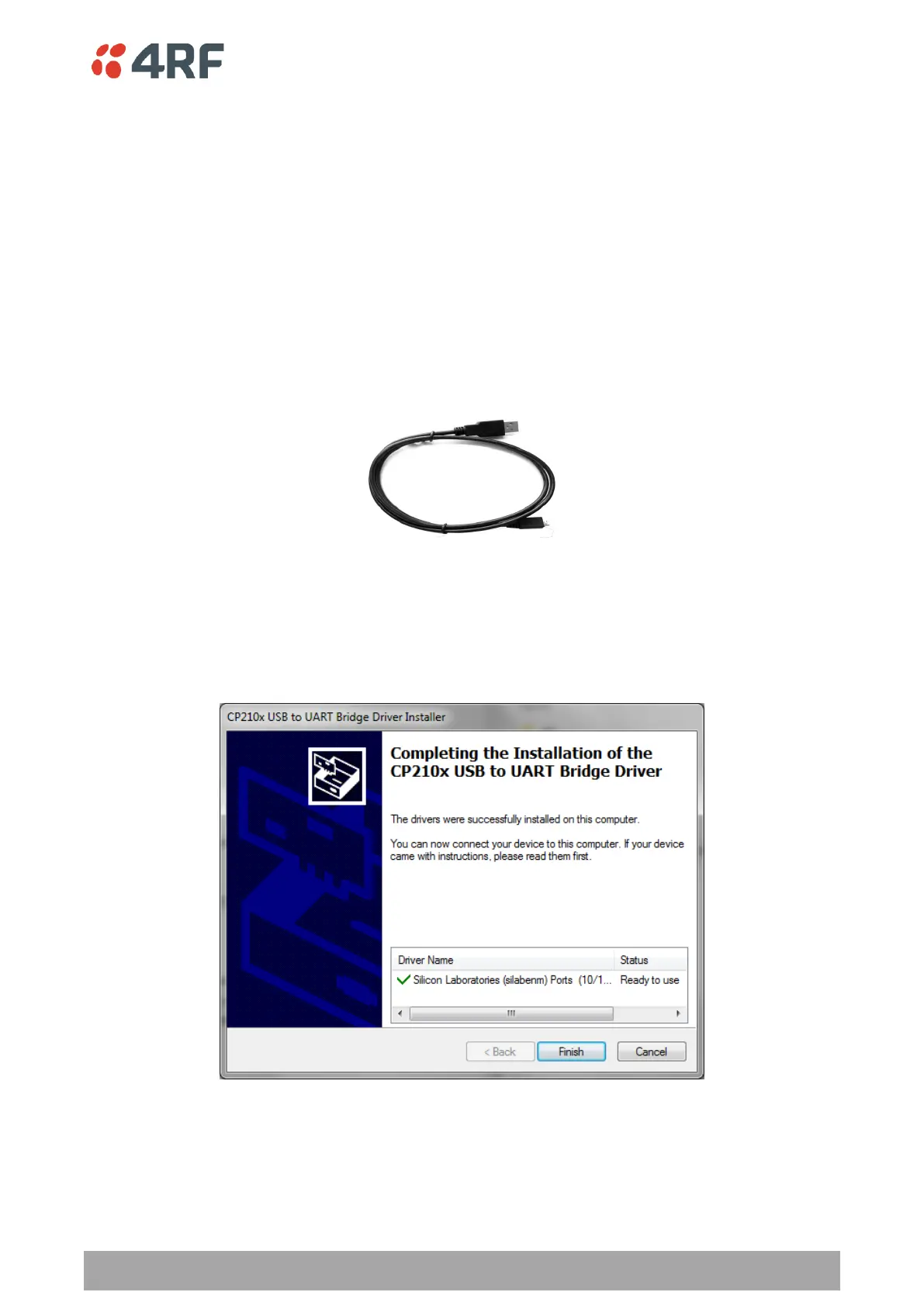
2. Unzip the file ‘USB Serial Driver CP210x_VCP_Windows.zip’ to a temporary location and install the
appropriate driver on your computer. This file is on the Information and setup CD supplied with the
radio.



 To Next Page