Aprisa SRx User Manual 1.3.0
Serial
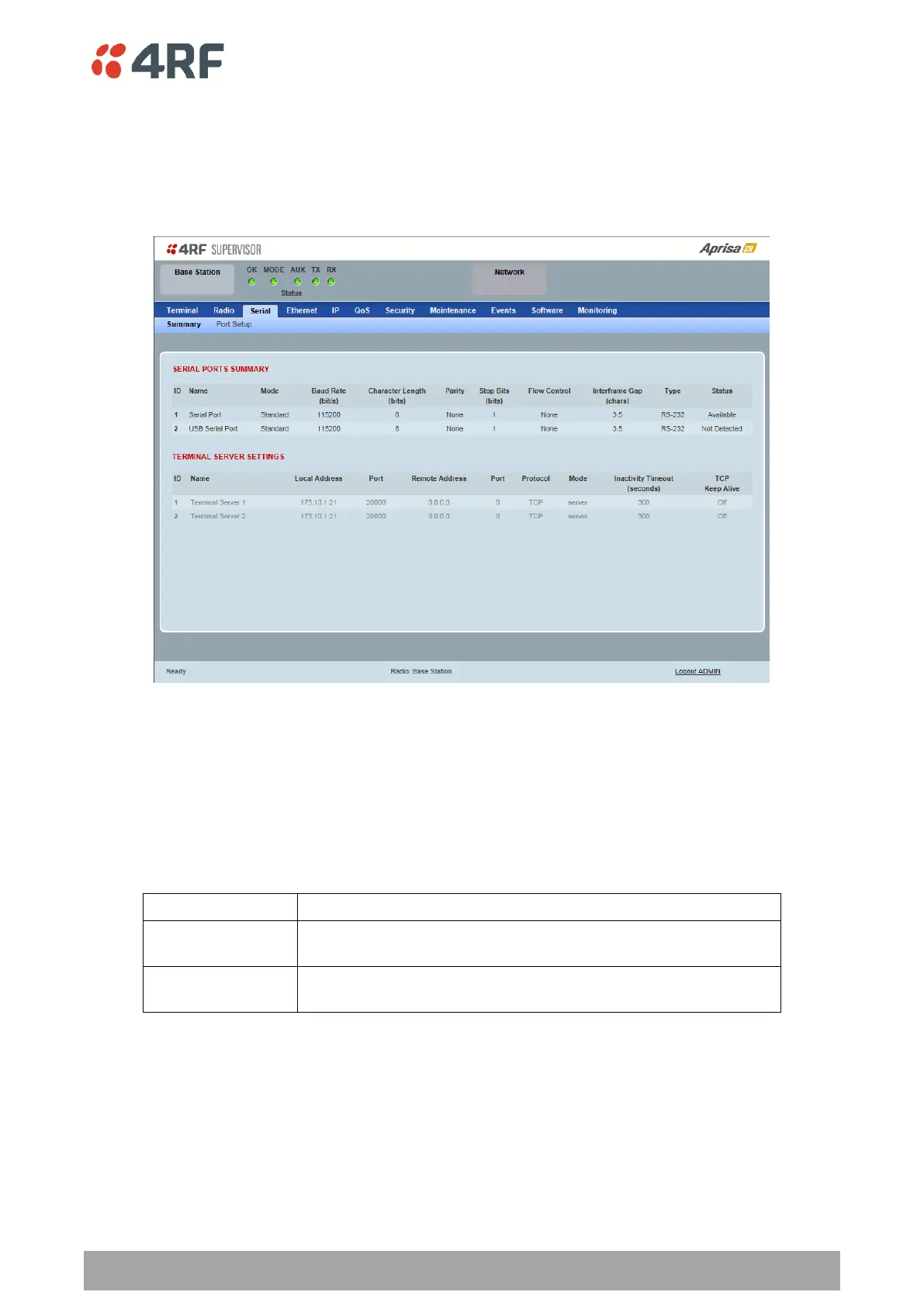
Serial > Summary
This page displays the current settings for the serial port parameters.
See ‘Serial > Port Setup’ on page 106 for configuration options.
Type
This parameter displays the Serial Port interface type.
If the Name is USB Serial Port:
Indicates that a USB to RS-232 serial converter is plugged into the
radio.
Indicates that a USB to RS-485 serial converter is plugged into the
radio.



 To Next Page