EasyManua.ls Logo

4RF Aprisa SR - Viewing the CLI Terminal Summary; Changing the Radio IP Address with the CLI

4RF Aprisa SR
327 pages
Print Icon
To Next Page IconTo Next Page
To Previous Page IconTo Previous Page
Loading...
Managing the Radio | 263
Aprisa SRx User Manual 1.3.0
Viewing the CLI Terminal Summary
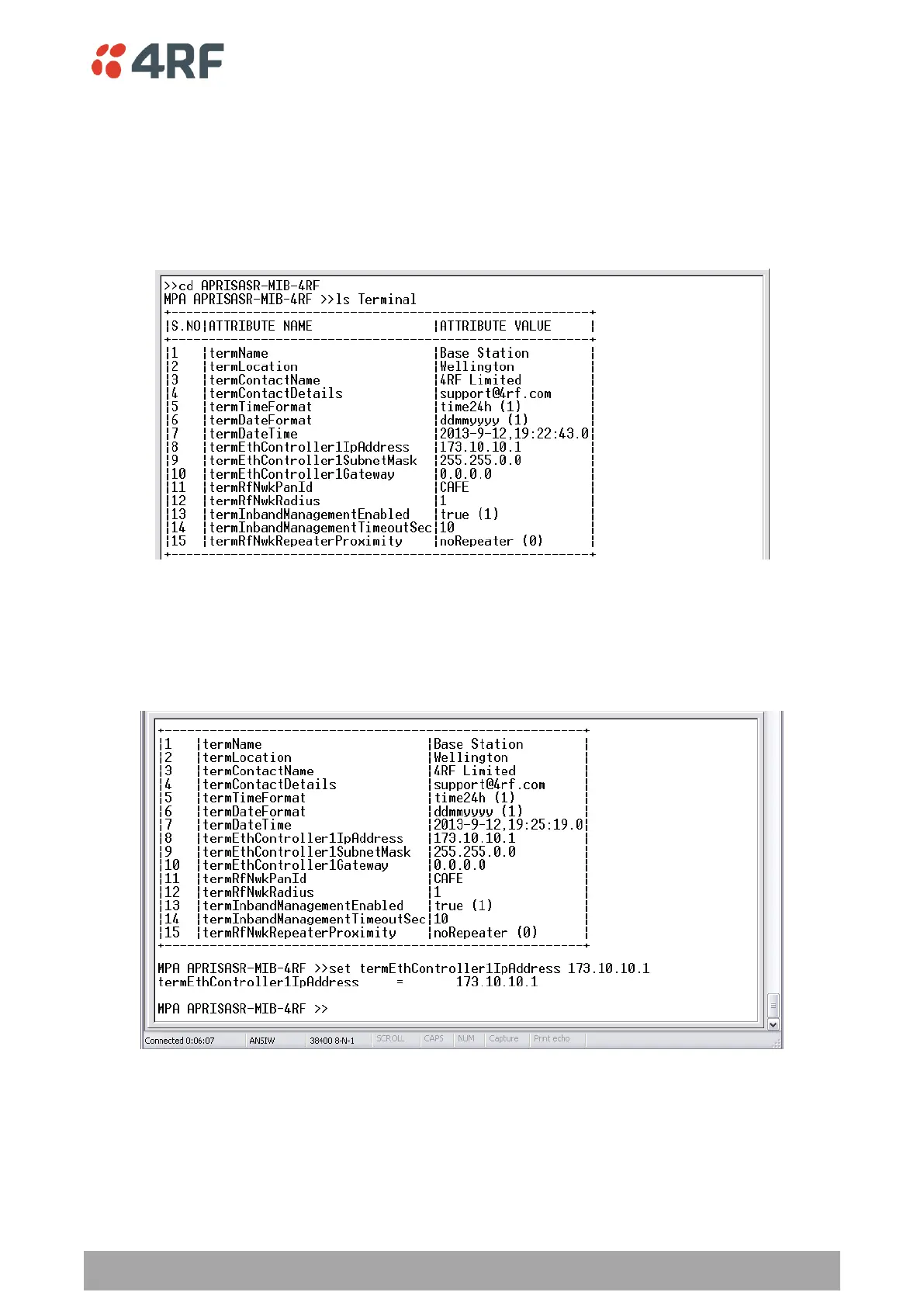
At the command prompt, type:
cd APRISASR-MIB-4RF
MPA APRISASR-MIB-4RF >>ls Terminal
Changing the Radio IP Address with the CLI
At the command prompt, type set termEthController1IpAddress xxx.xxx.xxx.xxx

Table of Contents

Related product manuals