Aprisa SRx User Manual 1.3.0
Network Status
Network Status > Network Table
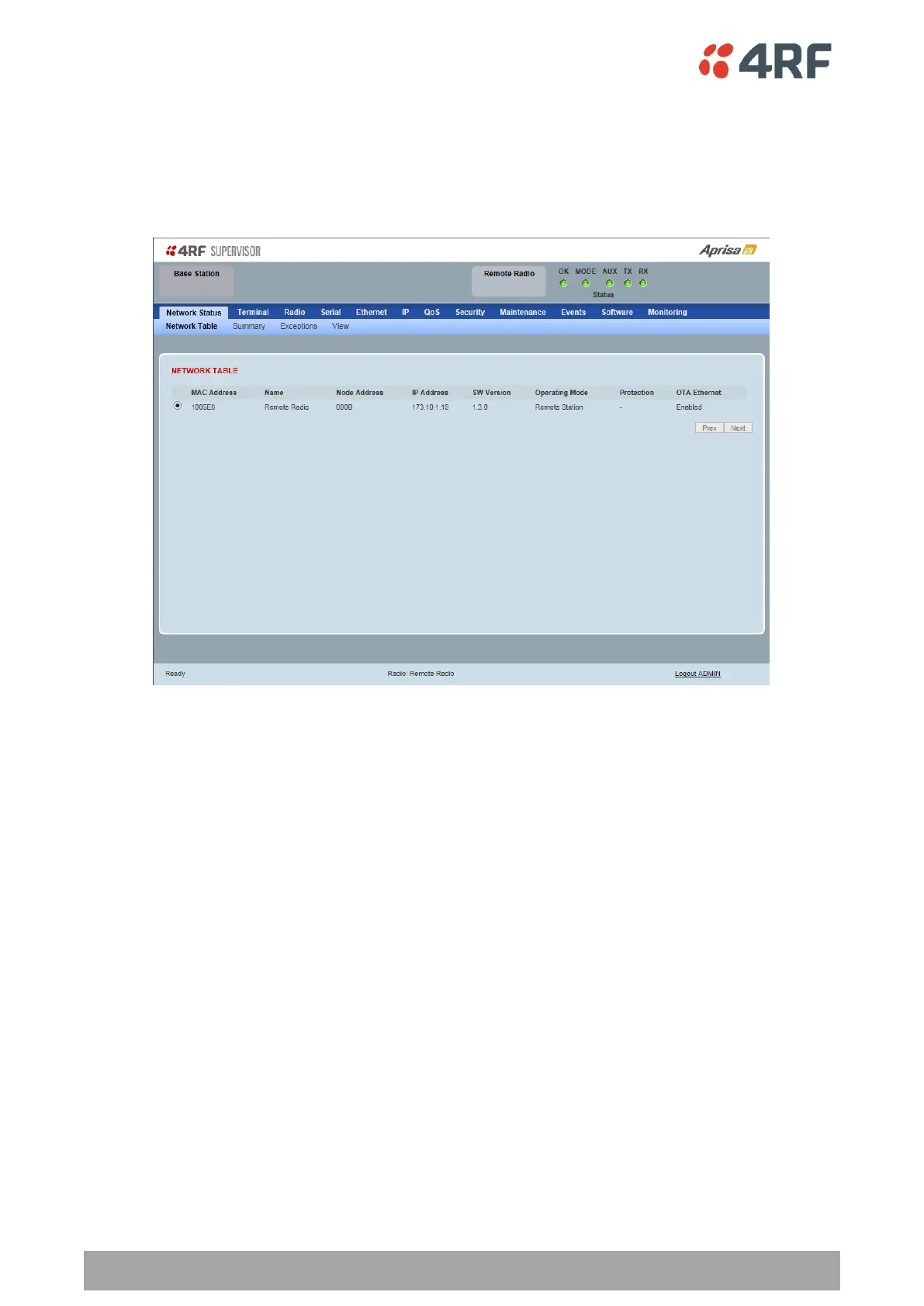
This page displays a list of all the registered remote stations for the base station and provides
management access to each of the remote stations.
NETWORK TABLE
This Network Table is only available when the local radio is the base station i.e. SuperVisor is logged into
the base station.
To manage a remote / repeater station with SuperVisor:
Click on the radio button of the required station. The remaining menu items then apply to the selected
remote station.



 To Next Page