Aprisa SRx User Manual 1.3.0
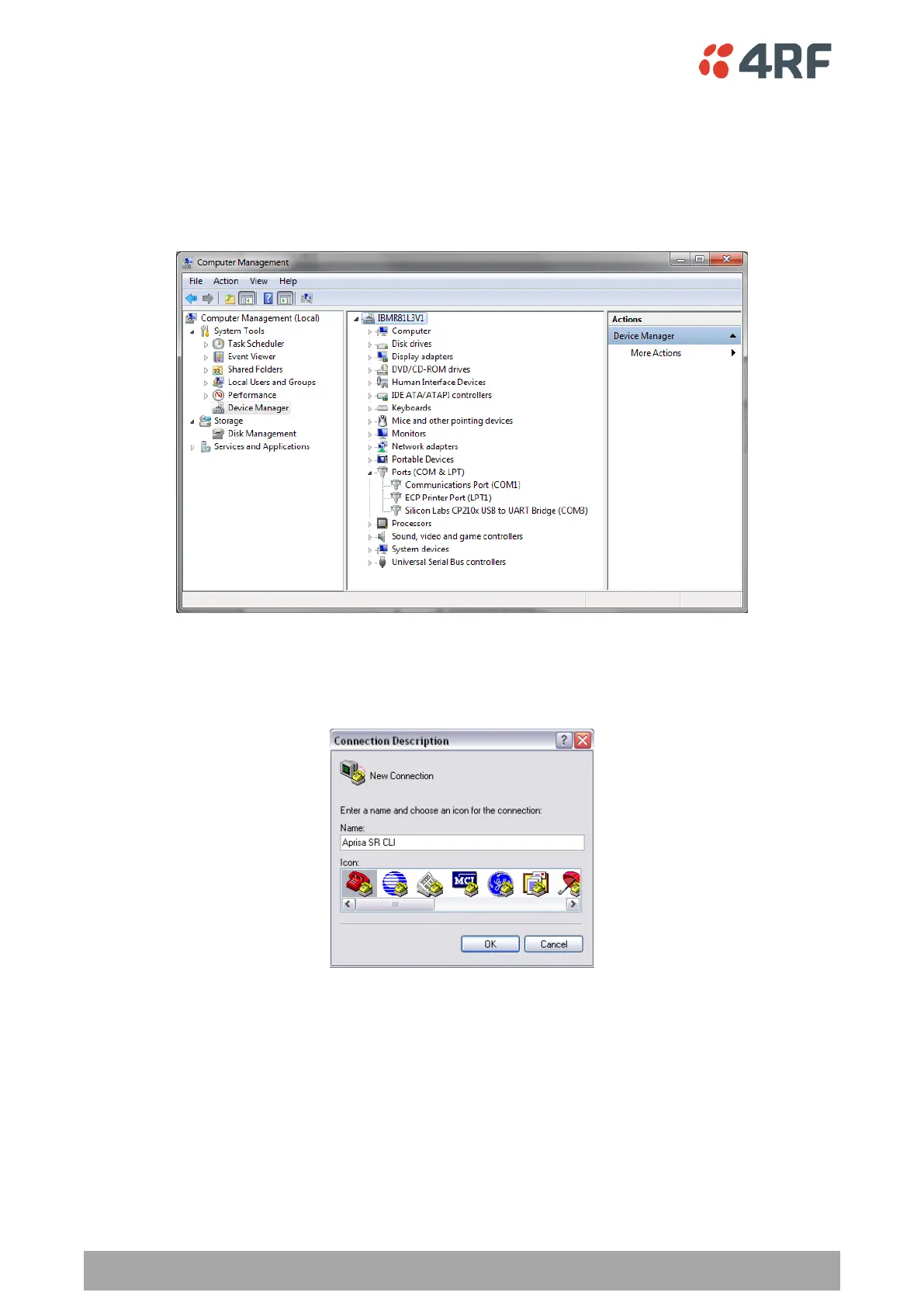
3. Go to your computer device manager (Win 7: Control Panel > Administrative Tools > Computer
Management > Device Manager)
4. Click on ‘Ports (COM & LPT)’
5. Make a note of the COM port which has been allocated to the ‘Silicon Labs CP210x USB to UART
Bridge’ (COM3 in the example below)
6. Open HyperTerminal Session (Start > All Programs > Accessories > Communications > HyperTerminal)
7. Enter a name for the connection (Aprisa SR CLI for example) and click OK.



 To Next Page