Aprisa SRx User Manual 1.3.0
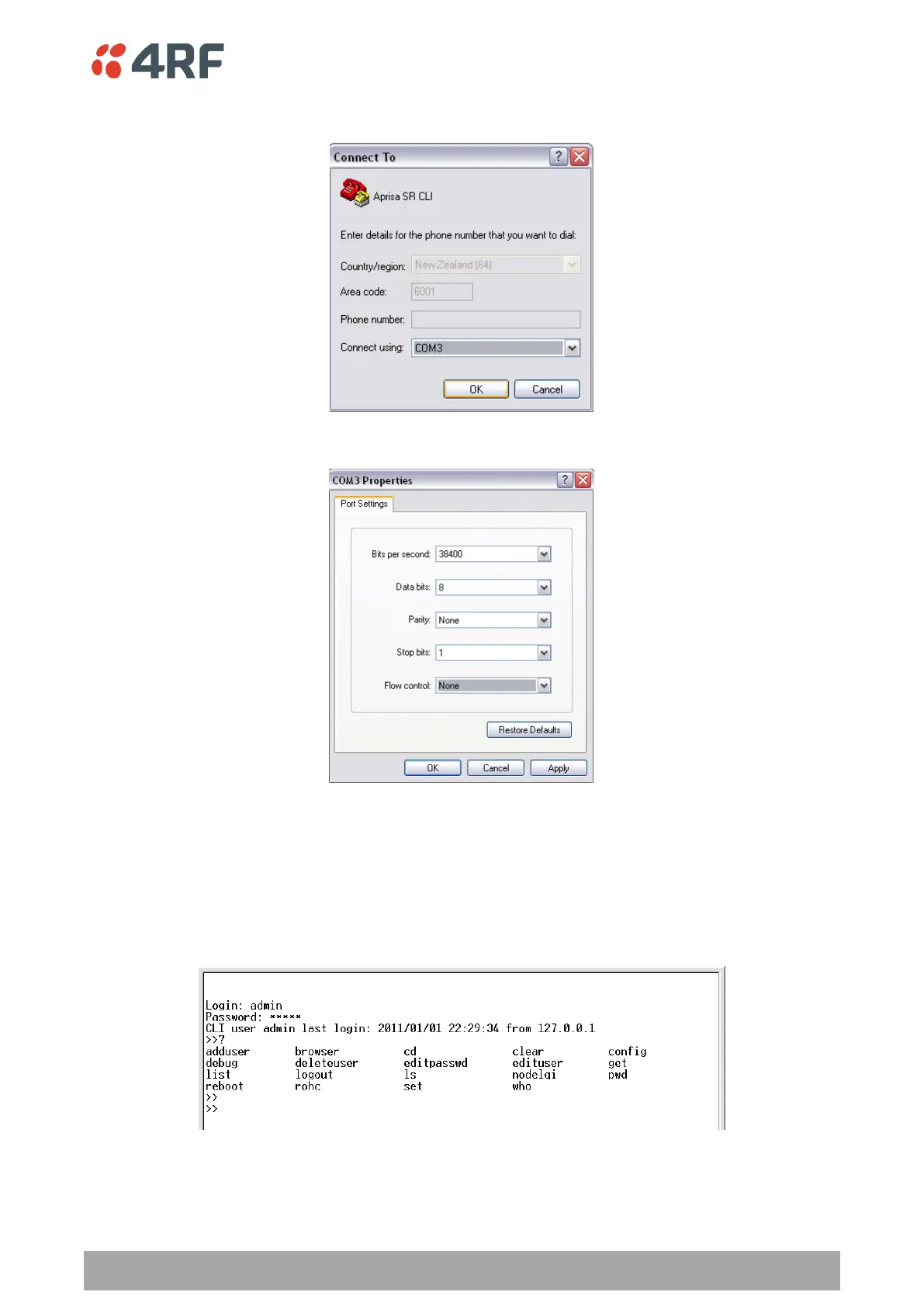
8. Select the COM port from the Connect Using drop-down box that was allocated to the UART USB.
9. Set the COM port settings as follows:
10. Click OK. The HyperTerminal window will open.
11. Press the Enter key to initiate the session.
12. Login to the Aprisa SR CLI with a default Username ‘admin’ and Password ‘admin’.
The Aprisa SR CLI menu is shown:



 To Next Page