Aprisa SRx User Manual 1.3.0
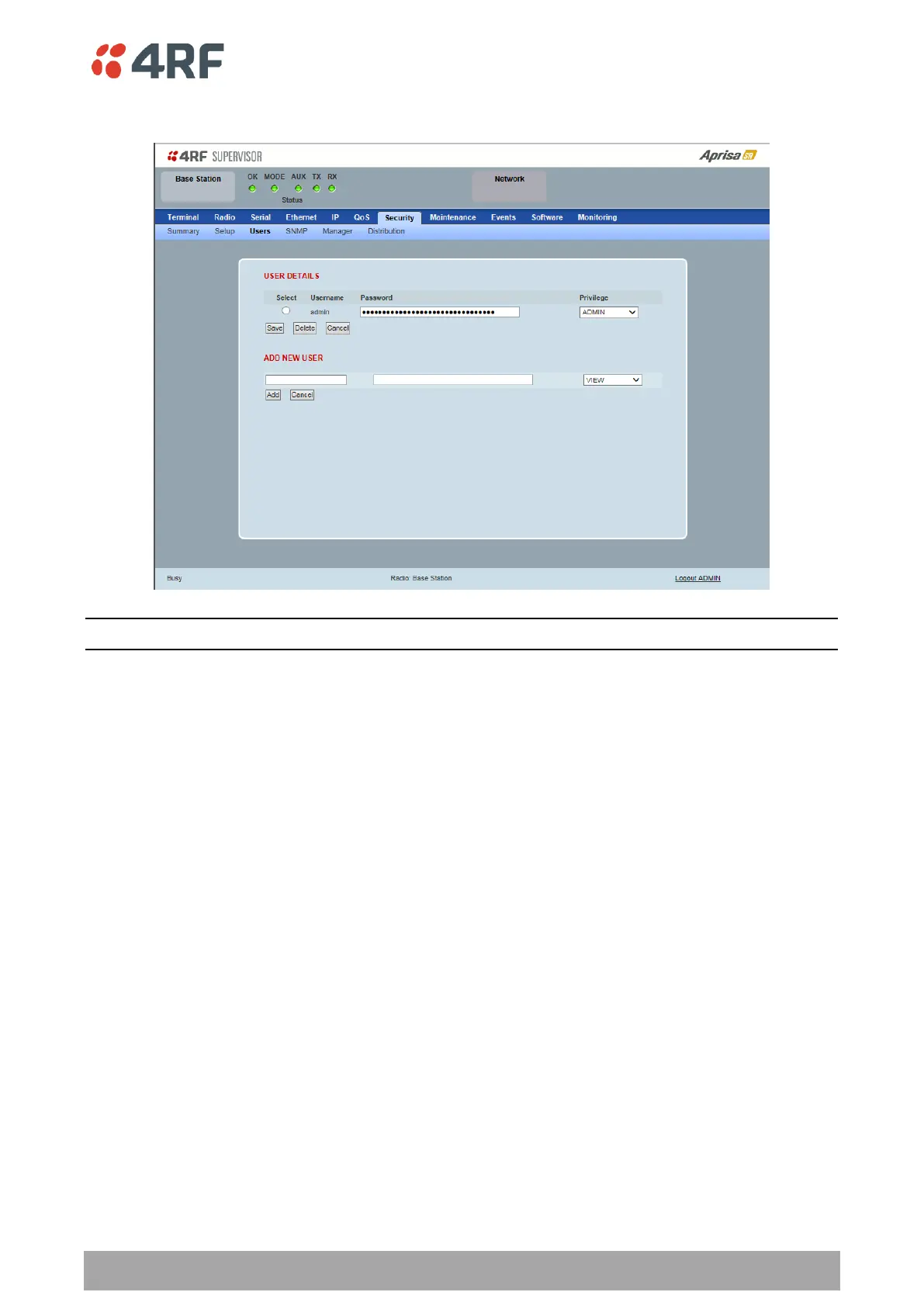
Security > Users
Note: You must login with ‘admin’ privileges to add, disable, delete a user or change a password.
USER DETAILS
Shows a list of the current users setup in the radio.
ADD NEW USER
To add a new user:
1. Enter the Username.
A username can be up to 32 characters but cannot contain back slashes, forward slashes, spaces, tabs,
single or double quotes. Usernames are case sensitive.
2. Enter the Password.
A password can be 8 to 32 printable characters but cannot contain a tab. Passwords are case sensitive.
Good password policy:
contains at least eight characters, and
contains at least one upper case letter, and
contains at least one lower case letter, and
contains at least one digit or another character such as !@#$%^&(){}[]<>... , and
is not a term in a familiar language or jargon, and
is not identical to or derived from the accompanying account name, from personal characteristics
or from information from one’s family/social circle, and
is easy to remember, for instance by means of a key sentence



 To Next Page