Aprisa SRx User Manual 1.3.0
REBOOT
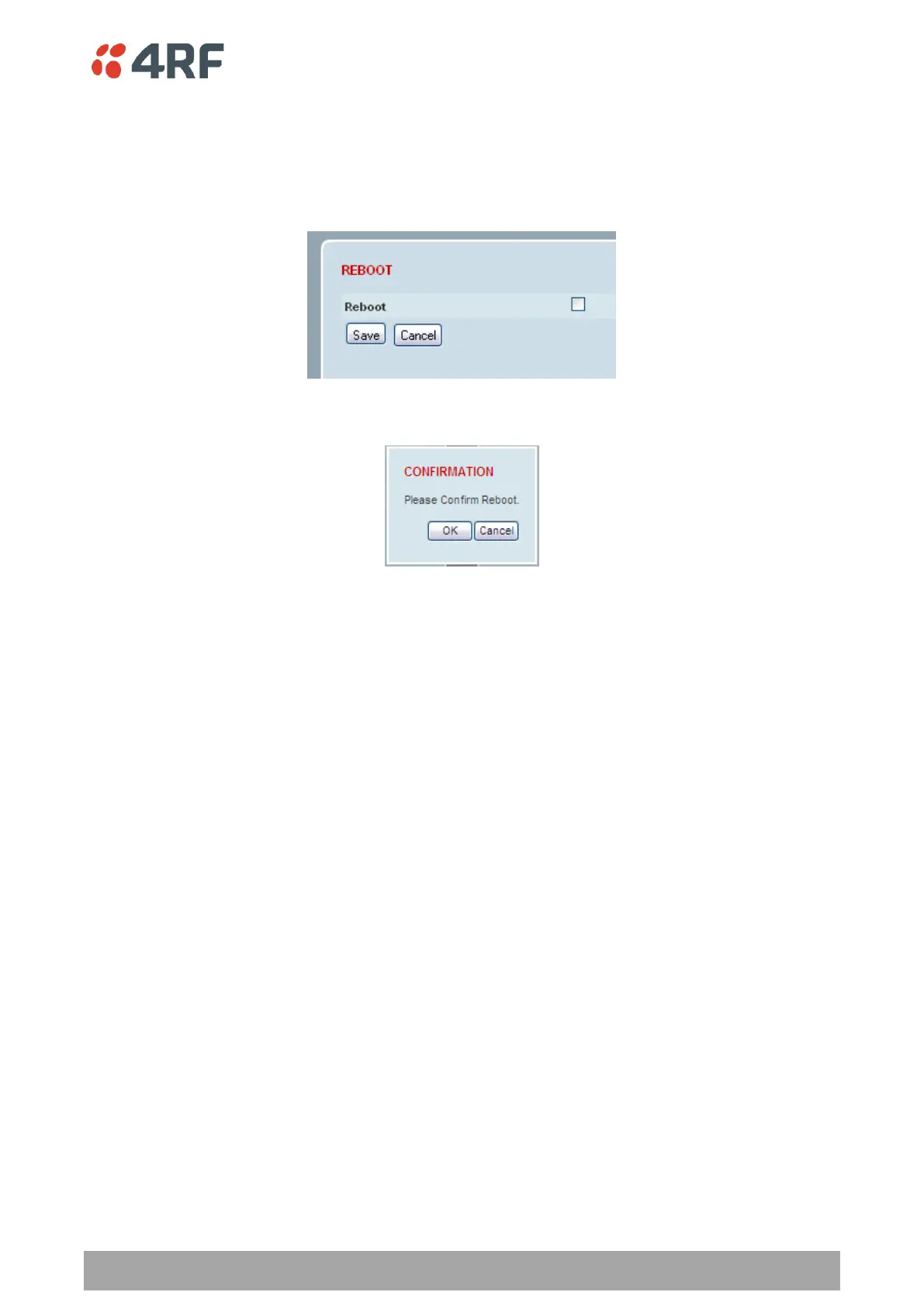
To reboot the radio:
1. Select Maintenance > General.
2. Tick the ‘Reboot’ checkbox.
3. Click ‘Save’ to apply the changes or ‘Cancel’ to restore the current value.
4. Click ‘OK’ to reboot the radio or ‘Cancel’ to abort.
All the radio LEDs will flash repeatedly for 1 second.
The radio will be operational again in about 10 seconds.
The OK, MODE, and AUX LEDs will light green and the TX and RX LEDs will be green (steady or flashing) if
the network is operating correctly.
5. Login to SuperVisor.



 To Next Page