Aprisa SRx User Manual 1.3.0
MAINTENANCE FILES
There are three maintenance file types which can saved / restored to / from PC or USB flash drive:
File - Configuration Settings
Action
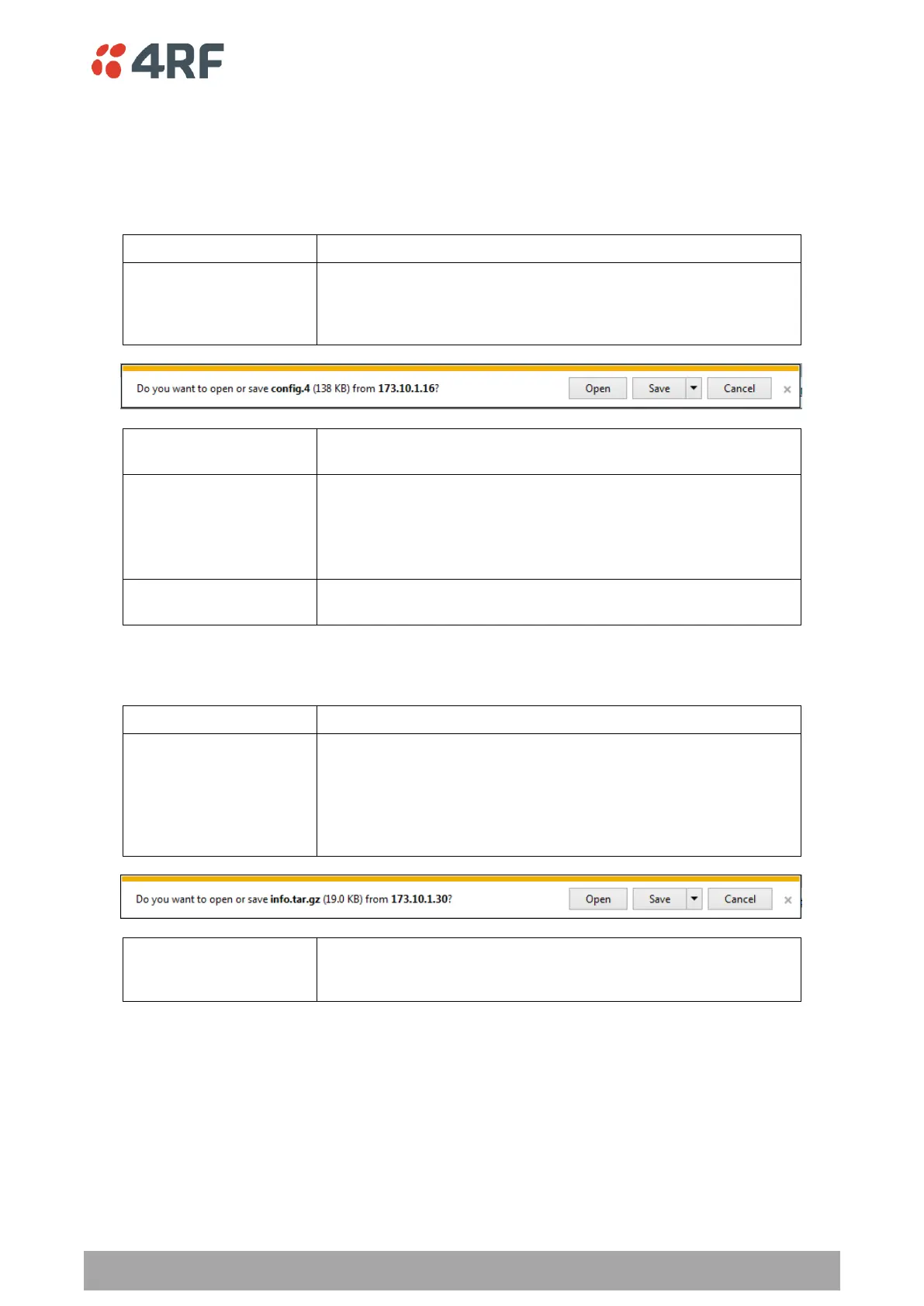
This saves the file with a filename of ‘Config.4’ to a binary
encrypted file. This can then be saved from the Browser popup
(example is Windows Internet Explorer 11). The file should be
renamed to be able to identify the radio it was saved from.
This saves the file with a filename of ‘asrcfg_1.3.0’ to a binary
encrypted file on the radio USB flash drive root directory.
This restores all user configuration settings from a binary
encrypted file on a PC directory to the radio.
A reboot warning message will warn of a pending reboot after the
PC file is selected. Clicking OK will open a browser file selection
window to select the file.
This restores all user configuration settings from a binary
encrypted file on the USB root directory to the radio.
File - Event History Log
Action
This saves the file with a filename of ‘Info.tar.gz’ to a binary
encrypted file. This can then be saved from the Browser popup
(example is Windows Internet Explorer 11). The file should be
renamed to be able to identify the radio it was saved from.
The ‘gz’ file is normally for sending back to 4RF Limited for
analysis but can be opened with WinRar.
This saves the file with a filename of e.g.
‘alarm_173.10.1.30_2014-11-10,15.54.14.txt’ to a text file on the
radio USB flash drive root directory.



 To Next Page