Aprisa SRx User Manual 1.3.0
To activate a software version:
1. Tick the software version required to be activated (previous software or software pack).
2. Click ‘Apply’.
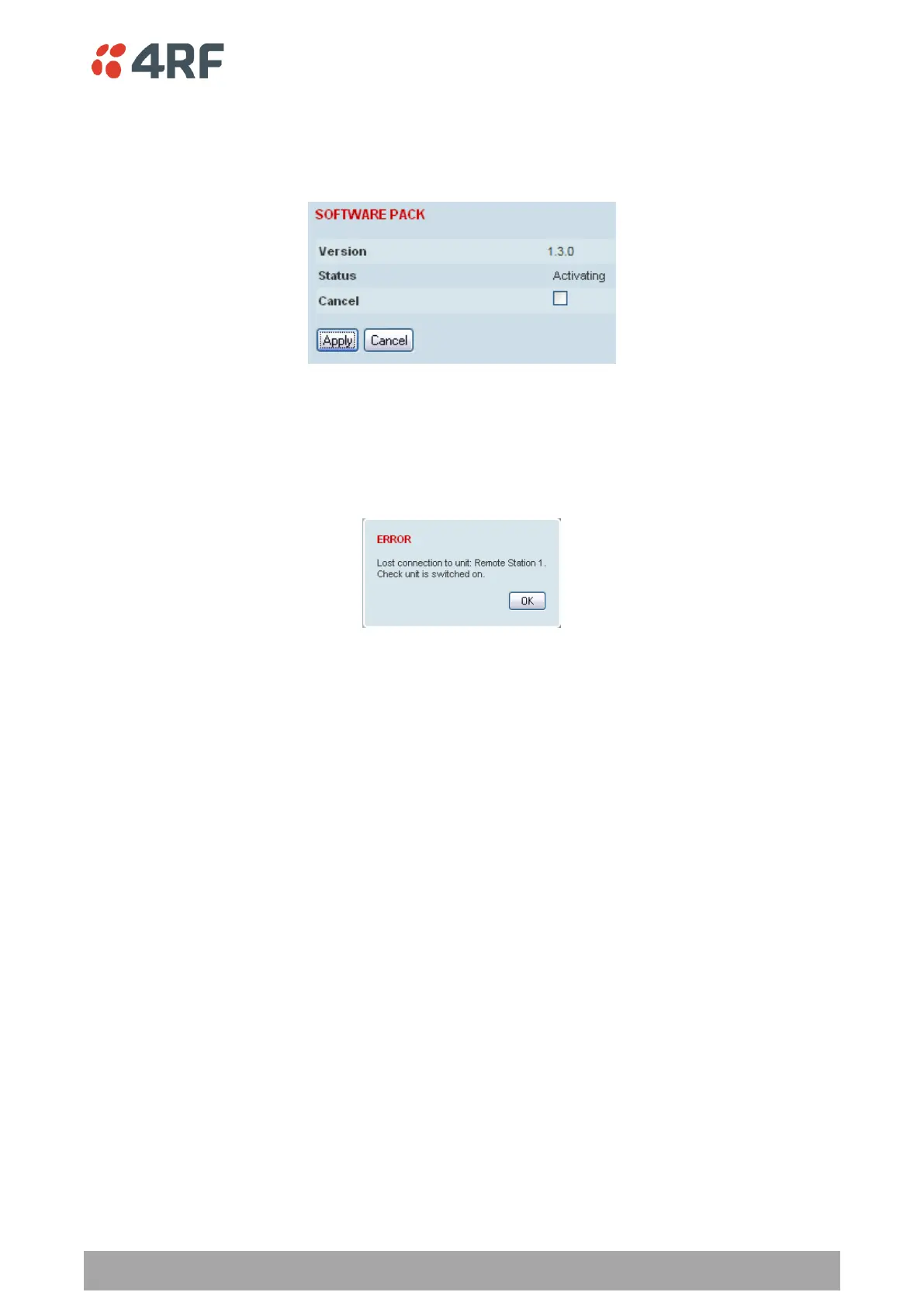
The page will display a Status of ‘Activating’.
Once started, activation cannot be cancelled.
When the activation is completed, the radio will reboot. This will cause the current SuperVisor session to
expire.
3. Login to SuperVisor to check the result.



 To Next Page