Aprisa SRx User Manual 1.3.0
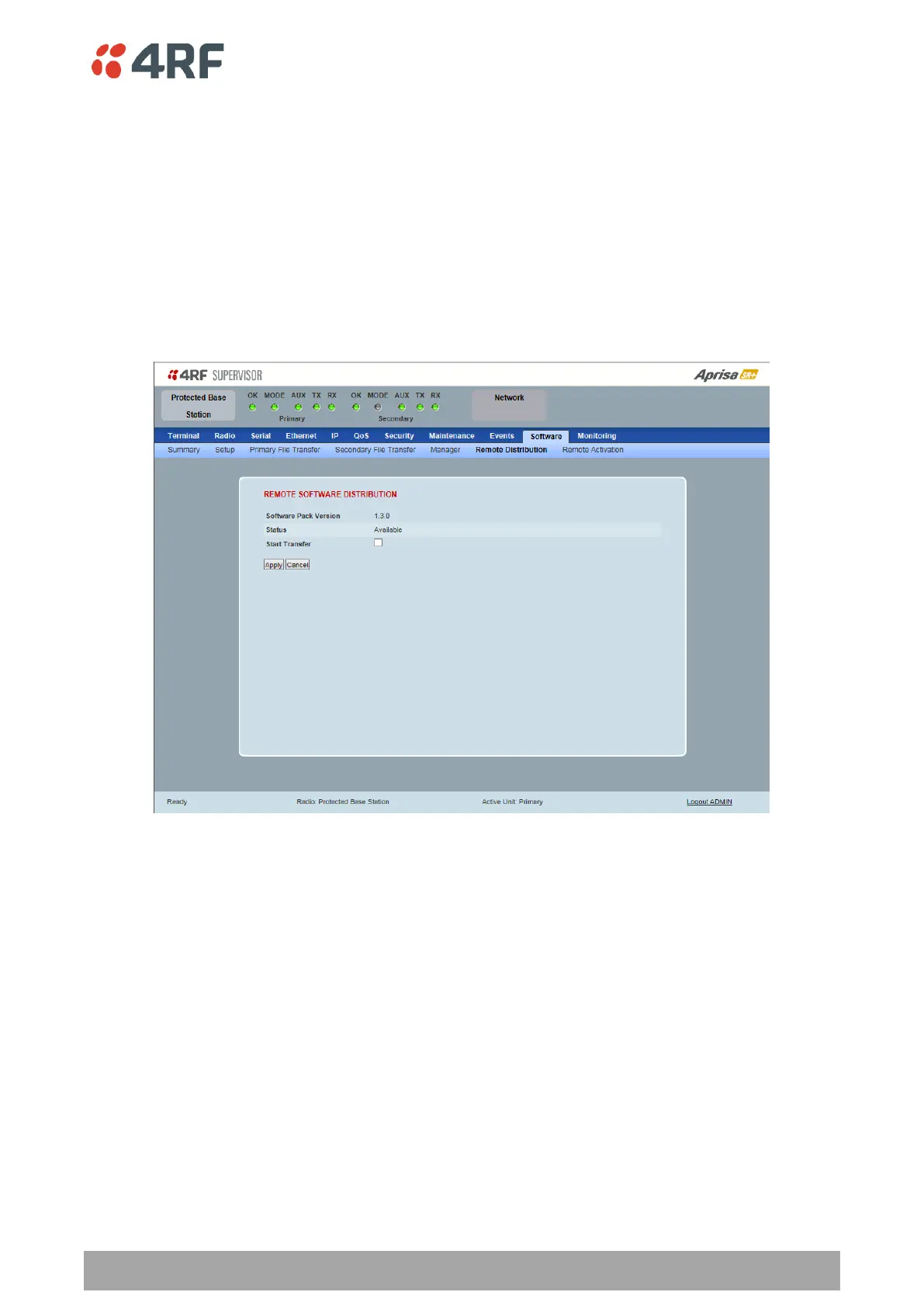
Protected Station: Software > Remote Distribution
This page provides the mechanism to distribute software to all remote protected stations into the Aprisa
SR network (network) and then activate it.
The Software Pack loaded into the base station with the file transfer process (see ‘Protected Station:
Software > Primary File Transfer’ on page 245) is distributed via the radio link to all remote stations from
the active radio.
The distribution process is monitored from this page.
When all remote stations receive the Software Pack version, the software can be remotely activated on all
remote stations.
This page is only available when the radio is configured as a Base Station.
REMOTE SOFTWARE DISTRIBUTION
Software Pack Version
This parameter displays the software pack version available for distribution on base station and activate
on all stations.
Status
This parameter displays the status of the software pack version.
If a Software Pack is not available, the status will display ‘Unavailable’ and the software distribution
mechanism will not work.



 To Next Page