Data Format (f-06/07/08-03)
Format for AD-8121 MODE 1 or 2. (f-06
/
07
/
08-03="0")
Format for AD-8121 MODE 3. (f-06
/
07
/
08-03="1")
Format for general apparatuses, computers, etc. (f-06
/
07
/
08-03="2")
Baud Rate (f-06/07/08-04)
Select the baud rate according to the device to be connected.
2400 bps (f-06
/
07
/
08-04="0") Select 2400 bps to connect with an AD-8121.
4800 bps (f-06
/
07
/
08-04="1")
9600 bps (f-06
/
07
/
08-04="2")
12-3. Connecting the AD-8121 Printer / MODE 1 or MODE 2
When using the AD-8121 printer (MODE1 or MODE 2), you will be able to get data:
Number of data items, total, maximum, minimum, mean value, range of data
(max. - min. data) and standard deviation.
When using the AD-8121 with MODE 2, set f-06/07/08-02 to print pcs (count) data
only or weight data only.
To print date and time, use the AD-8121’s calendar / clock function and set
f-06/07/08-2 to print pcs (count) data only or weight data only.
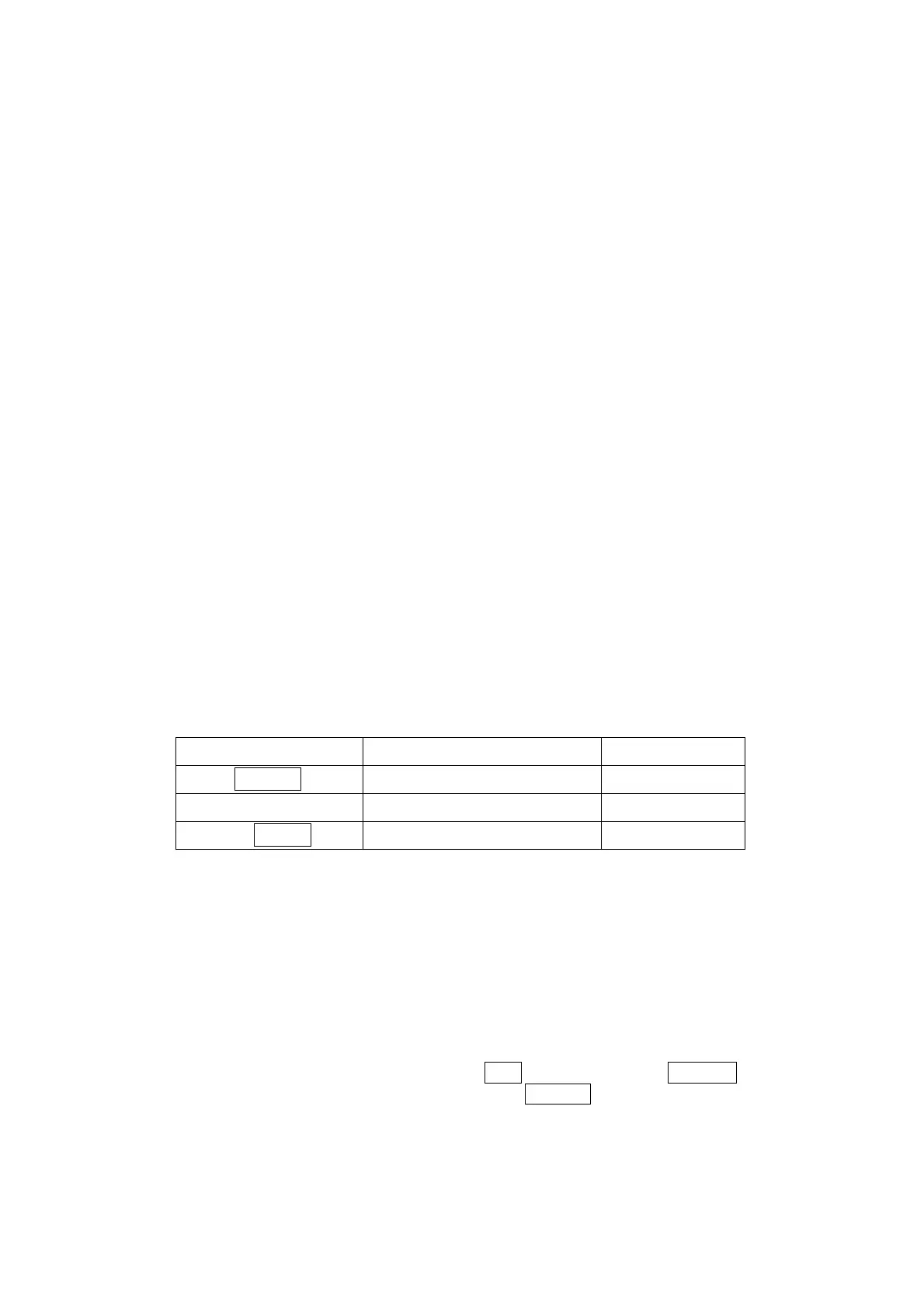
Print Operations Settings
Print By: F-Function f-06/07/08-01 Printer MODE
FC
PRINT
key
0
MODE 1
Auto Print 2 or 3 MODE 1
Printer
DATA
key
1
MODE 2
Example of f-06/07/08-02 settings
To print pcs (count) data only: set f-06/07/08-02 at "00100"
To print weight data only: set f-06/07/08-02 at "00010"
To print pcs (count) and weight data: set f-06/07/08-02 at "00110"
To print pcs, weight and Unit Weight data: set f-06/07/08-02 at "00111"
To print total data (accumulated by the
M+
key), press the
TOTAL
key so the
Count display shows the total, then press the
PRINT
key.
If you are using the AD-8121’s statistic functions, then set f-06/07/08-02 at
"001#0" (# = 0 or 1) for pcs (count) data or "00010" for weight data.
MODE 1 and 2 of the AD-8121 can not print ID numbers.
48



 To Next Page