9-2. Gravity Compensation
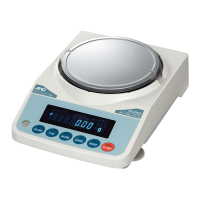
When the scale is first used or has been moved to different place, it should be
calibrated using a calibration weight.
But if the calibration weight cannot be prepared, the gravity acceleration correction
will compensate the scale. Change the gravity acceleration value of the scale to the
value of the area where it will be used. Refer to the gravity acceleration map
appended to the end of this manual.
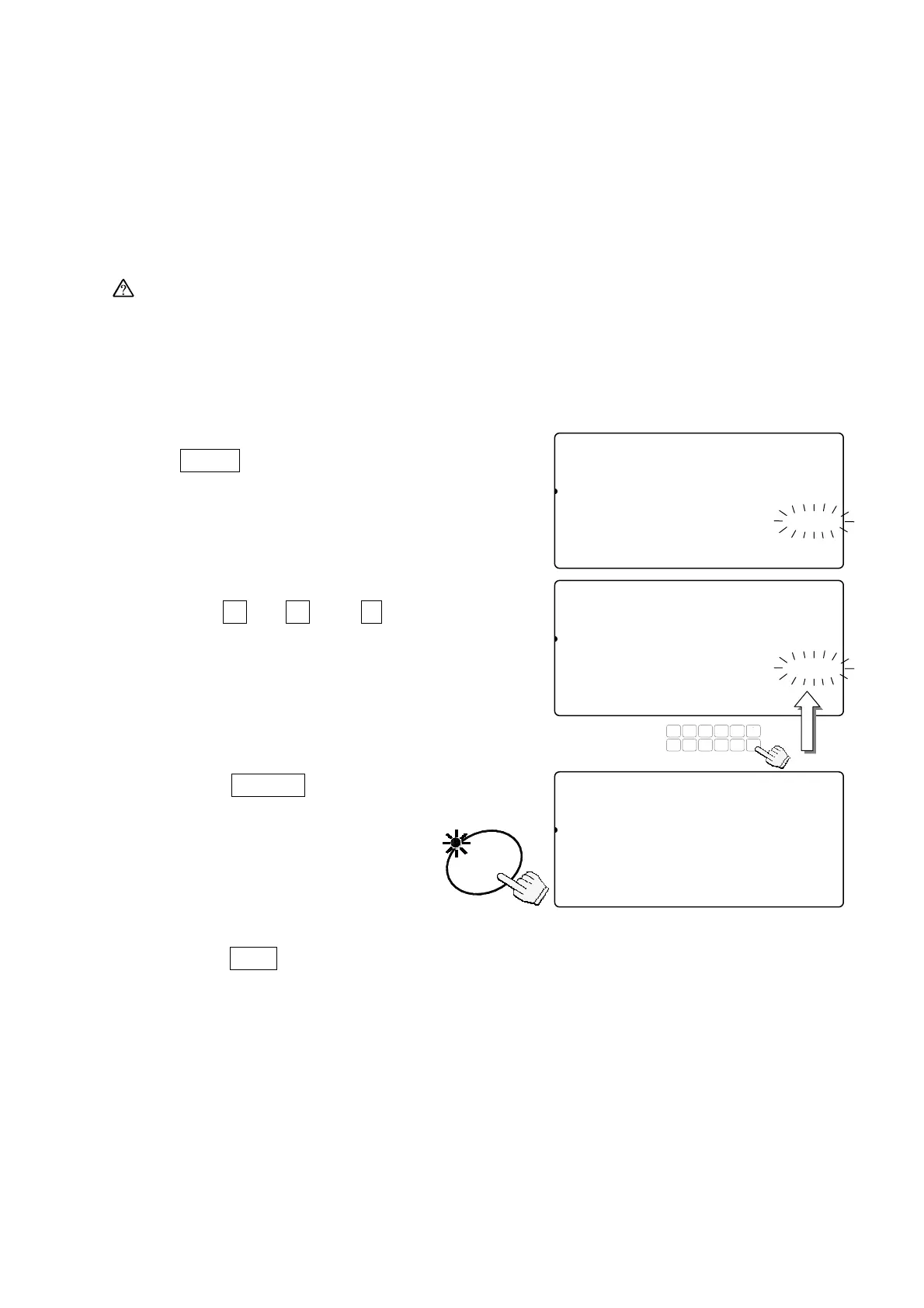
1. In step 1 of the previous procedure, press
the
TARE
key.
The display flashes the gravity acceleration
value stored in the scale.
2. Use the
0
Æ
9
and
.
10-key pad to
display the desired gravity acceleration value.
(Example of the value 9.800 m/s
2
.)
3. Press the
ENTER
key.
The scale will store the new value.
If necessary to calibrate the scale
using a weight, go to step 2 of the
previous section.
4. Press the
CAL
switch and re-attach the
calibration switch cover.
(End of the calibration procedure.)
88Cal10
81
pcs
Gravity Acceleration
Cal45678g0123aaaaaaaaaa9.798
Memory Gravity Acceleration
1234567890123
ENTER
88Cal10
81
pcs
Gravity Acceleration
Cal45678g0123aaaaaaaaa19.800
[TARE] Gravity Acceleration
1234567890123
TUV
DEFABC
MNO
6
1
78
PQRS
23
JKLGHI
09
WXYZ
4
#
5
C
.
88Cal10
81
pcs
[ZERO] Calibration
1234567890123
[TARE] Gravity Acceleration
1234567890123
33



 To Next Page