Page 21
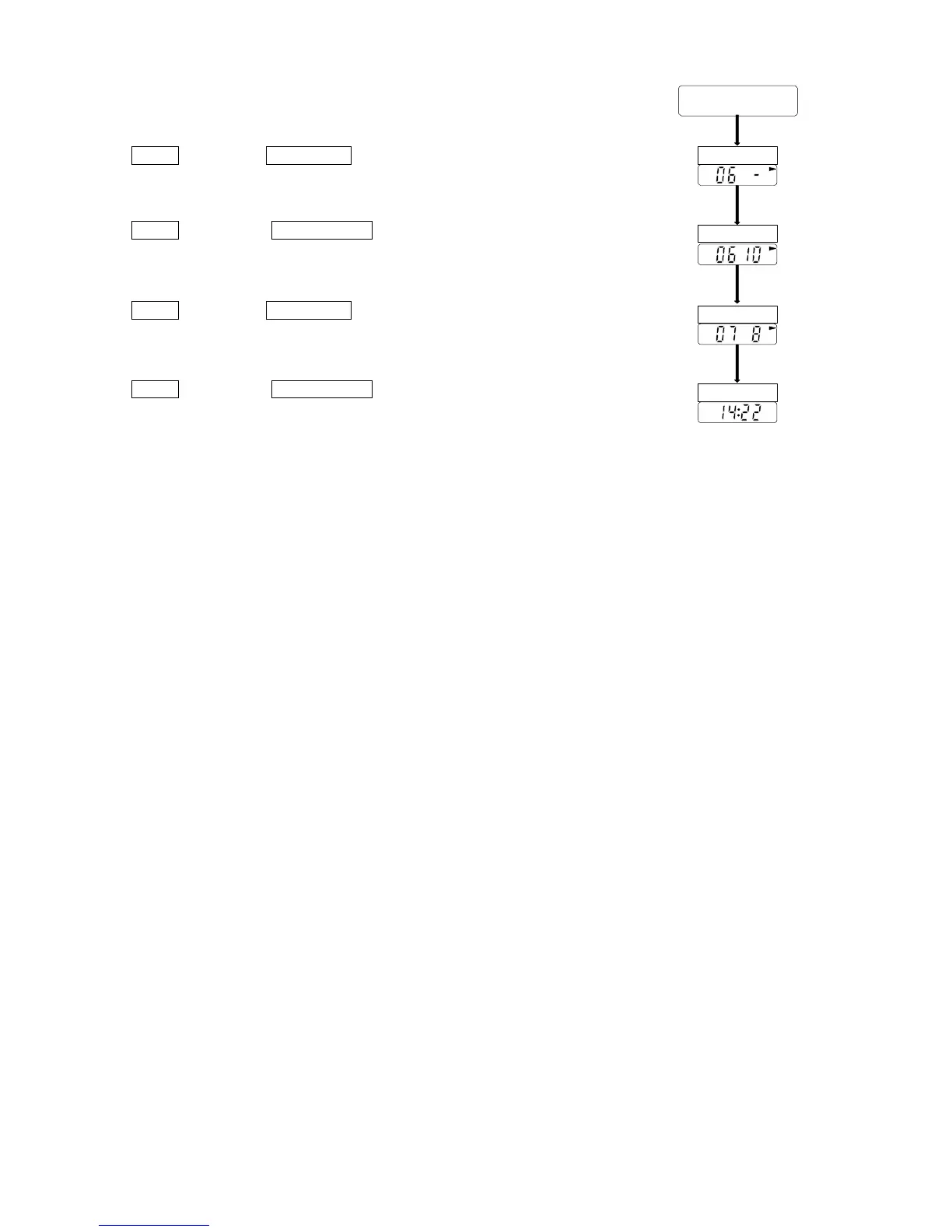
Step13 Press the START STOP key. The current frequency of the third
block is displayed.
Step14 Press the AUTO ON/OFF key so as to display "10" for 10
minutes as the frequency of the third block.
Step15 Press the START STOP key. The current start time of the fourth
block is displayed.
Step16 Press the AUTO ON/OFF key. The recorder stores these
parameters and displays the clock, (because the current start
time of the fourth block is the same start time of the first block).
From



 To Next Page