Page 30
Data Transmission to a Computer Using Analysis Software
Caution
The recorder intensely consumes the battery power while connected to the
RS-232C cable. Disconnect the cable when not actually transferring data.
Maintain the power-on state while transmitting the data so that the data is not
damaged.
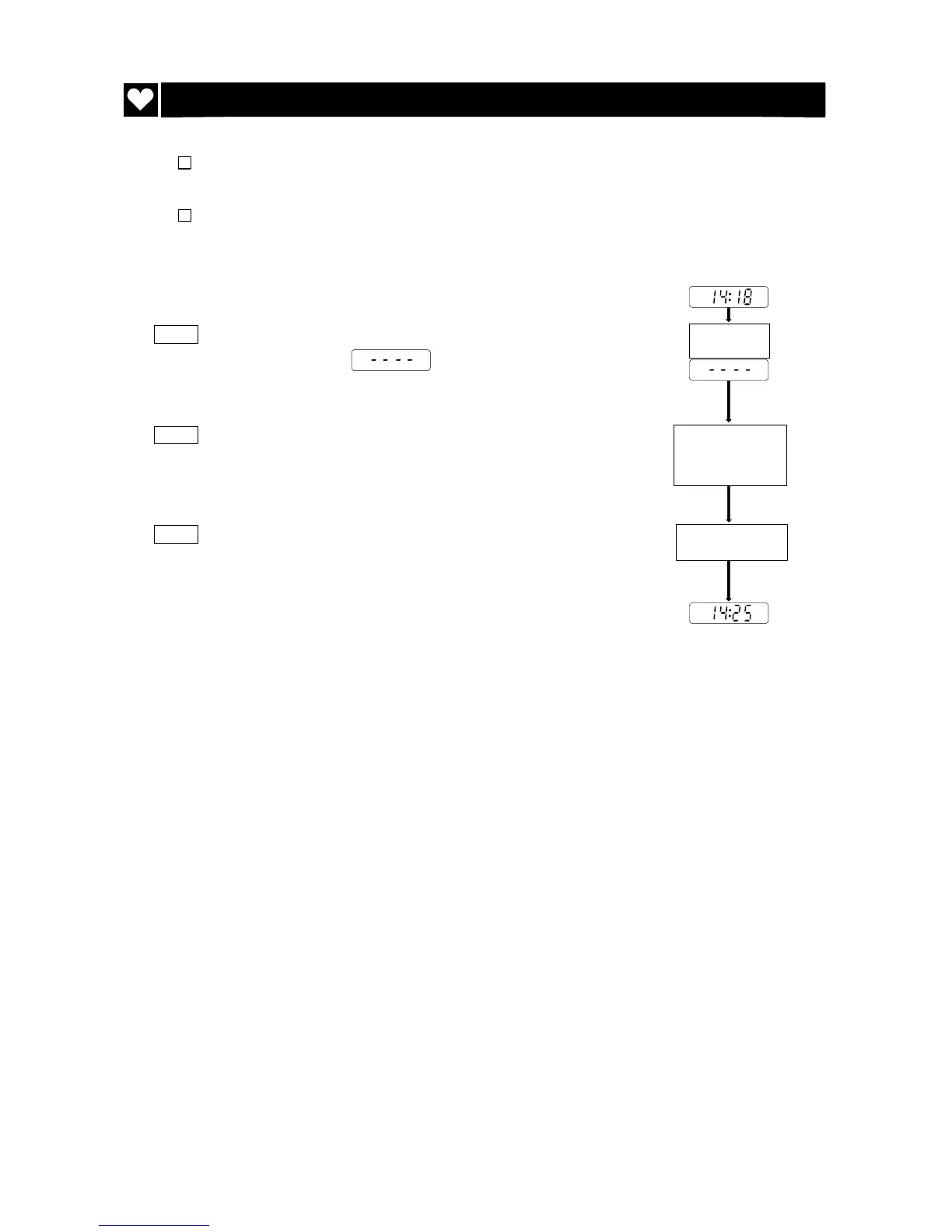
Steps for data transmission
Step 1 Connect the cable to both the recorder and printer. The
recorder displays . Refer to "Analysis Software
and Communication Cable" about the cable.
Step 2 Read the data using the optional analysis software.
Refer to the software instruction manual.
Step 3 Remove the cable at once. The clock is displayed.
Connection
Reading data
with software
Remove
the cable



 To Next Page