RSM CONFIGURATION
VCC-X Operator Interface SD
66
RSMV Confi guration Screens
RSM Confi guration Screens
The available screens for the RSM(s) are listed on this page by se-
quential screen number. When each RSM is confi gured for the fi rst
time, it is best to start with screen #1 and proceed to each screen in
numerical order until you have viewed all available screens. This
ensures that you have seen all the available RSM confi guration pos-
sibilities and have the opportunity to change or accept the defaults
for each screen.
Once the RSM is confi gured and you decide to change one of the
screen options, it is helpful to know what screen number contains the
confi guration you wish to change. With this in mind, the following
is a list of all RSM Confi guration Screens in numerical order with
a brief listing of the confi guration feature available on each screen.
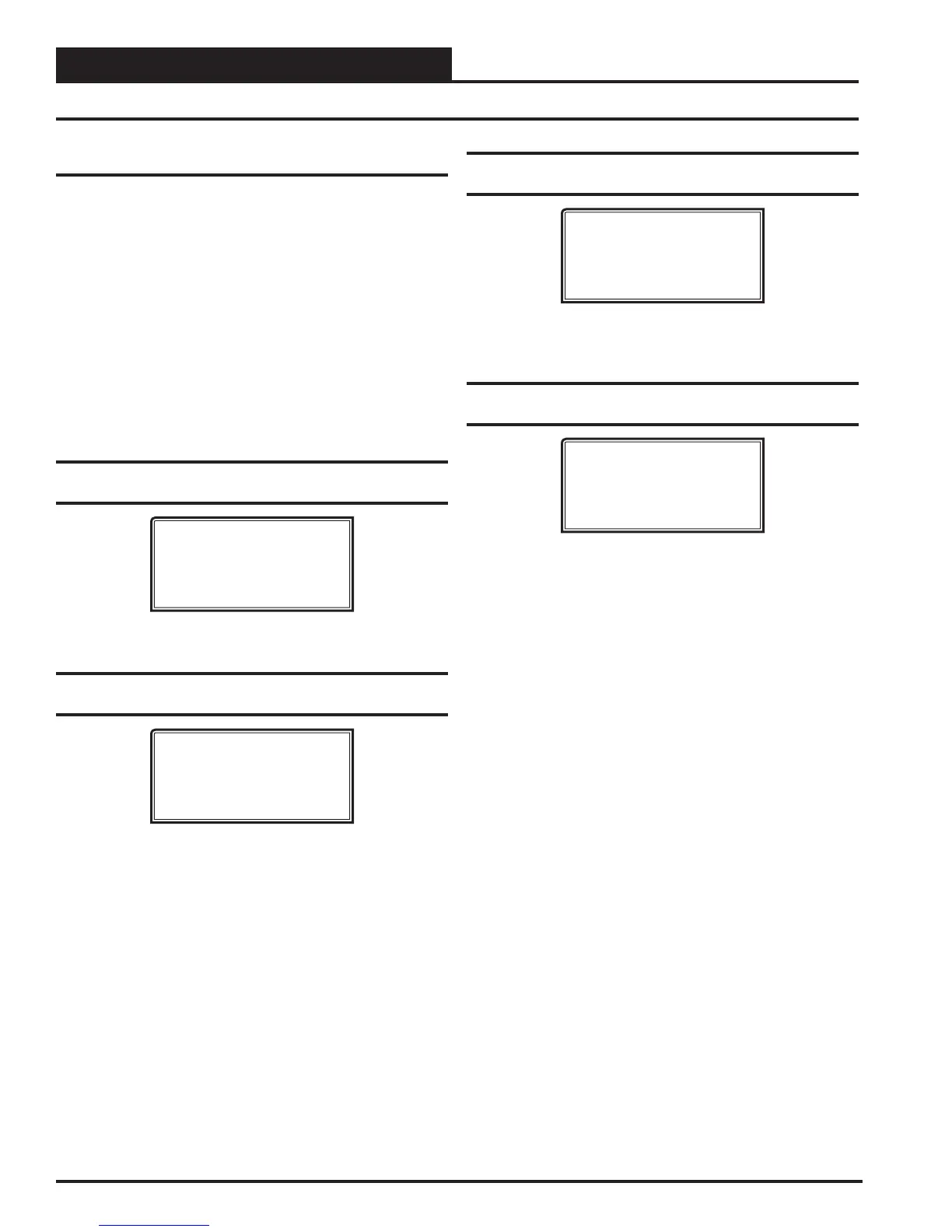
RSMV #1-#4 Confi guration Screen #1 -
Compressor Option
RSM#1-4 CONFIGURATION
Compressor Option
DUAL
USE < or > TO CHANGE
Options are Dual or Single. Default is Dual.
RSMV #1-#4 Confi guration Screen #2 -
Compressor Type
RSM#1-4 CONFIGURATION
Compressor Type
1st VFD / 2nd FIXED
USE < or > TO CHANGE
Options are 1st VFD / 2nd Fixed or Both Are Fixed. Default is 1st
VFD / 2nd Fixed.
RSMV #1-#4 Confi guration Screen #3 -
Expansion Valve
RSM#1-4 CONFIGURATION
Evap Coil Exv
Uses EXV-1 Only
USE < or > TO CHANGE
Options are Uses EXV-1 & EXV-2 or Uses EXV-1 Only. Default
is Uses EXV-1 Only.
RSMV #1-#4 Confi guration Screen #4 -
Condenser Option
RSM#1-4 CONFIGURATION
Heat Pump Cond Exv
Uses EXV-3 Only
USE < or > TO CHANGE
Options are USES EXV-3 & EXV-4 or Uses EXV-3 Only. Default
is Uses EXV-3 Only.


 To Next Page