VAV/ZONE DAMPER FORCE
81
VCC-X Operator Interface SD
VAV/Zone Damper Force Modes
Damper Force Modes
Damper Force Modes are available for testing or balancing the sys-
tem. These Force Modes can be accessed and programmed from
the Modular Service Tool.
Modular Service Tool Instructions
When using the Modular Service Tool, simply press the <BALANCE
- TEST>
key. You will then see the Unit ID Screen. Enter the unit
ID of the controller you wish to access and
press <ENTER>. Once
communication is established, “No Communication” will be replaced
with “Press Down.” Then
press <>.
NOTE: If “No Communication” remains, it indicates a
communication failure to the controller.
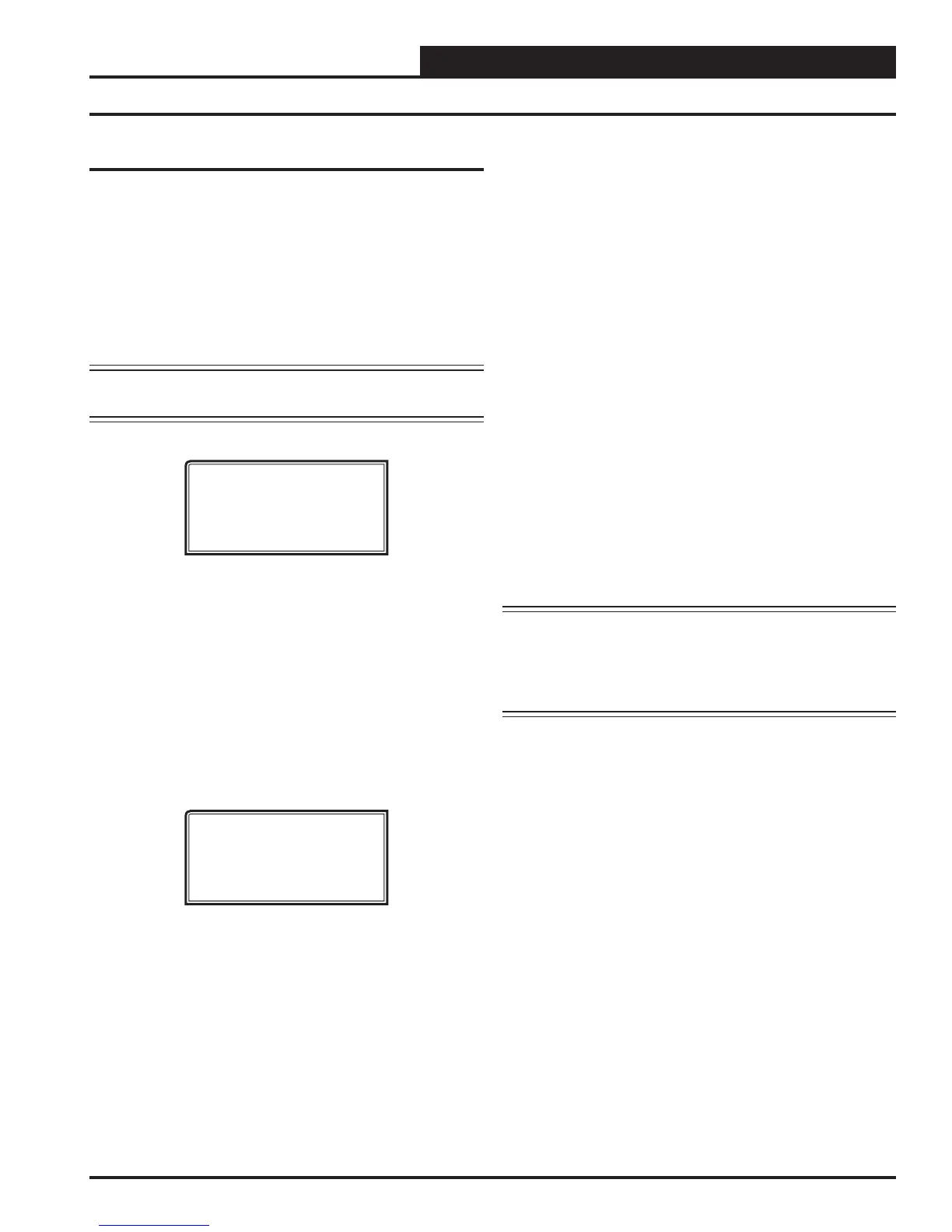
The following screen will be displayed:
Damper Force
Para Blocks
Load / Save / Copy
With the cursor on Damper Force, press <ENTER> to access the
Damper Force Mode Screen.
Dampers Force Mode Screen
If the unit ID you entered is for a VCC-X Controller that has VAV/
Zone Controllers connected to its communication loop, the Damper
Force Mode will act as a “Global” Damper Force Mode. That is, all
VAV/Zone Controllers on that VCC-X Controller’s communication
loop will be forced to the same Damper Force Mode setting. If the
unit ID you entered is for a VAV/Zone Controller, the Damper Force
Mode setting will only apply to that VAV/Zone Controller.
Damper Force
Enter Force Mode: 0
0=Auto 1=Open 2=Clsd
3=Max 4=Min 5=Fixed
Set the appropriate Damper Force Mode by entering numbers 0
through 5. Following is a list of the force modes and their meaning:
0 = Auto This is the default setpoint. With this setting,
the damper will operate normally and modulate
according to the controller setpoints.
1 = Open This setting will force the dampers to their
fully-open position.
2 = Clsd This setting will force the damper to its fully-
closed position.
3 = Max This setting will force the damper to its
Maximum Position Setpoint. See VAV/Zone
Controller Setpoint Screen #5 on page 76 for
complete setpoint information.
4 = Min This setting will force the damper to its
Minimum Position Setpoint. See
VAV/Zone
Controller Setpoint Screen #5
on page 76 for
complete setpoint information.
5 = Fixed This setting will force the damper to a fi xed
position based on the Fixed Position Setpoint.
See
VAV/Zone Controller Setpoint Screen #8
on page 77 for complete setpoint information.
CAUTION: The Damper Force Modes should only be used
by qualifi ed service personnel. Serious dam-
age to the ductwork could result if the dampers
are all forced closed and the HVAC unit fan
is operating.


 To Next Page