NOTICE!
To acknowledge the F-Device after a module passivation, OA_C command bit has to be tog-
gled from ‘0’ to ‘1’ until OA_Req_S status bit becomes “0”.
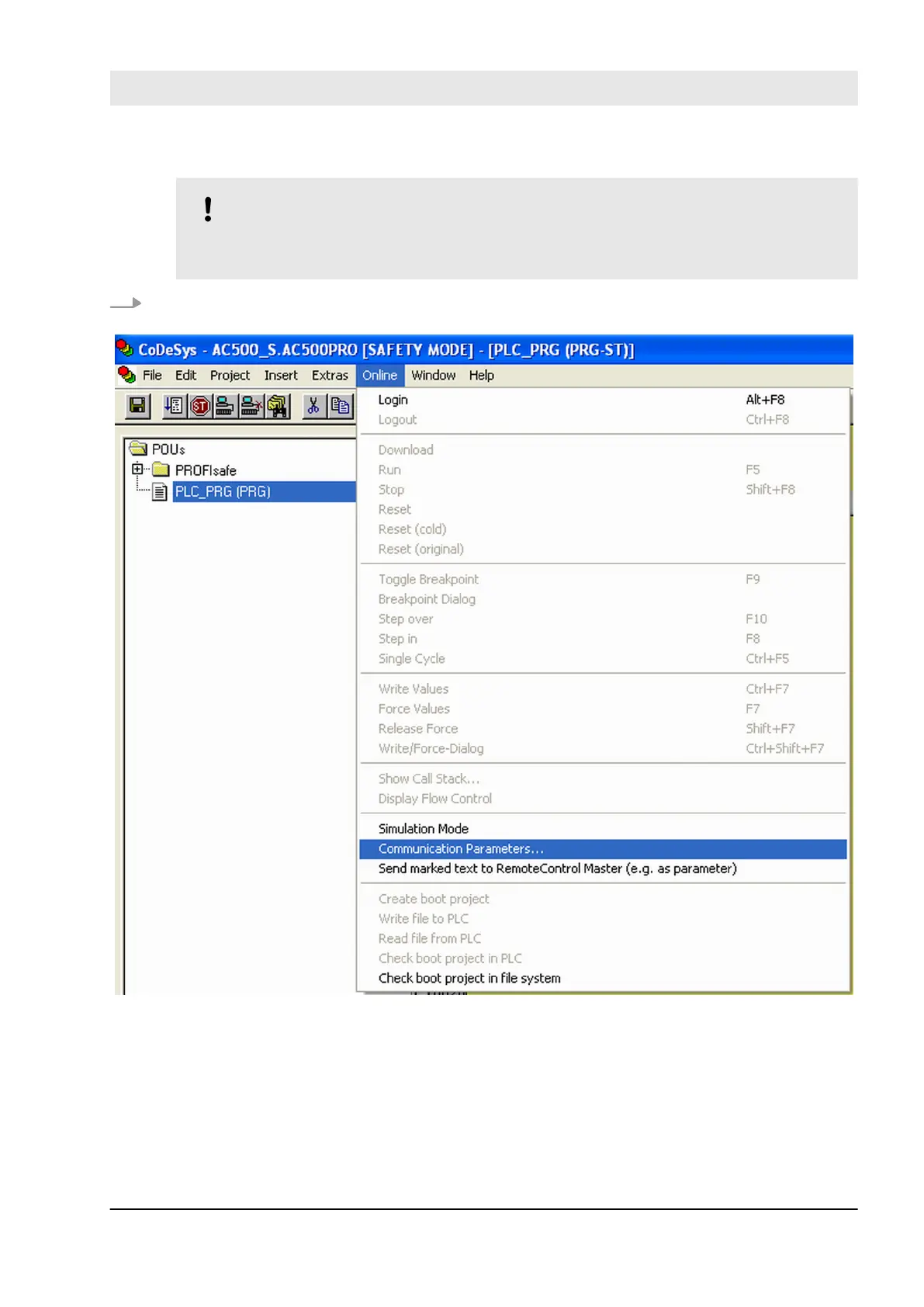
7. To download the safety project to SM560-S Safety CPU, you have to set correct communication
parameters
Fig. 92: Set communication parameters
Configuration and programming
System configuration and programming > Programming of AC500-S Safety CPU
30.03.2017 AC500-S 205


 To Next Page