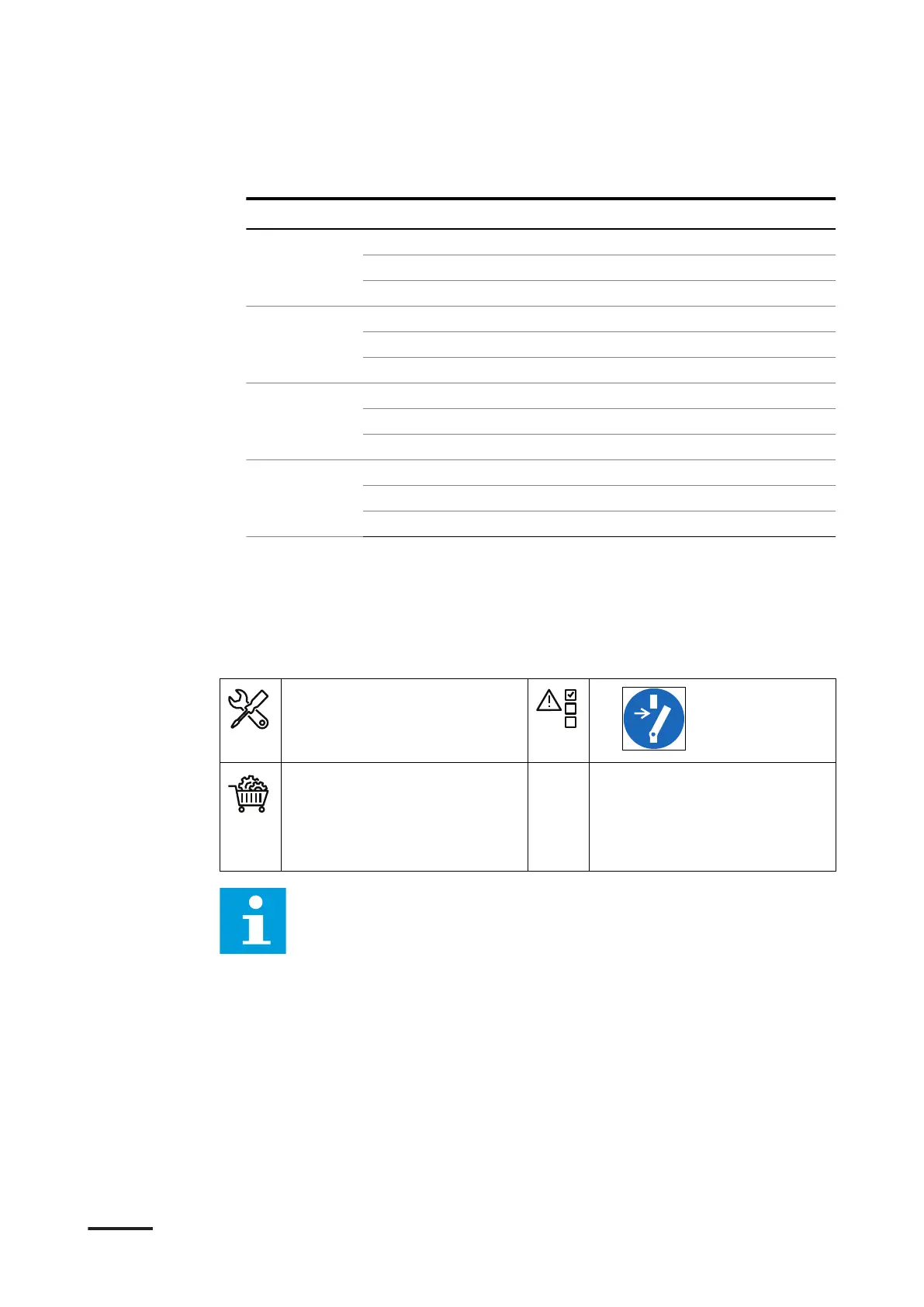
3. Connect the below listed wires from the outlets. Use the illustration above as a
reference:
Outlet Wire Connect to terminal
1 (A) L1 wire X2-1
(B) neutral wire X2-2
(C) PE wire X2-3
2 (D) L2 wire X2-4
(E) neutral wire X2-5
(F) PE wire X2-6
3 (G) L3 wire X3-7
(H) neutral wire X3-8
(I) PE wire X3-9
4 (J) L4 wire X3-10
(K) neutral wire X3-11
(L) PE wire X3-12
4. Tighten the screws to the correct torque. For the specification, refer to section
12.4.
6.3.6 Connect the DC power cables
Preliminary requirements
• Torque wrench
• Wire cutter
• Wire stripper pliers
•
• DC power cables (for each
outlet: one positive, one
negative). Refer to section
12.13.5.
• Cable lugs 3/8”
Note: For the specific connections, refer to the installation brief, the
installation drawing and the installation manuals of the devices installed
in the system you ordered.
Installation
46 HVC 200/300/360-EN | 002



 To Next Page