24
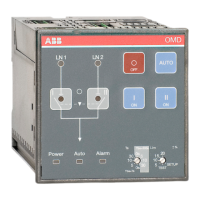
AUTOMATIC CONTROL UNIT, OMD100
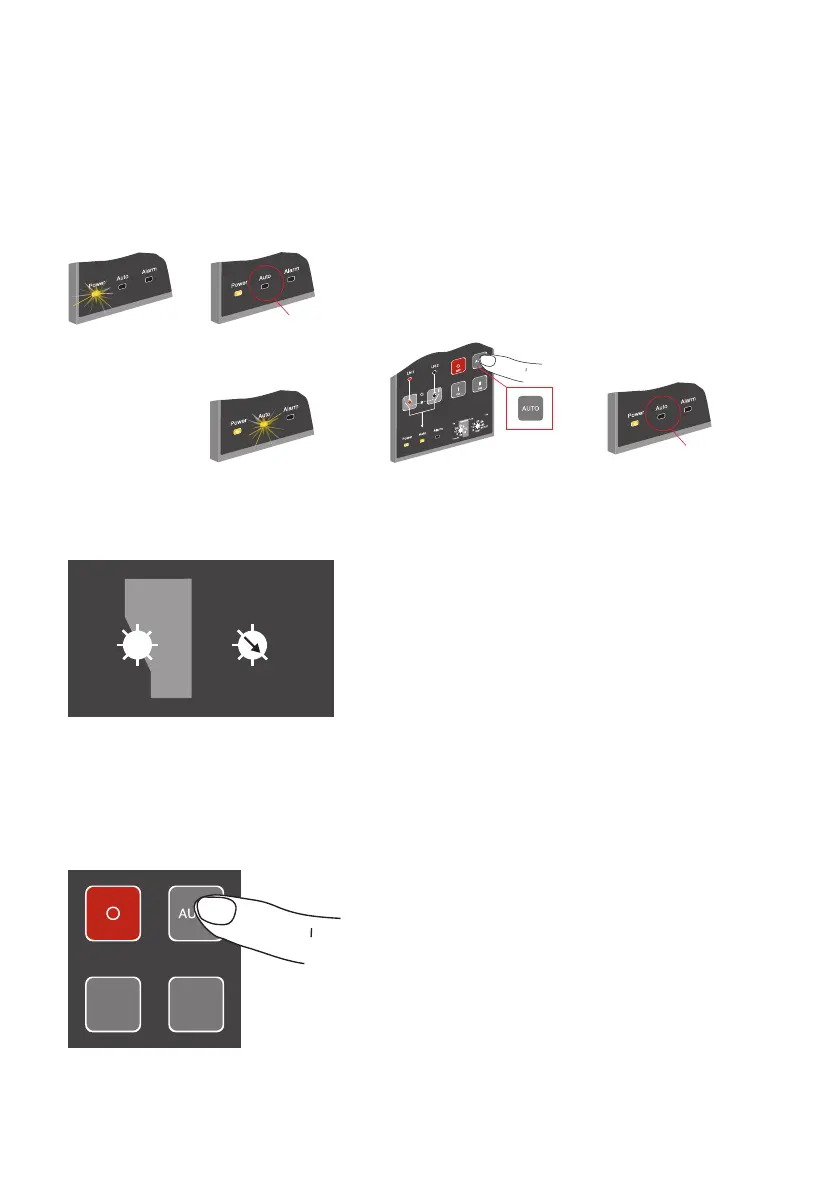
Figure 6.7 Selecting the automatic control unit OMD100 to Manual Mode
3. Press AUTO button to choose the mode. The Operation modes are indicated by LEDs according
the Table 6.1, see next page.
Figure 6.9 Choosing the Operation mode by pressing the AUTO button. See the Table 6.1 of LED
indications for wanted Operation mode
Figure 6.8 Setting of SETUP mode with Lim rotary switch in automatic control unit OMD100
2. Choose SETUP mode with Lim rotary switch according to the Figure 6.8
6.4.2 Choice of Operating mode in OMD100
1. Set device to MANUAL mode according the Figure 6.7
20
5
10
15
+
-
%
0s
5
10
30
0s
5
10
30
Ts
Tbs=300s
Tbs=Ts
Lim
SETUP
TEST
A07238
I II
OFF
ON ON
A07240
!
OR
!
Manual mode
Manual mode
1
4
2
2
3


 To Next Page