ABEM Terrameter LS
9
3 The User Interface
The user interacts with the instrument through the User Interface Panel. This chapter
explains the basics of this interaction.
3.1 The Display
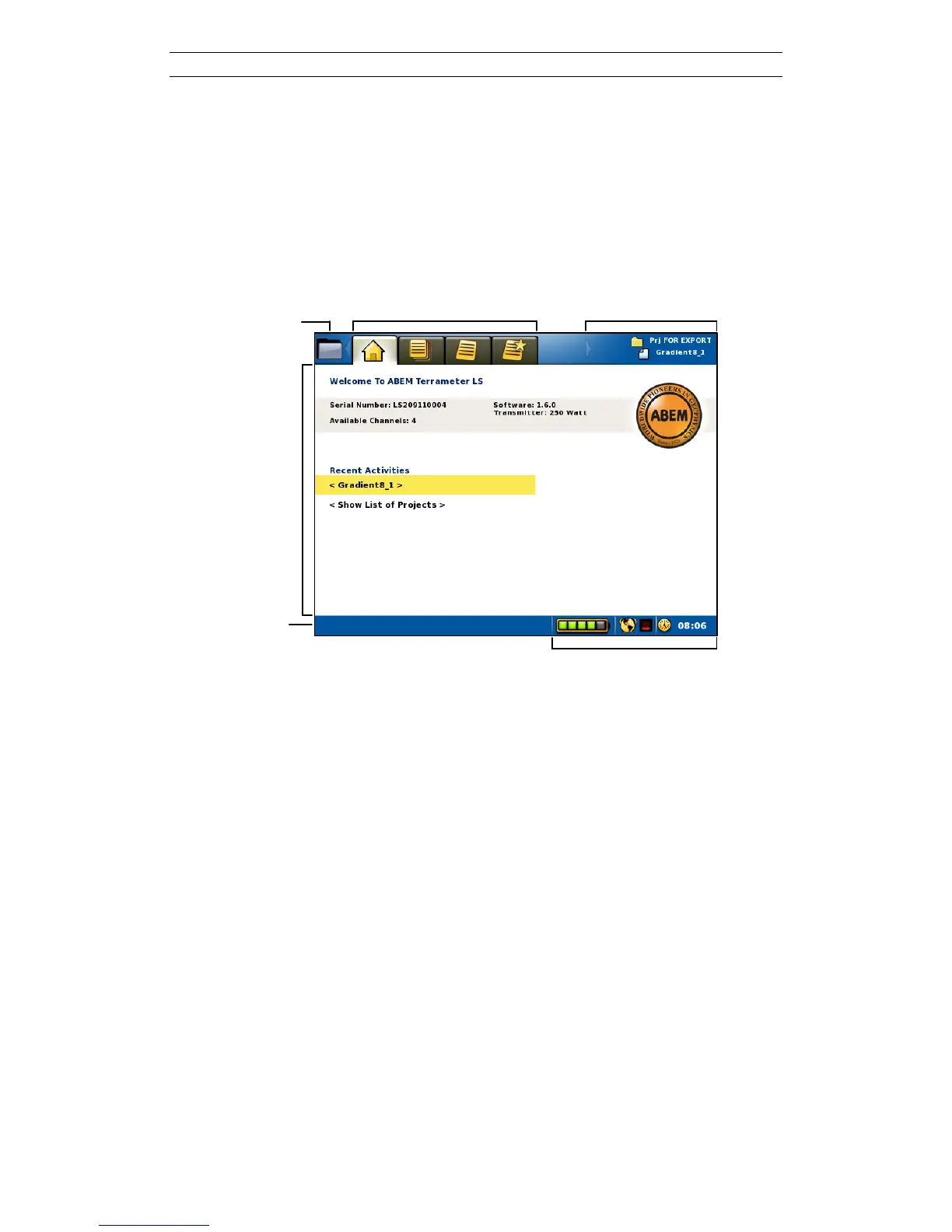
The information shown on the display is called a Screen. Figure 7 shows the layout of
the Screen.
Notification Icons
Figure 7 The screen layout
The Screen layout parts:
- Navigation Menu Item and Tabs are described in chapter 3.3 Navigation
- View shows different information depending on where the user has navigated
- Active Project and Task shows the currently opened Project and Task
- Status Bar shows interactive messages in the left part and notifications in the
right part. Notification icons show Battery status, GPS status and time of day



 To Next Page