ABEM Terrameter LS
77
8.3 Data Transfer
Note! It is strongly recommended for users to always transfer
the Project database and store it for future use. It may
turn out that more information than the standard export
formats provide becomes desirable. Also, in case of
need of support from ABEM’s support department you
are likely to be asked to send the Project database file as
it contains essential information for instrument
diagnostics.
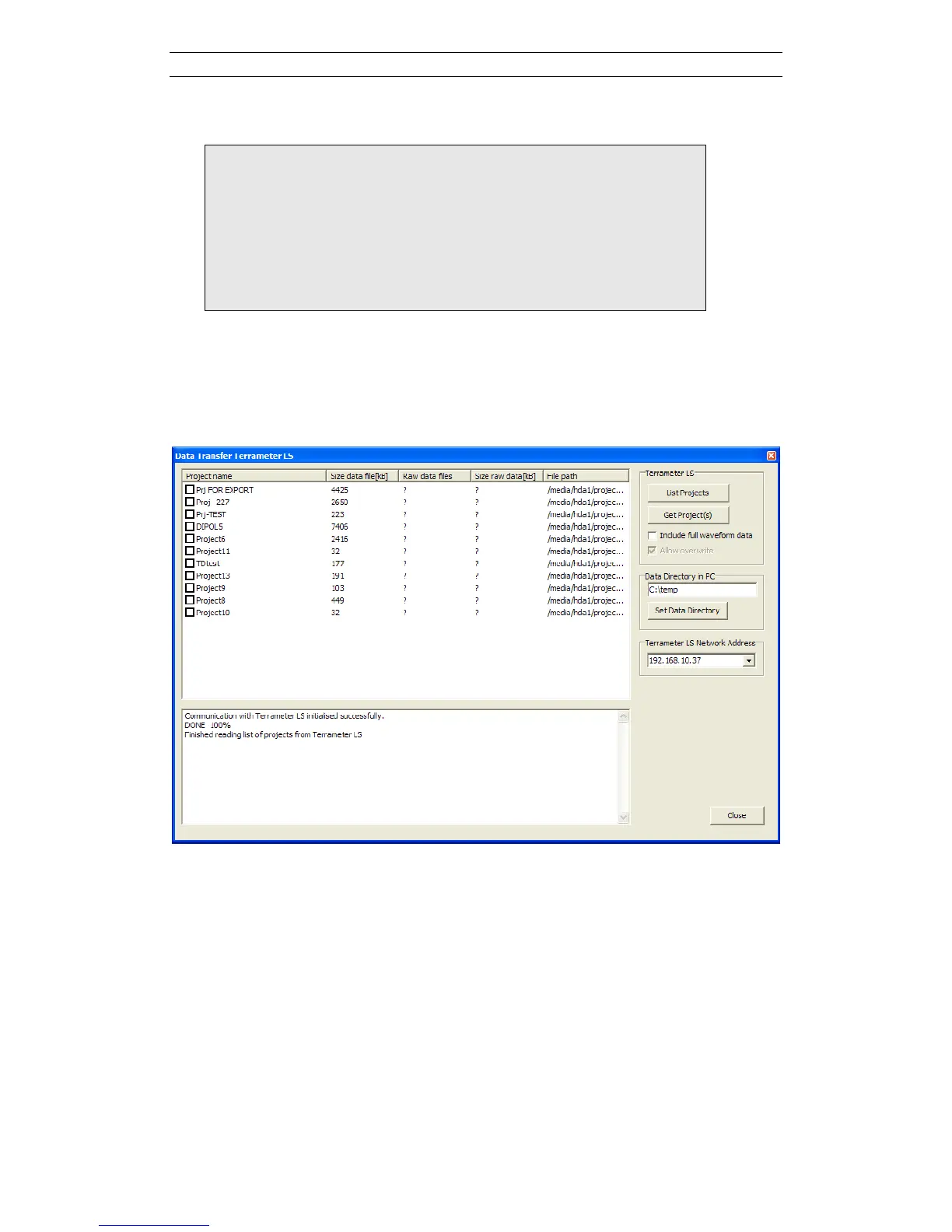
Select the “File/Import/Import data from Terrameter LS” menu item to open the “Data
Transfer Terrameter LS” dialog, from which data can be copied from the instrument
to the computer (Figure 92).
As usual check the LS Network Address (see 8.1) and then click “List Projects” to
fetch a list of Projects from the instrument.
Figure 90. Data transfer dialog with listed projects
Now make sure that the data directory in the PC is setup as desired. The imported
Project files will be saved in subdirectories under this data directory, and a metafile
with summary information about the Project will be saved directly in the specified
data directory. The directory can be set either by typing directly in the textbox or by
clicking the “Set Data Directory” button and then selecting a directory in the shown
dialog.
Mark the checkbox for the Project(s) to import. If the checkbox “Include full
waveform data” is checked possible full waveform data files will also be copied.
Beware that copying full waveform data can be very time consuming so make sure to



 To Next Page