ABEM Terrameter LS
12
3.3 Navigation
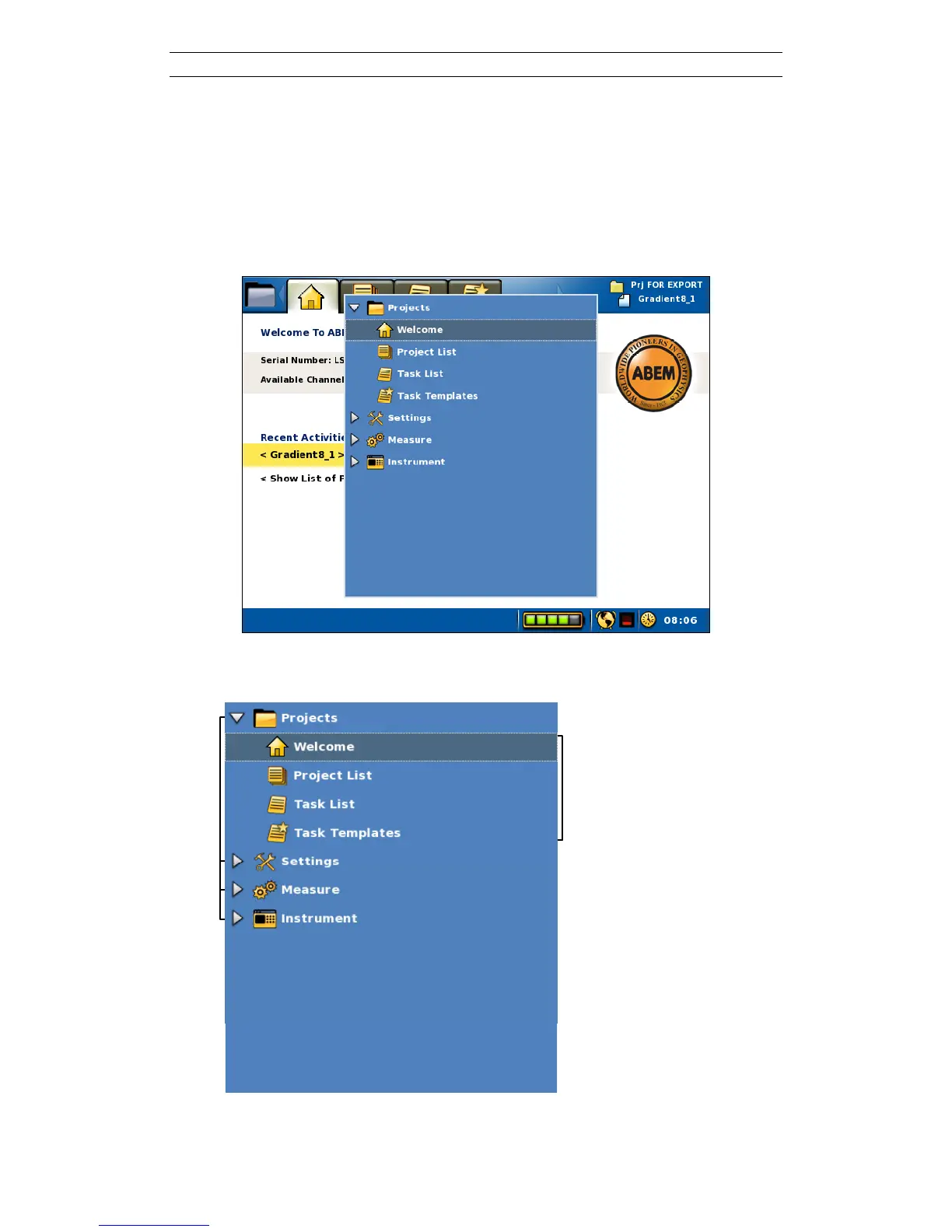
The viewable information of the instrument (called a View, see chapter 3.1) is divided
into a number of pages. These pages are arranged in a menu tree with two levels. The
top level has four Menu Items, each with a number of Sub Items.
The form “Menu Item/Sub Item” will be used in this document from now on when
referring to a specific View for instance “Instrument/Network” for the network
information View.
Figure 8 The Navigation Menu over the “Projects/Welcome” View
The details of the Navigation Menu are marked in Figure 9.



 To Next Page