ABEM Terrameter LS
10
3.2 The Keyboard
Commands from the user are entered through a keyboard. There is a built-in keyboard
but an external keyboard can also be used.
3.2.1 The Built-in Keyboard
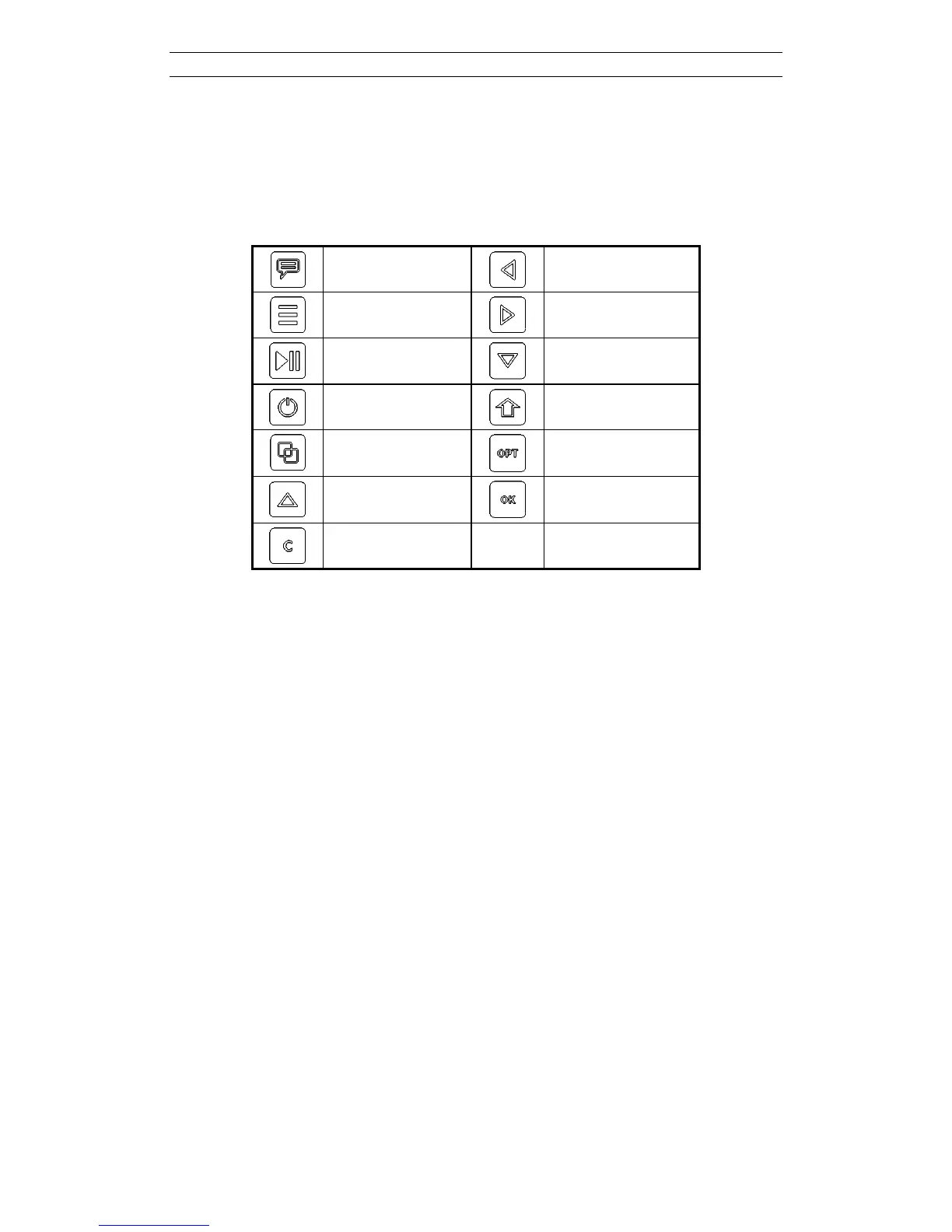
Table 2 lists the names of the buttons as referenced in this document.
<Memo>
<Left>
<Menu>
<Right>
<Play-Stop>
<Down>
<Power>
<Shift>
<Browse>
<Options>
<Up>
<Ok>
<Clear>
Table 2 Names used for the built-in keyboard buttons
The corresponding function of the buttons are summarised below:
<Memo>
(not implemented)
<Menu> Show the Navigation menu
<Play-Stop> Jump to the “Measure/Progress” View / Start or stop measuring
<Power> Turn instrument on or off
<Browse> Jump between the Tabs of a navigation Menu Item
<Up> Move Cursor / Highlight up
<Clear> Close dialog
<Left> Move Cursor / Highlight left
<Down> Move Cursor / Highlight down
<Right> Move Cursor / Highlight right
<Shift> Change function of other buttons
<Options> Show the option menu for the highlighted object
<Ok> Select / Show the keyboard emulator



 To Next Page