ABEM Terrameter LS
18
Note! This is only possible when the keyboard emulator has
been opened from a dialog where there is a Cancel
button. An example of this is the Project Name dialog
(Figure 20)
― Navigate to the input key at the bottom right (“Done!” or “OK”)
― Press <Ok>
― Highlight the “Cancel” button and press <Ok>
3.6 Data Concepts
Certain concepts are used to handle and present measurement data in a
comprehensible way. They are Project, Task and Template. This chapter will explain
these concepts as well as explain how to use them on the actual instrument.
3.6.1 Project
A Project is a container for measurement Tasks. Typically the Tasks of a Project are
from the same site.
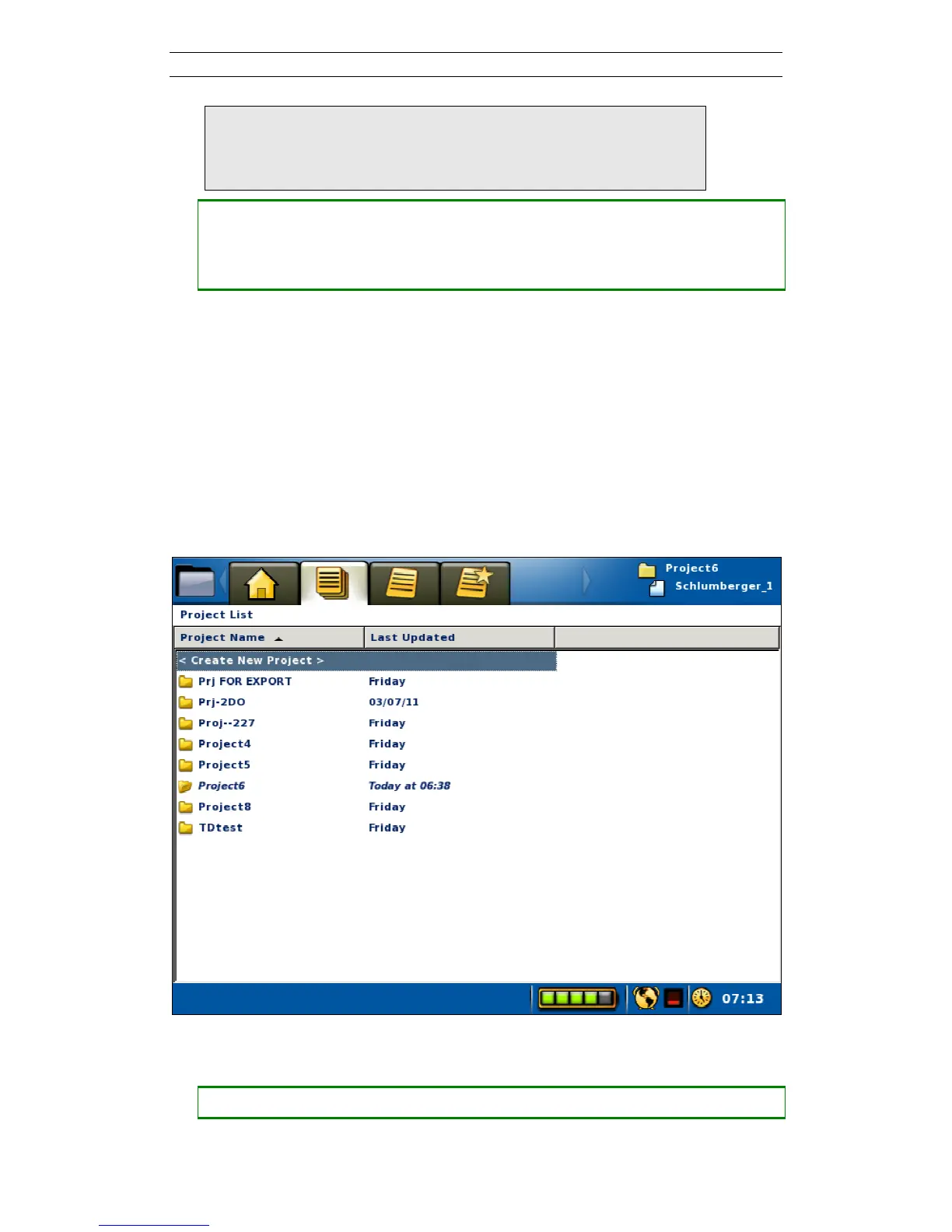
Projects are managed in the “Projects/Project List” View (Figure 16). Here Projects
can be created, deleted, renamed or exported.
Figure 16. Project List View
• Create a new Project
― Move the highlight to the topmost row (“<Create New Project>”)



 To Next Page