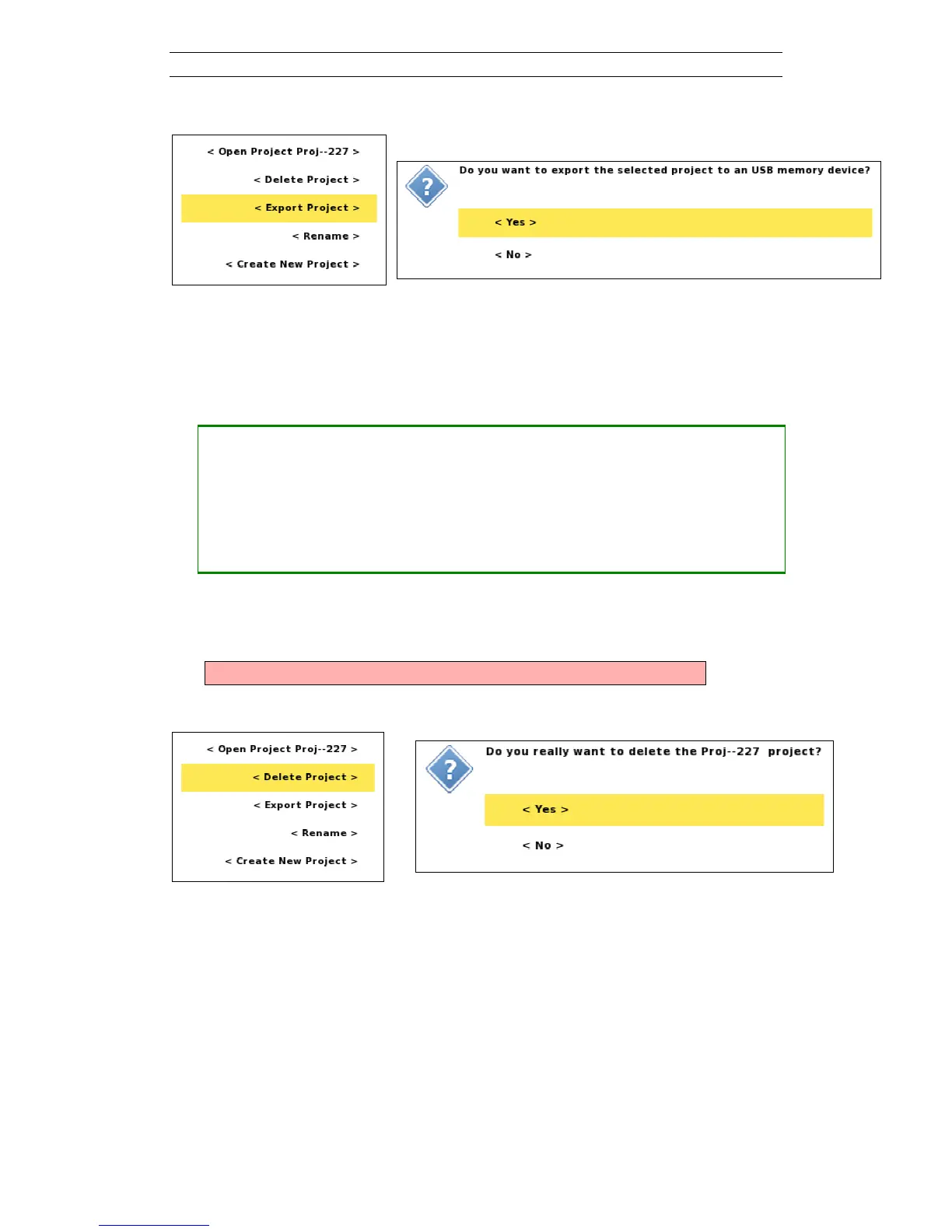
Figure 80. Export Project confirmation dialog
7.3 Delete a Project
• Deleting a Project
― Navigate to the “Projects/Project List” View
― Highlight the Project to delete
― Press <Options>
― Highlight <Delete Project> (Figure 81)
― Press <Ok>
Confirm that you want to delete the Project (Figure 82).
Warning! This will delete all data in the Project permanently!
Figure 81. Project options menu
Figure 82. Delete Project confirmation dialog



 To Next Page