ABEM Terrameter LS
70
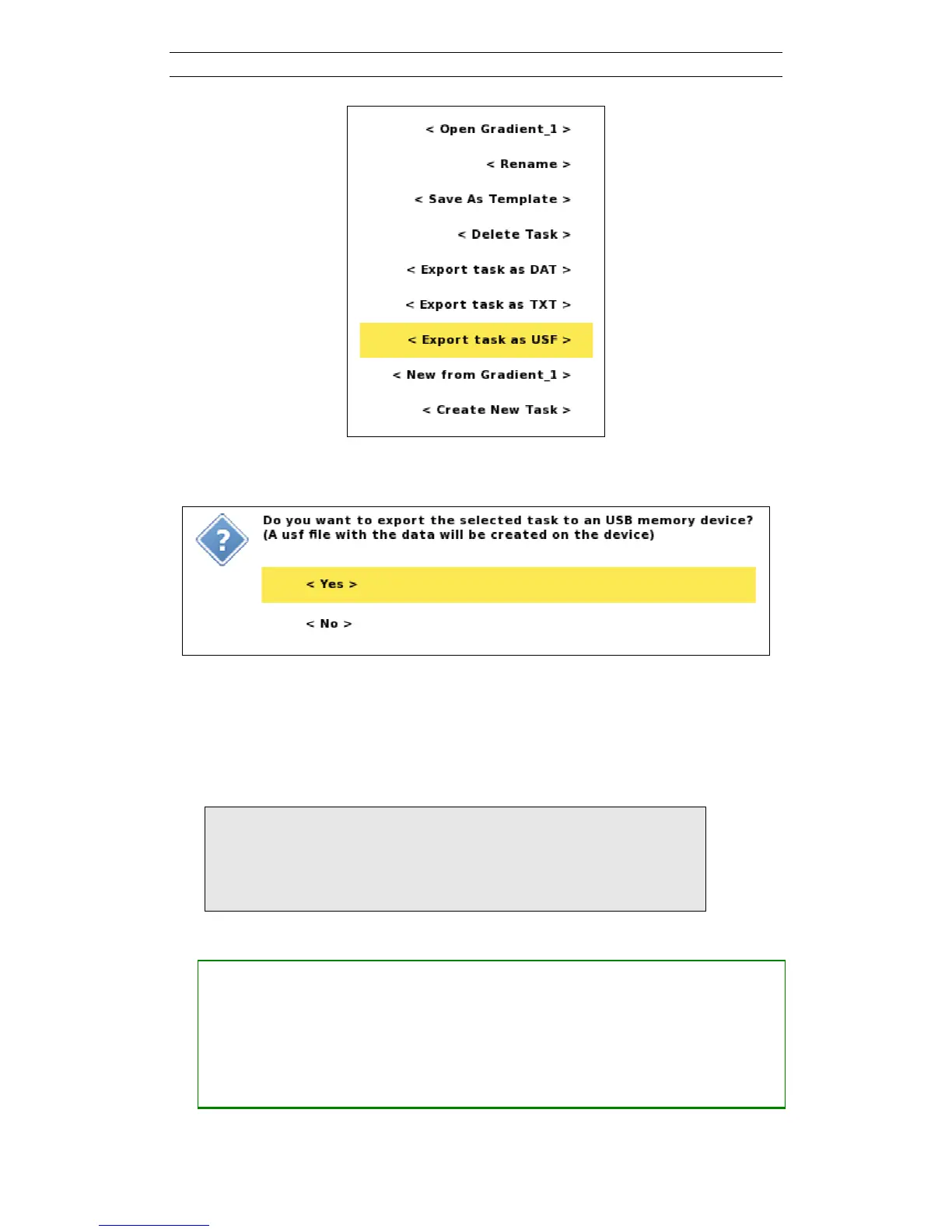
Figure 77. Task options menu
Confirm that you want to export to the USB memory device (Figure 78).
Figure 78. Export task to USF confirmation dialog
7.2.4 Export a Project
A complete Project can be exported to a USB memory stick or disk drive. This will
copy the Project database. If the data was acquired including full waveform data then
all samples will be copied as well.
Note! Exporting with full waveform data may take several
minutes, or even tens of minutes for larger Projects, and
it is often a better option to copy the data via the utility
software and an Ethernet connection instead (see chapter
8 Terrameter LS Utility Software).
• Export a Project
― Navigate to the “Projects/Project List” View
― Highlight the Project to export
― Press <Options>
― Highlight <Export Project> (Figure 79)
― Press <Ok>



 To Next Page