ABEM Terrameter LS
19
― Press <Ok>
Alternatively the “<Create New Project>” item of the Project option menu can be
used to create a new Project, see below
• Opening the Project option menu
― Move the highlight to the wanted Project
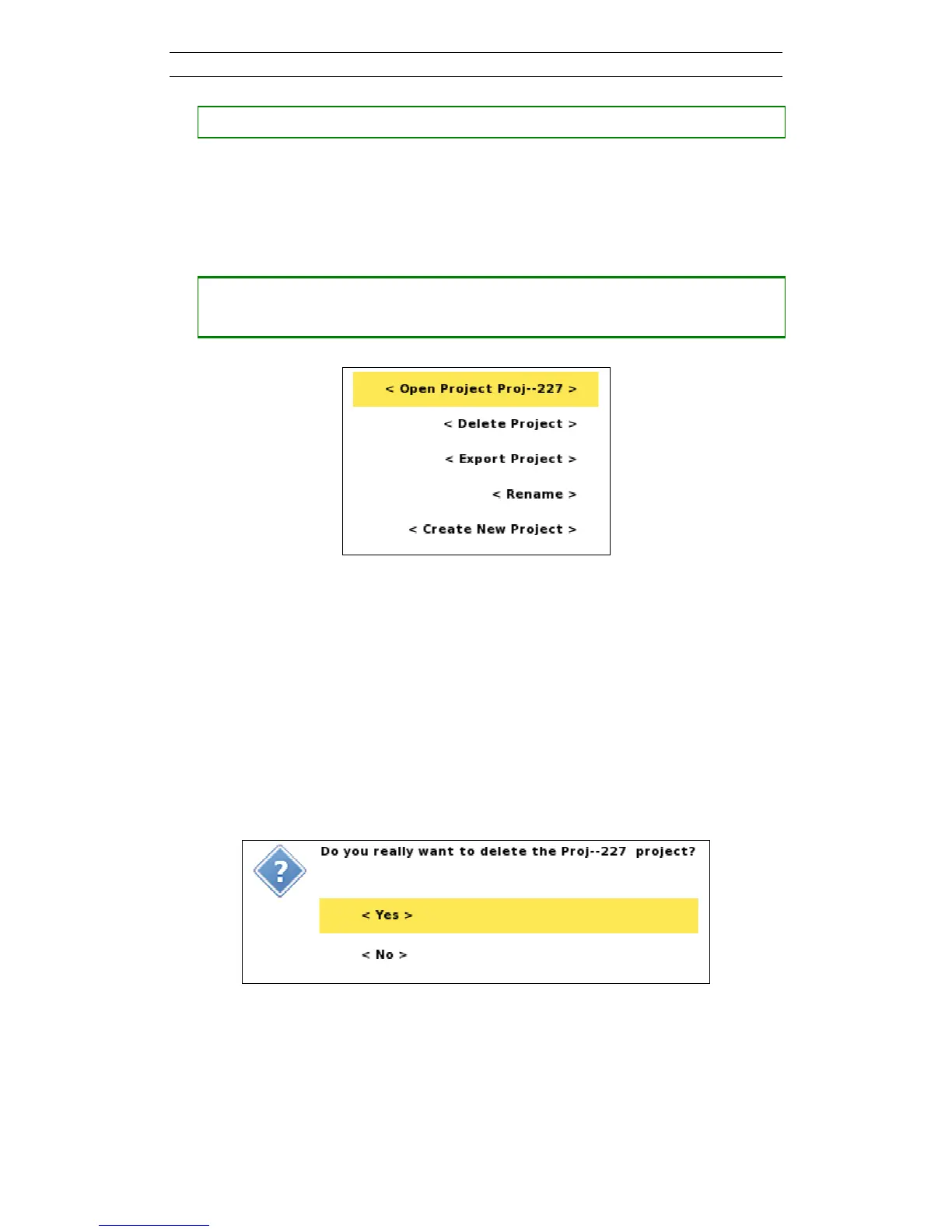
― Press <Options> and the option menu of Figure 17 will be shown
Figure 17 Project Option menu with Open item highlighted
The
Menu Items
of the Project option menu:
- Open: The Project is made active and the “Projects/Task List” for the Project
is shown
- Delete: A confirmation dialog is shown and the Project will be deleted if the
user confirms the deletion (Figure 18)
- Export: see chapter 7.2.4 Export a Project
- Rename: see below
- Create New Project: Creates a new Project
Figure 18 Confirm Project Delete dialog
• Renaming a Project.
A new Project will automatically be named “ProjectX”, where X is an incremented
number. This name can be edited.



 To Next Page