ABEM Terrameter LS
14
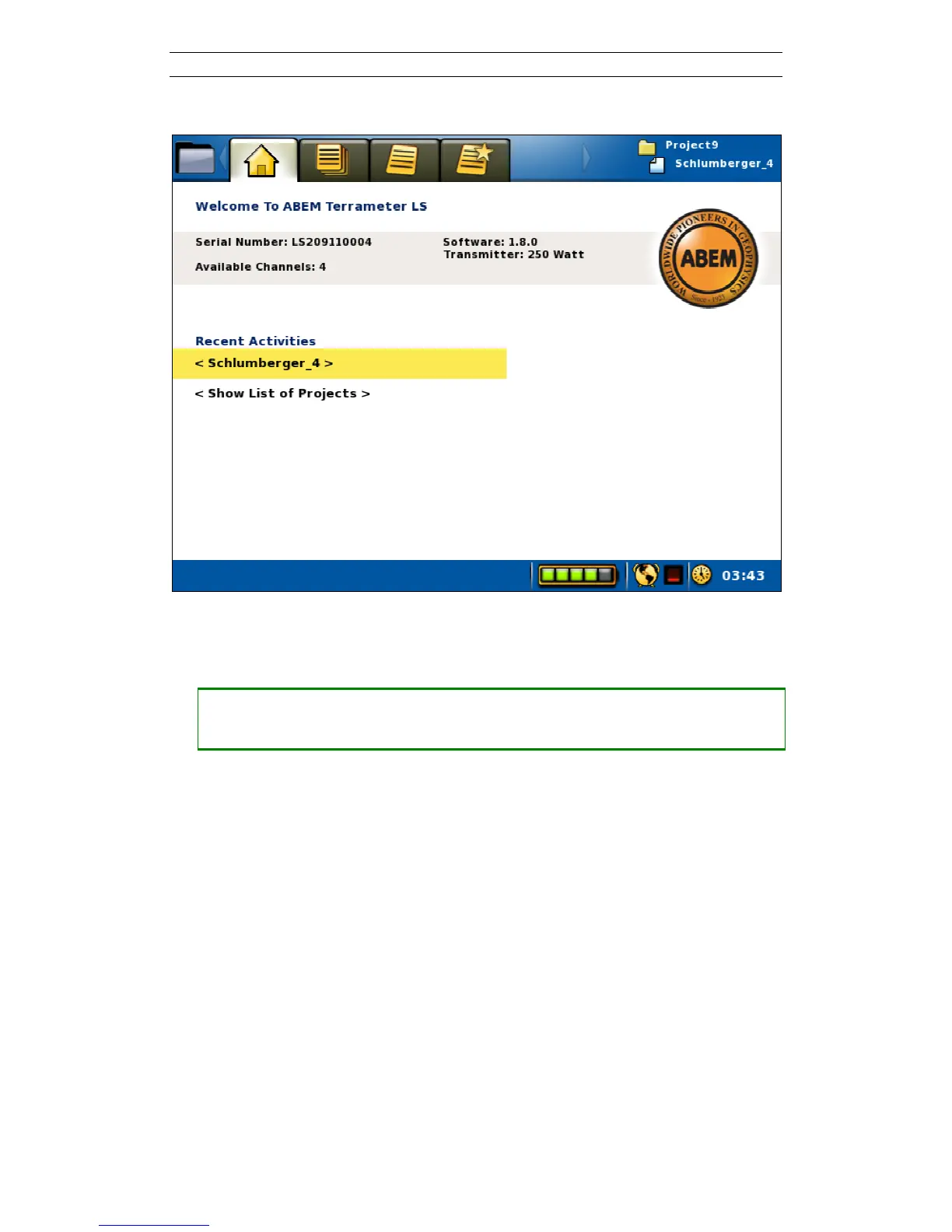
Figure 10. The Start View
In the middle of the View there are two rows with shortcuts to other Views.
• Using the shortcuts
― Press <Up> or <Down> to highlight one of the two rows
― Press <Ok> to change to the
View
For the first of these rows there are two possible situations:
- If the active Project does not have any Task
then the text “< Task is missing. Please create >” will be shown.
Pressing <Ok> will in this case change View to the “Project/Task List” of the
active Project. This View is explained in chapter 3.6.2
- Otherwise if the active Project does have a Task
then the name of the active Task will be shown. See Figure 10 for an example.
Pressing <Ok> will in this case change to the “Measure/Progress” View of this
Task. This View is explained in chapter 6.9.1
For the second row the same thing will happen as a press on the <Browse> button, the
View will change to the “Project/Project List” View. Chapter 3.6.1 has an explanation
of this View.



 To Next Page