101
Live view
In the Live View menu, you define the behaviour of the local image output on the
recorder.
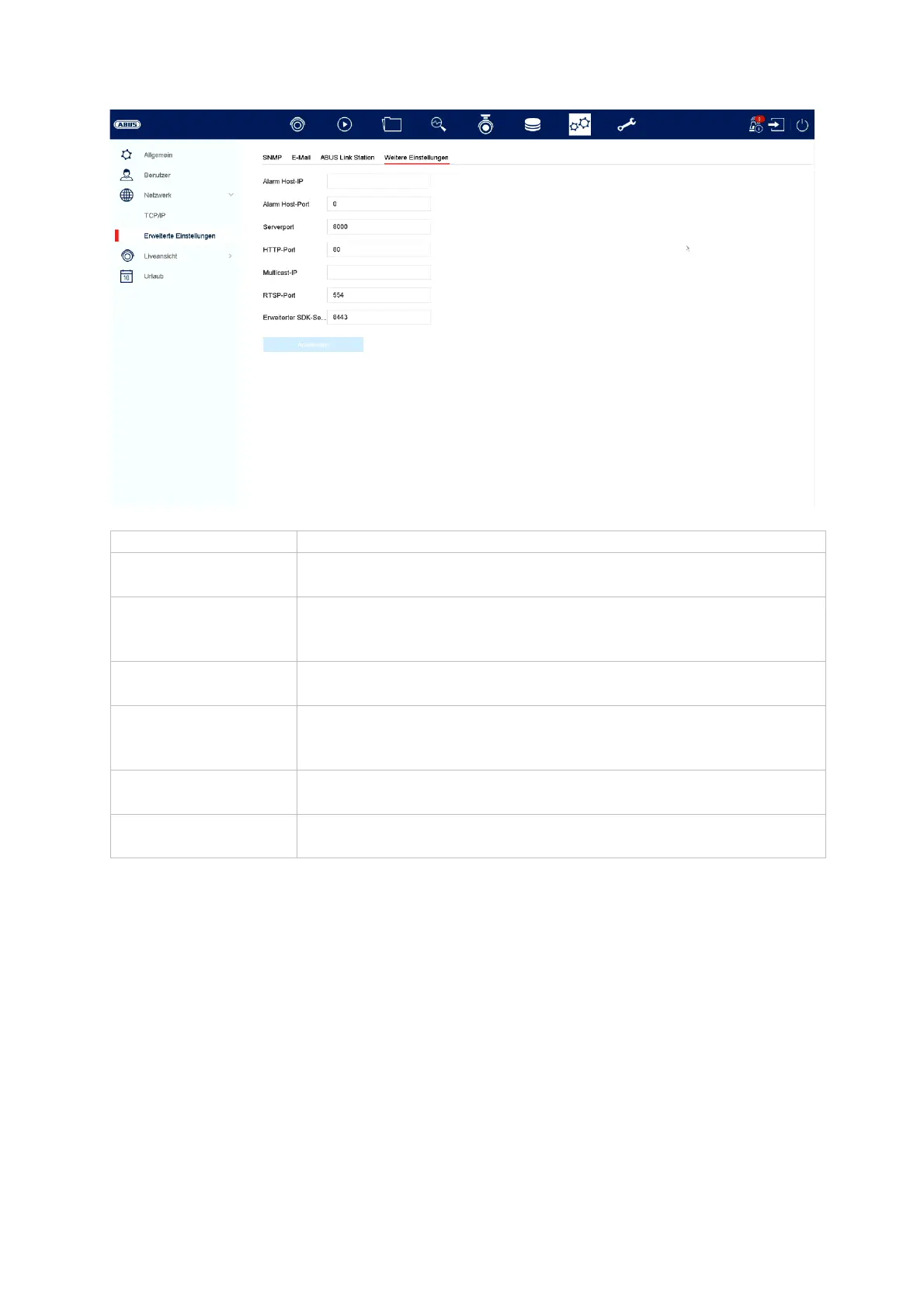
larm Host IP Network address of the CMS station
Alarm Host Port Port of your CMS station (
default: 7200
Server Port Port for data communication to ABUS CMS and iDVR App /
ABUS LINK STATION APP (normal connection via IP)
default: 8000
HTTP Port Port of the web server (
default: 80
Multicast IP You can also enter the multicast IP here to minimise traffic.
The IP address must match the one in the video surveillance
software.
RTSP Port Specify the RTSP port
default: 554
Extended SDK
service connection
(default:8443)



 To Next Page