84
By clicking on the button "Advanced" the following settings can be made.
Under "Advanced" you will find the following setting options:
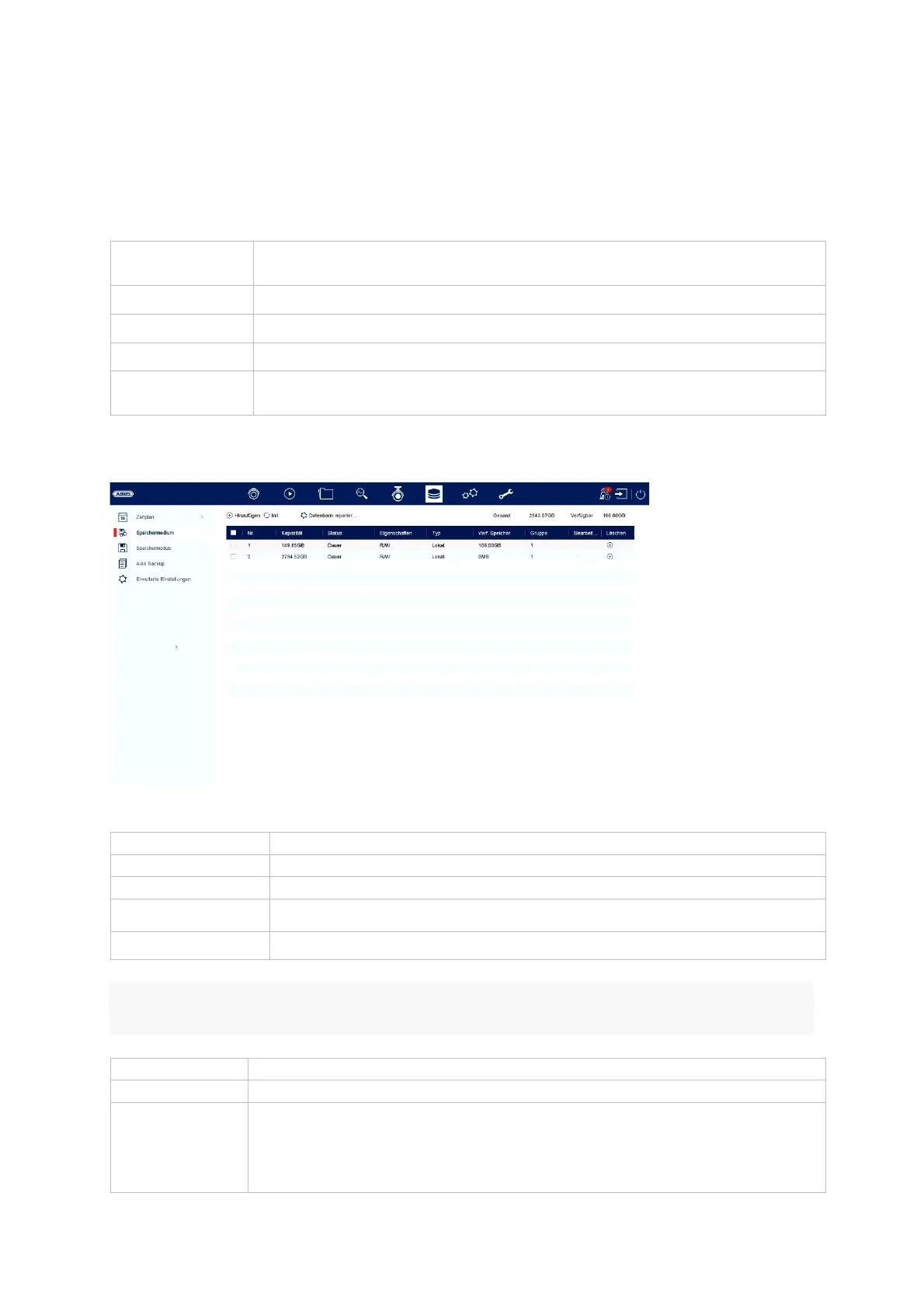
Storage medium
Here you can configure local or network-based storage media and view their status.
Attention: Before you can make recordings with the unit, the built-in hard disk must
be "initialised". All data on a hard disk are deleted during initialisation!
Parameter
T
pe
Displays the setting for continuous recording and event
Resolution
Select the image resolution
Picture quality
Select the picture quality
Interval
Select the interval to be triggered
Acquisition
dela
Adjustable from 0 to 5 minutes
dd
dd network drive
Initialise Initialise
format
memor
Repair database Rebuilds all databases, the files are not deleted.
Total Displays the total storage space
Available
Displays the total free space
No. Number of hard disks installed / NAS drives added
Capacit
Displa
s the stora
e space in GB
Status Shows the current status of the hard drives:
Not initialised
Normal
Incorrect



 To Next Page