73
7) Camera settings
Analogue camera
In this menu, you can define for the first 4 or 8 or 16 channels (depending on the
model) whether the channel is to be occupied by an analogue HD camera
(connection via the rear) or an IP camera (integration via the Ethernet).
5-MP long-distance transmission: Applies only to 5 megapixel analogue HD
cameras. Doubling the range while reducing the
frame rate from 15 to 12 fps.
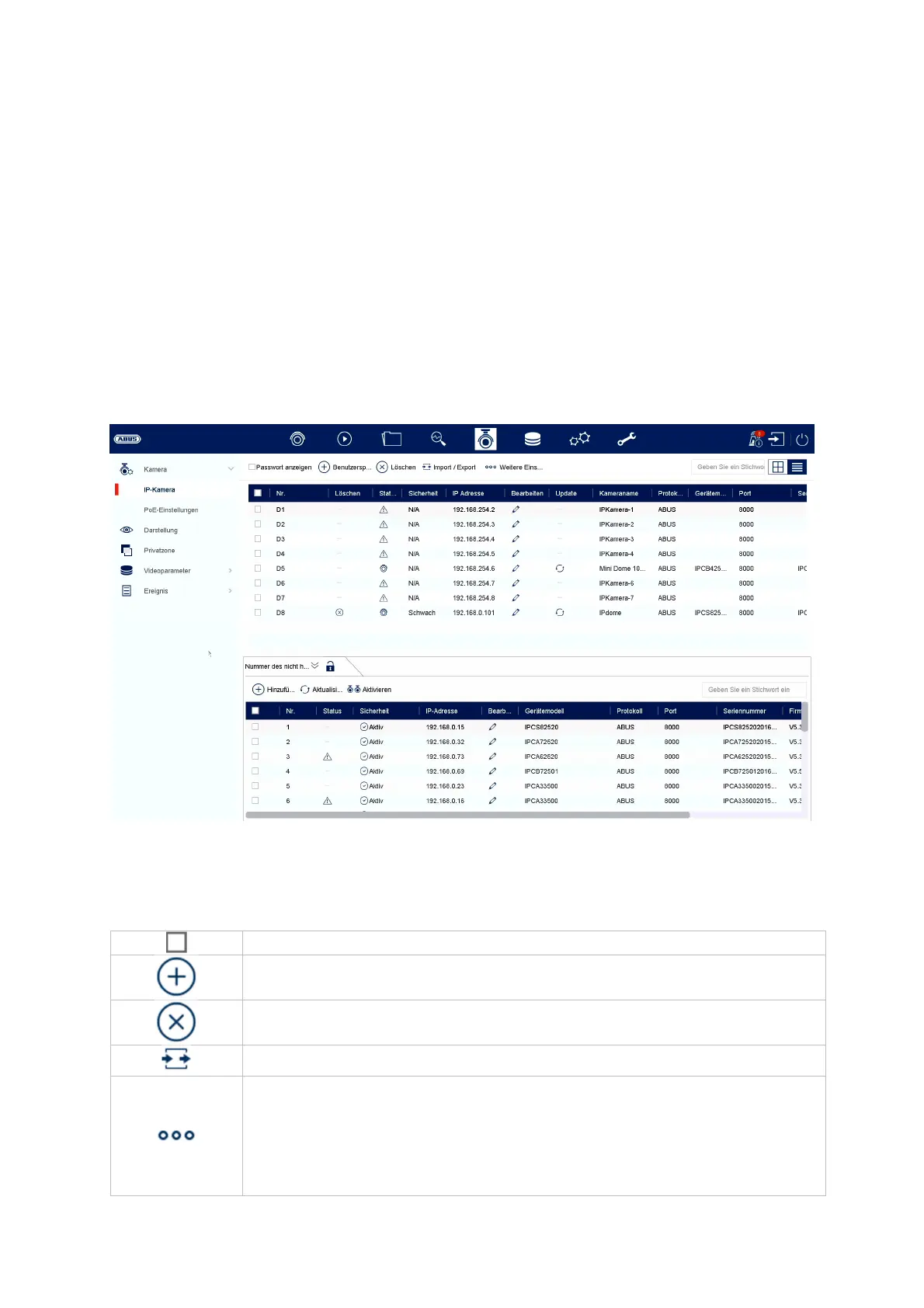
IP camera
The camera management takes place in this menu. Furthermore, basic settings
regarding the camera can be made.
Select all cameras
Add camera
Delete camera
Import / export camera list
Other settings:
Camera Default Password Management
Here you can change the default password (assigned during
the initial setup in the setup wizard). This is used for the



 To Next Page