87
In this mode, the video data can be written specifically (also redundantly) to selected
data carriers. For this purpose, the data carriers are organised in "groups". A group
must contain at least one HDD.
Note: To make settings on the HDD group, click on "Edit" in the "Storage Device"
menu for the respective HDD.
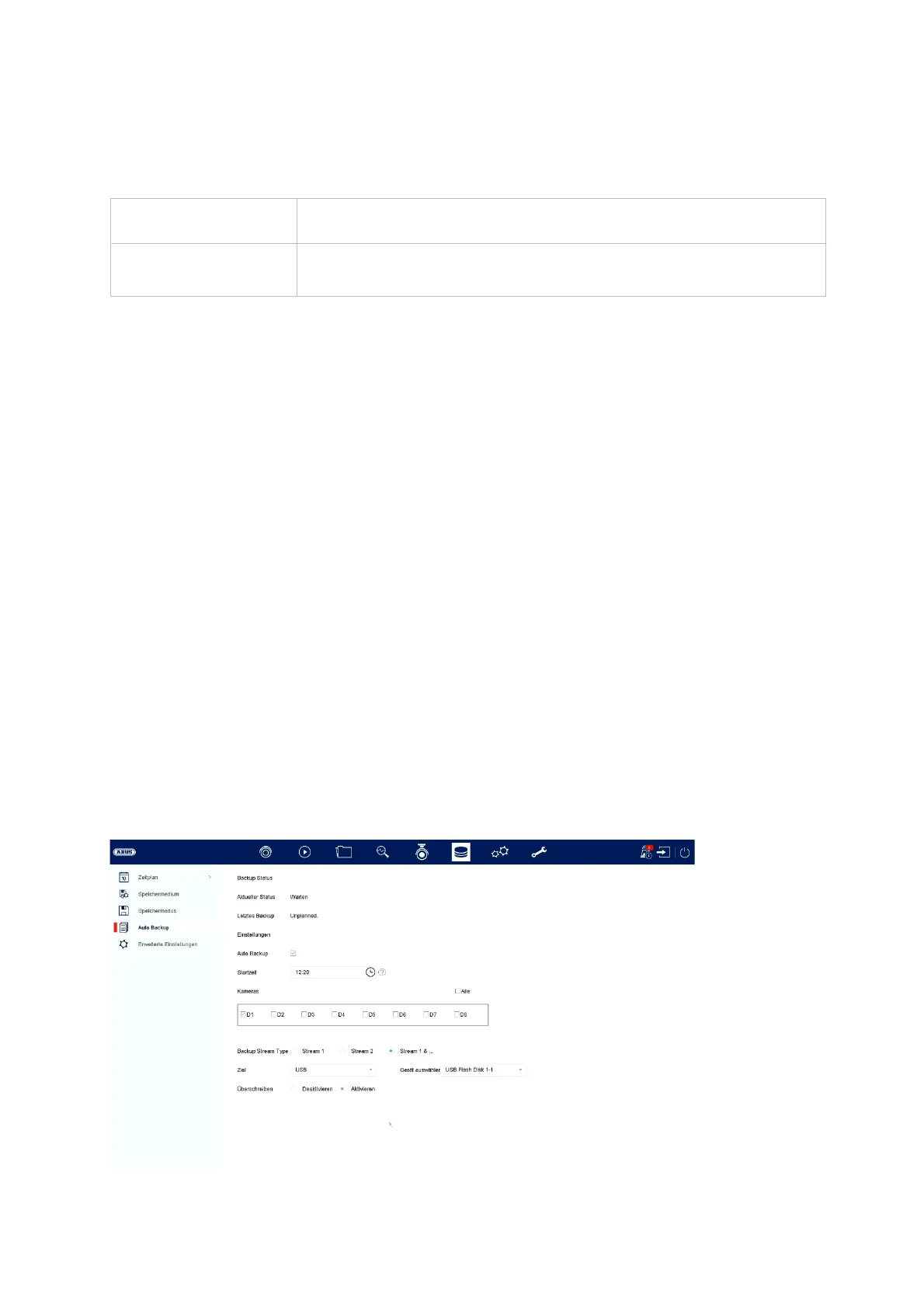
Auto Backup
Record to HDD
Group
Select the HDD group
Camera
Select which cameras should record on the currently selected
group



 To Next Page