102
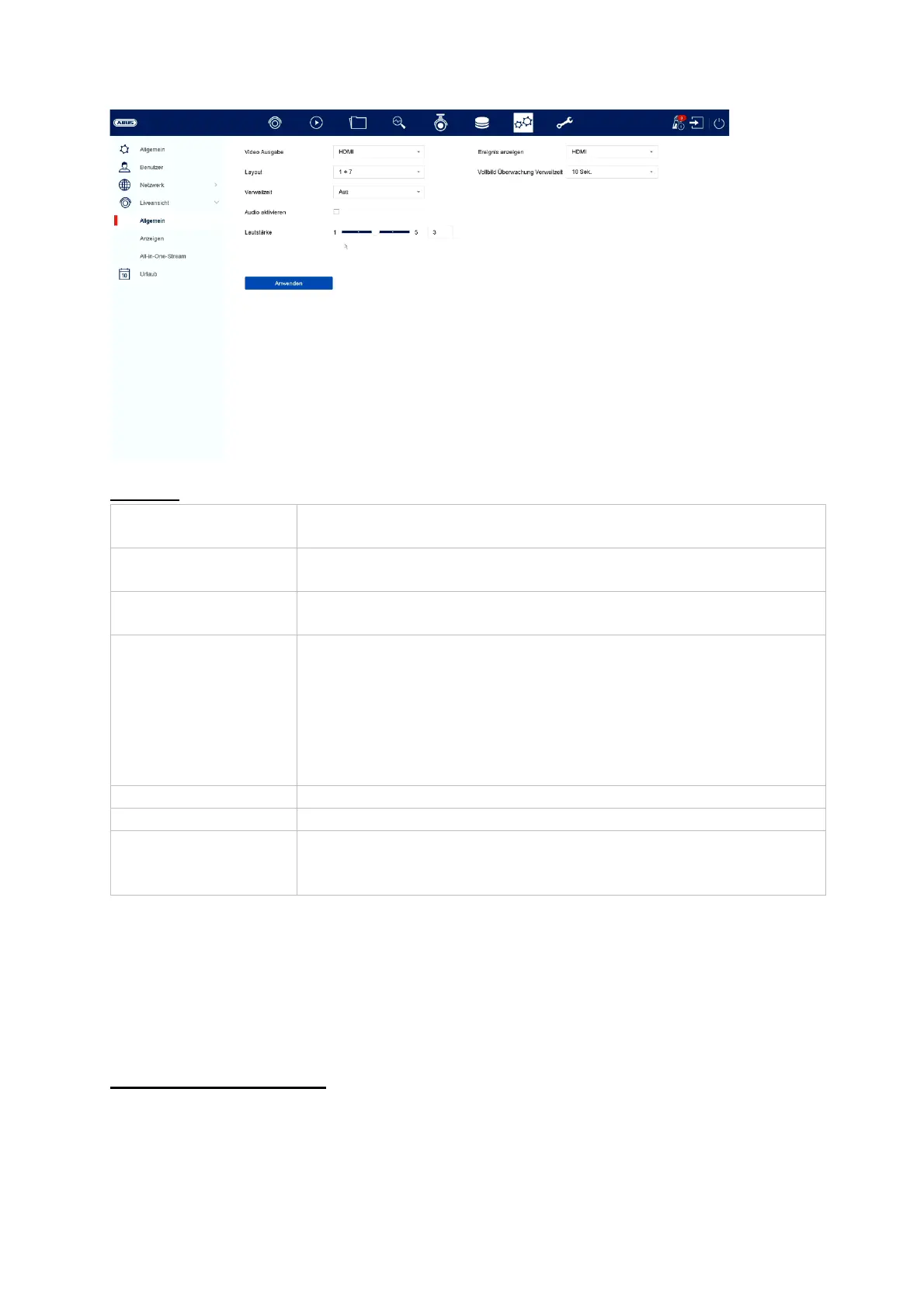
General
Layout / Advertisements
Video output Here you can select at which connection the settings are to
be chan
ed
Layout Here you can select the camera layout:
1x1, 2x2, 1+5, 1+7, 3x3, etc.
Dwell time Here you can select the switching time between the individual
cameras for sequence displa
Disable audio Activates the audio output for live viewing.
VGA: if this option is selected, the audio output is via the
RCA sockets on the back of the recorder.
HDMI: if this option is selected, the audio is output via the
HDMI interface.
Volume Here
ou can ad
ust the volume
Show event Here
ou can define the monitor for the output of events
Full screen
monitoring Dwell
time
Here you can define how many seconds the event is to be
displayed on the assigned monitor



 To Next Page