69
Filter Timeline
Four different filters are available to simplify the search for specific records. The
display of the timeline is also always adjusted.
Timeline control
The following functions are available for selection below the timeline:
Duration Displays all permanent records
Smart
Displays all recordings triggered by a VCA function Ex.
Tripwire
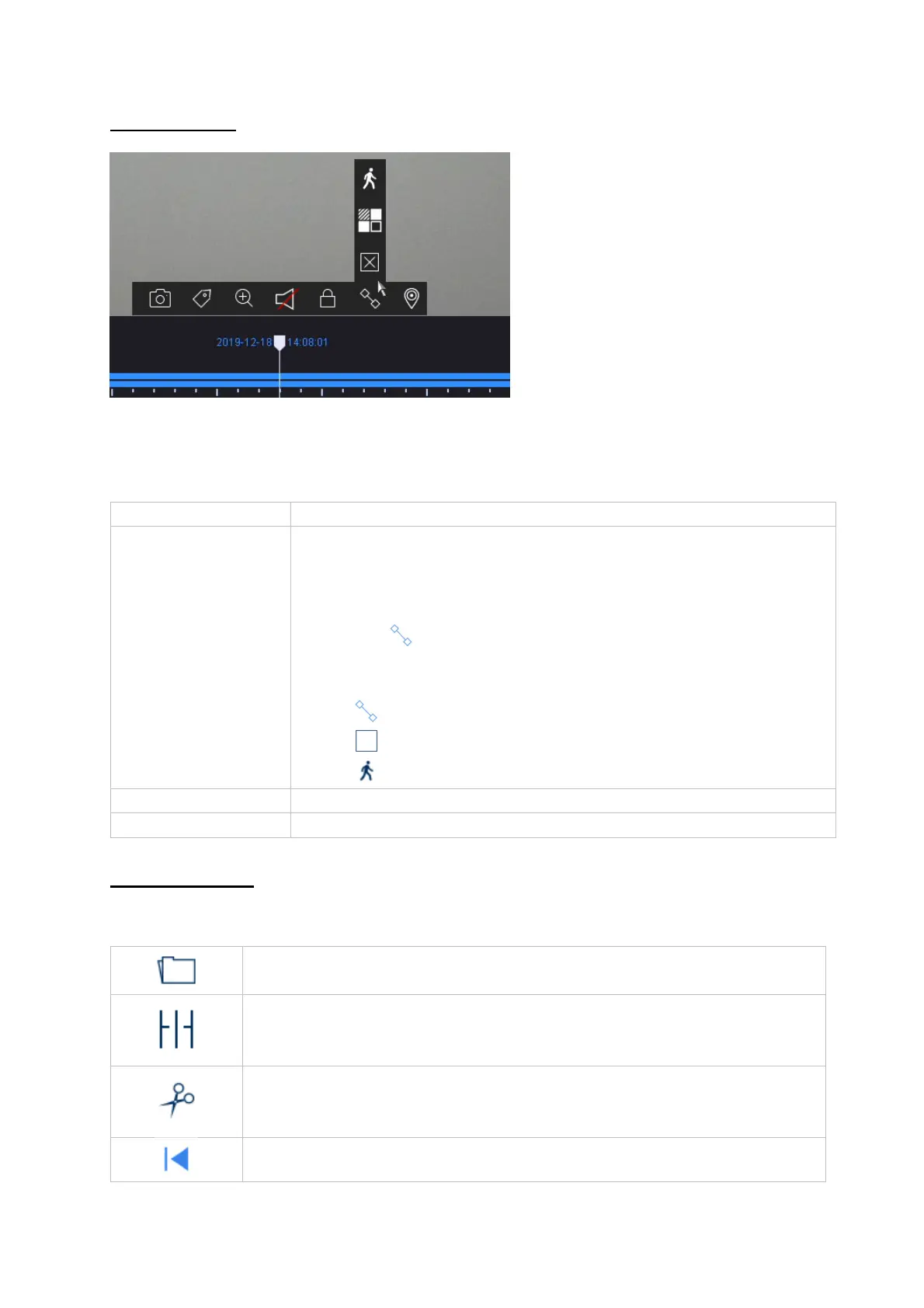
In existing recordings, a VCA function can be used to
search specifically afterwards. To do this, click on the
icon in the camera command bar.
The following three VCA functions are available:
Tripwire
Intrusion Detection
Motion detection
Custom Use the "Custom Search" beforehand
Marking Displays added markers in the timeline
Opens the menu for playing back recordings from external data
carriers
The recordings of the selected camera are played back in the Quad
view at different points in time. This is to enable a quicker narrowing
down of the events.
Allows quick and easy export of video clips. The calendar search
option is available. The time of the video clip can also be determined
by moving the red brackets on the time bar.
Jumps 30 seconds backwards



 To Next Page