110
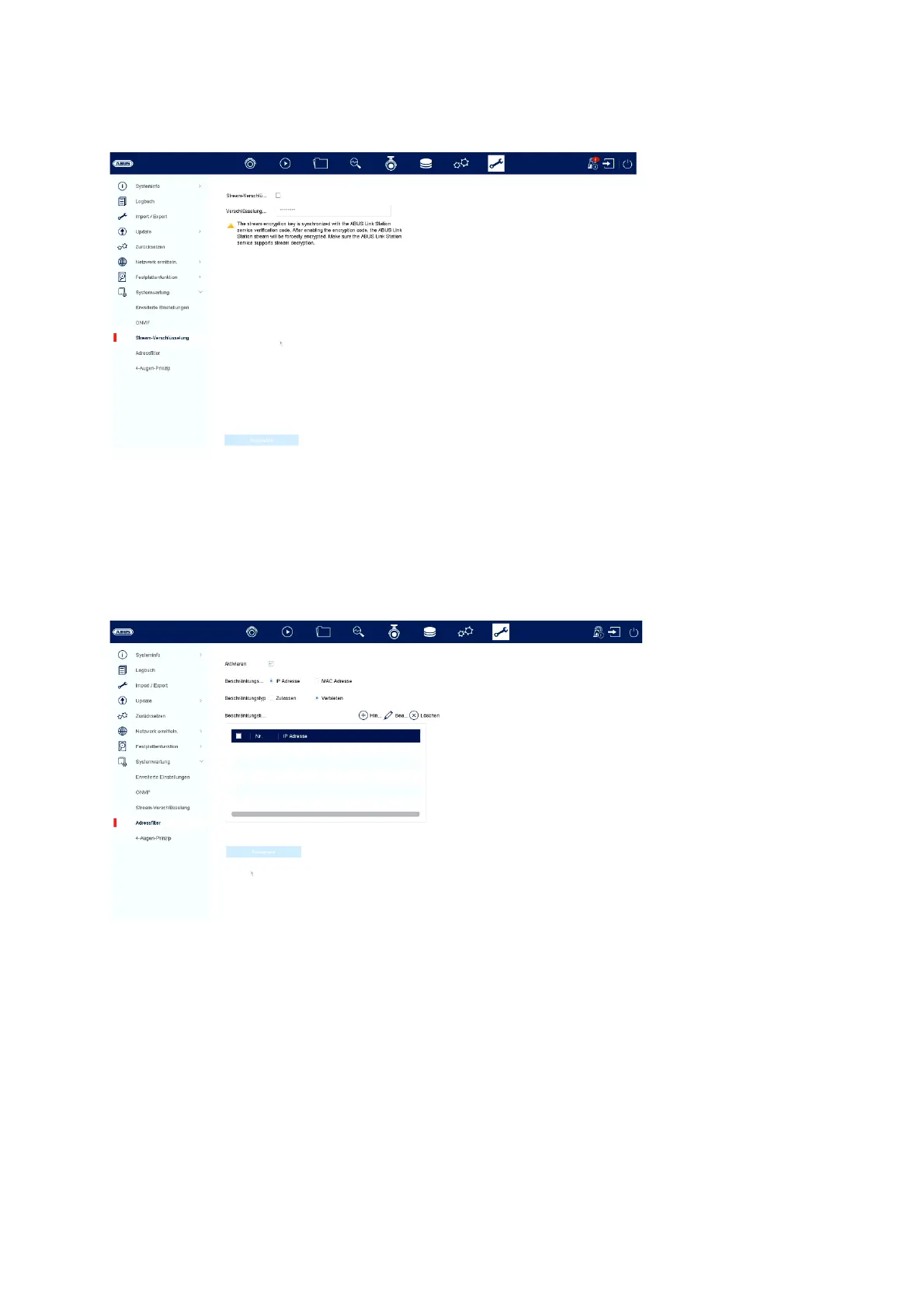
Stream encryption:
Here you can activate/deactivate the stream encryption for access via the ABUS
LINK STATION app and change your verification code. This is required for access to
the live images in the app and remotely via the web interface and ABUS CMS
software.
Address filter:
In this menu, an authorisation filter can be created. This can "authorise" or "prohibit"
IP or MAC addresses based. Select the desired type (IP or MAC) and the
authorisation type (allow / prohibit) and then click on "Add".
Attention: The filter becomes active immediately when you click on "Apply". Make
sure that the correct filter rule is created and that you do not block yourself.
4-eyes principle:



 To Next Page