63
By double-clicking the left mouse button, you can display the respective
camera image in full screen or switch back to the original view.
With a click of the right mouse button, you can hide and show the menu
structure to display only the respective camera layout as a full screen.
The live view is divided into the following functional areas:
Main menu Selection of the configuration and operating menus
Camera menu Selection and search for cameras or display of various analysis
functions
Camera
command
Selection of camera commands and actions of the selected
camera
Display menu Controlling the view on the local monitor
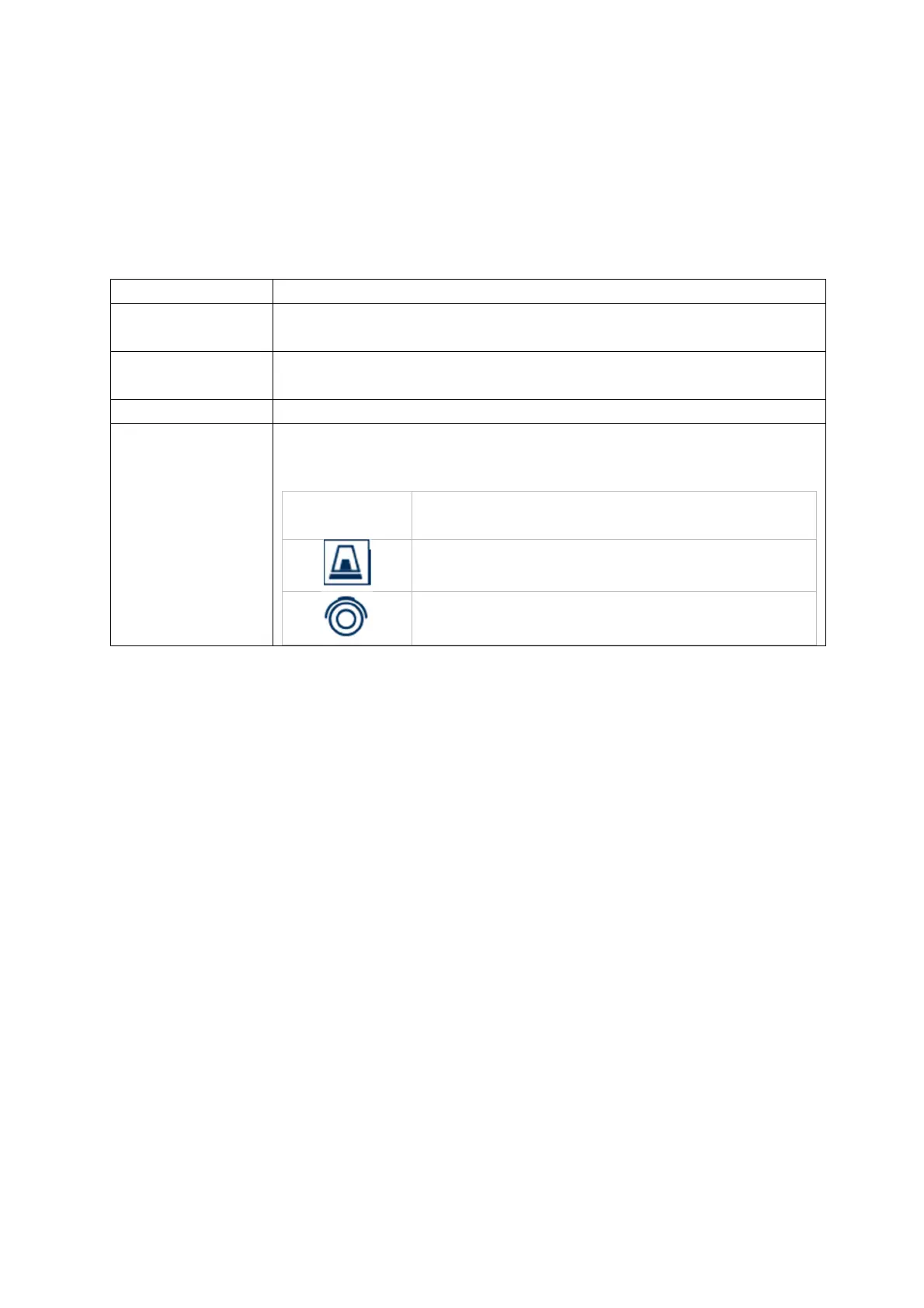
Recording
status
In the live image, the current recording status is always
displayed (top right) in the form of a coloured R ("Record"). Each
video channel can have one of the following three statuses:
No symbol No recording programmed, no hard disk
available, no event
Event alarm (
on motion, alarm input or VCA)
Recording started



 To Next Page