50
Press the
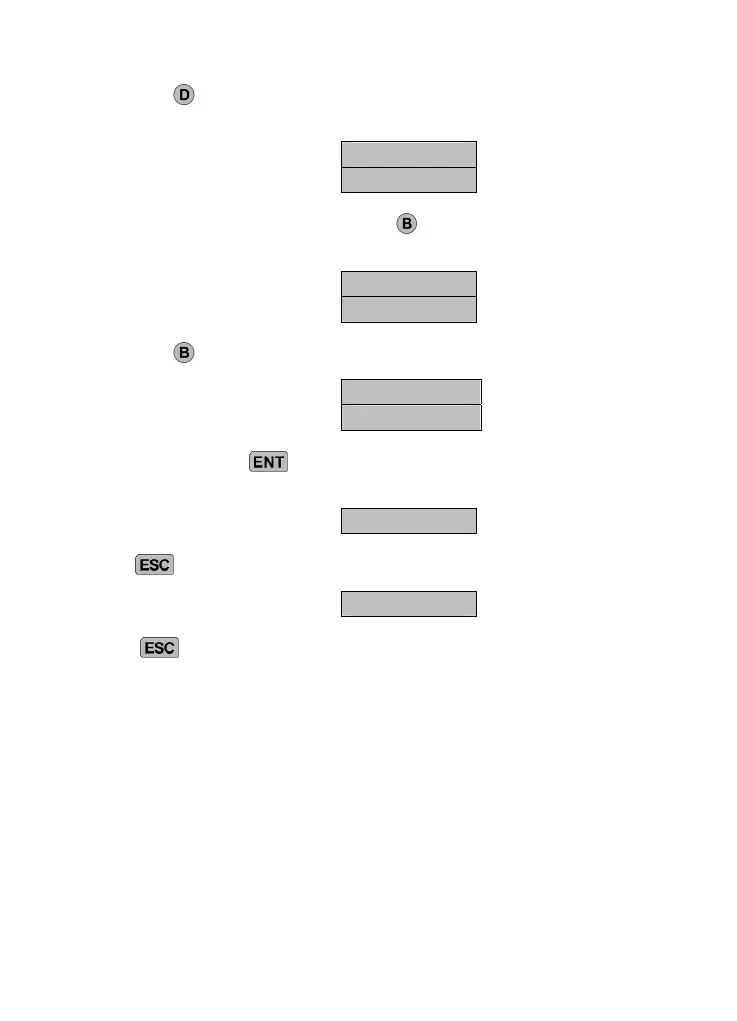
key. The display changes between “TONE” and
“DIALLING”, which indicate the respective modes.
TONE
DIALLING
To change to pulse dialling, press the key. PULSE and DIALLING
are displayed alternately.
PULSE
DIALLING
Press the
key again to display automatic mode recognition.
AUTOMATIC
DIALLING
Confirm by pressing
. The following message is shown in the
display.
ENT 1-4
Press
again to show the display for further programming.
READY
Press to end data entry.



 To Next Page