53
1. Enter your programming code (default: 1234). The following
message is shown in the display:
READY
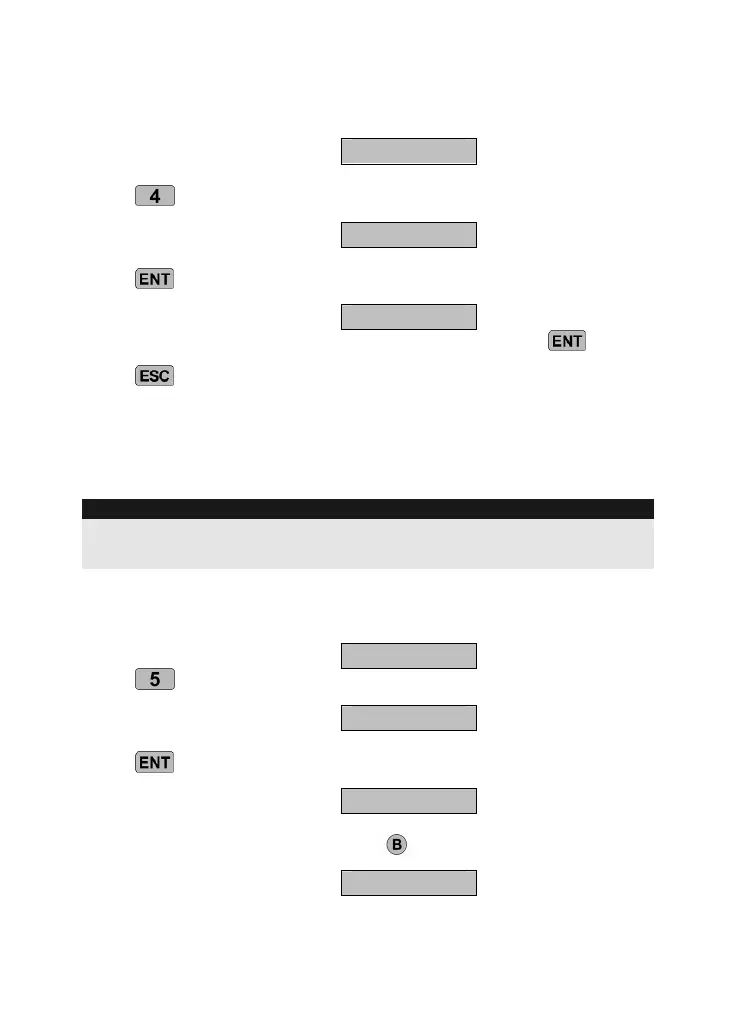
Press
. The display shows the following:
NEWCODE-
Press
. The display now shows:
- - - -
Enter your personal programming code, then confirm with .
Press
to end data entry.
10.5 Code length
The default programming code has four digits. This function can be
used to change the code length to six digits.
IMPORTANT
If the code length is changed from four to six digits, then “00” is added
at the end of your existing programming code.
1. Enter your programming code (default: 1234). The following
message is shown in the display:
READY
Press . The display shows the following:
C,TYPE-
Press
. The display now shows:
4, CODE
Change the code length by pressing
.
6, CODE



 To Next Page