55
1. Enter your programming code (default: 1234). The following
message is shown in the display:
READY
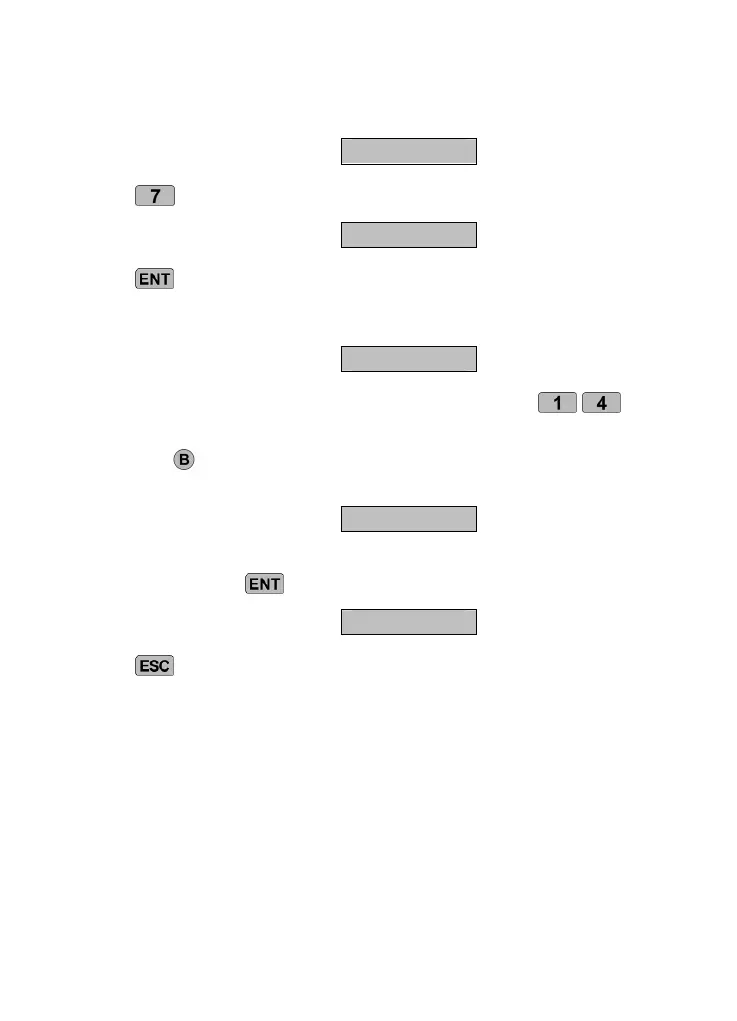
Press
. The display shows the following:
ROUTE-
Press
to display the current allocation of telephone numbers to
alarm message A. In this example, the alarm message A is transferred
to telephone numbers 1 and 3.
A> 1-3-
Telephone numbers can be added or removed using the
-
keys.
Press the
key to switch to the other voice messages (B-D). Repeat
steps 3 and 4 for the remaining messages.
C> ---4
When the voice message has been allocated to the telephone number,
confirm by pressing
.
READY
Press
to end data entry.
10.8 Abort
If an alarm is triggered by accident and the dialer starts an alarm call,
then this can be aborted in a variety of ways. This function is used to
define which abort types are possible:
- INPUT: Creation of a signal on the “ABORT TRIG”
input.
- RESTORE: Removal of the trigger signal on the
input.
- PASSCODE: Entry of the programming code.



 To Next Page