Setup wizard
79
Setup wizard
Setting up the system
The setup wizard guides you through the required basic
settings for the system. The video recorder will then be
ready for recording and monitoring.
All of the advanced settings can be found in the
device menu.
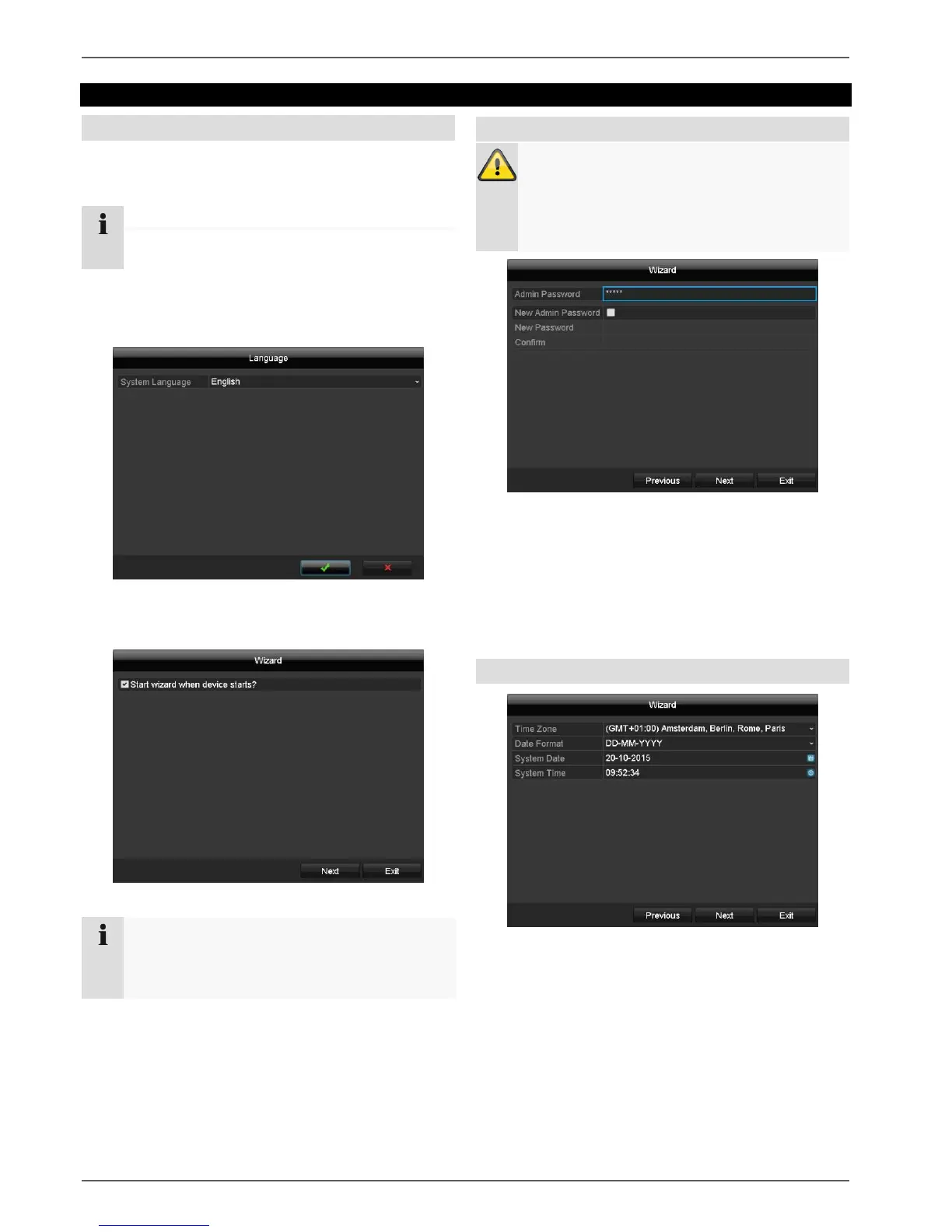
Following the first switch-on, the language selection
appears:
Click on the input field and select your language from
the list. To proceed, click on . The following query
appears:
Click on Next to start the wizard.
Note
After the system has been set up the 'checkbox'
can be deactivated, the tick is hidden and the
wizard no longer starts automatically.
Note down the admin password.
The preset password is:
"1 2 3 4 5".
Click on the input field and enter the admin
password.
To assign a new password, activate the 'checkbox' in
front of New Admin Password.
Enter the new password and confirm the entry in the
field below.
Click on Next.
System time and date
1. Enter the system time consisting of date and time.
2. Finish the setting by clicking
on Next.



 To Next Page