Recording
108
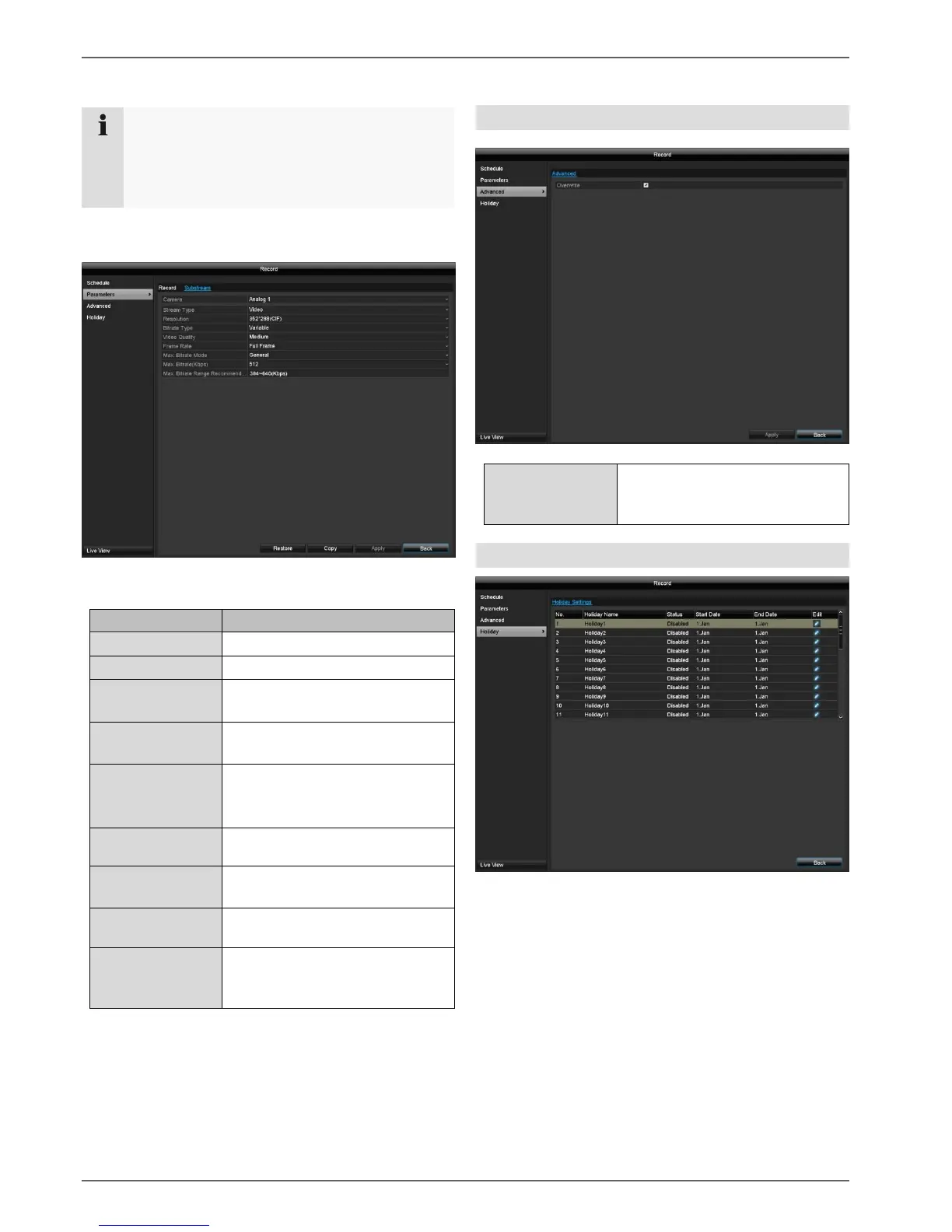
Substream tab
The following parameters can be set:
Auto, 4CIF(704x576),
CIF(352x288), QCIF(176x144)
Select a variable or constant
bitrate
There are various quality levels:
+++: medium quality
++++++: high quality
Settings for the stream frame
rate
General: Pre-defined bit rates
Display of the maximum bitrate
Max. Bitrate
Range
Recommended
Recommended bit rate
depending on the set resolution,
frame rate etc.
Confirm the settings by clicking on Apply and exit the
menu by clicking on Back.
Advanced settings
Specify whether older recordings
should be overwritten when the
hard disk drive is full.
Holiday
In this submenu, there are 32 different recording settings
for holidays or bank holidays.
If an event-supported recording is being
configured, the best possible setting in respect of
memory usage is if only events are recorded in
high quality.



 To Next Page