Increase time bar section.
Tag for continuous recording
Tag for event recording (movement, alarm)
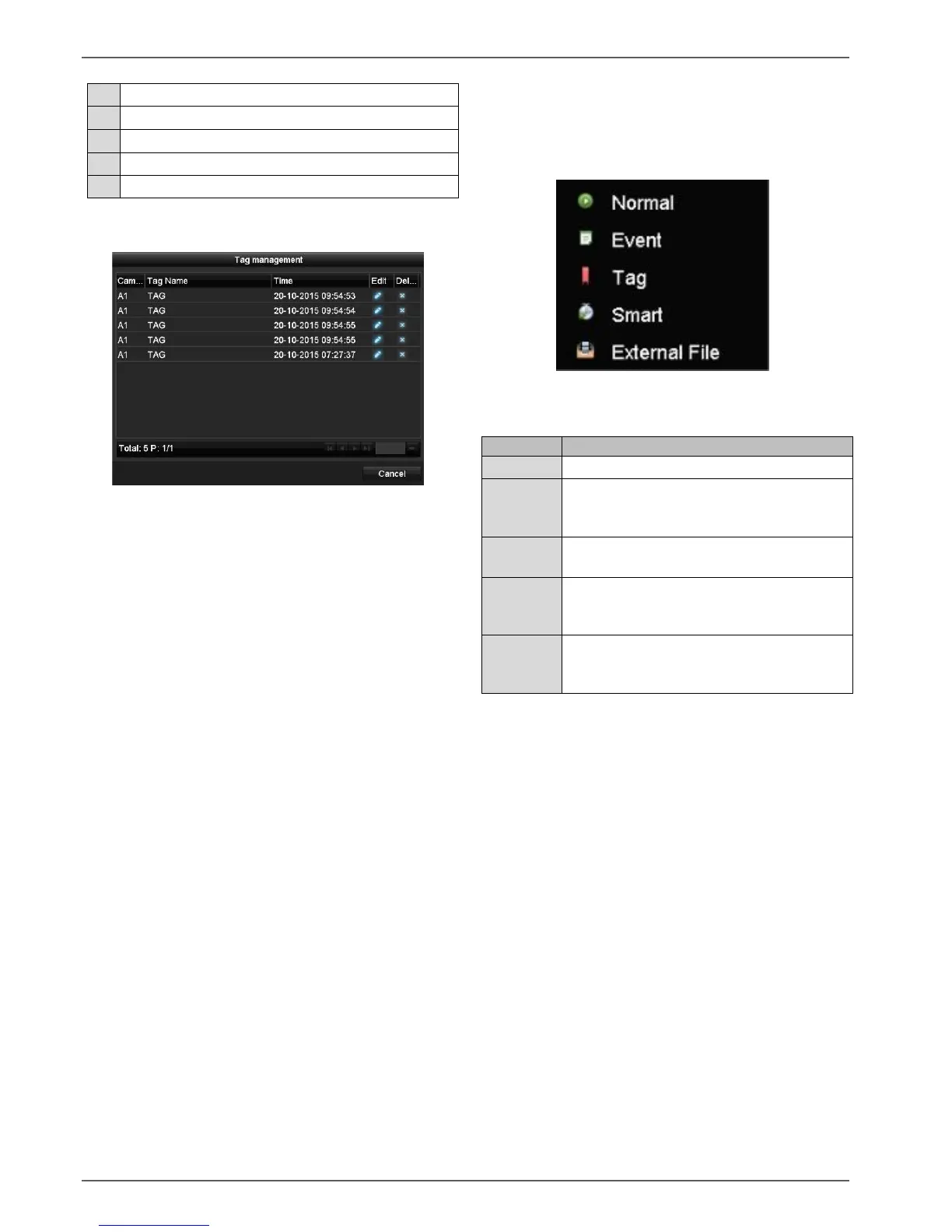
Click on "Tag management" (6):
Click on the edit icon to change the description of
your tag. To remove a tag, click on the delete icon.
Selecting playback type
Selecting the playback type (5) allows various types of
recording and event to be displayed and filtered in the
playback view.
The following menus are available:
Playback of recorded video data.
Search and playback of video data
recorded by means of motion detection or
alarm input.
Search and playback of video data
provided with a tag.
Search and playback of video data via pre-
defined full screen motion detection for all
recorded data.
Search and playback of video data found
on a connected external data storage
device (USB).



 To Next Page