Manual
114
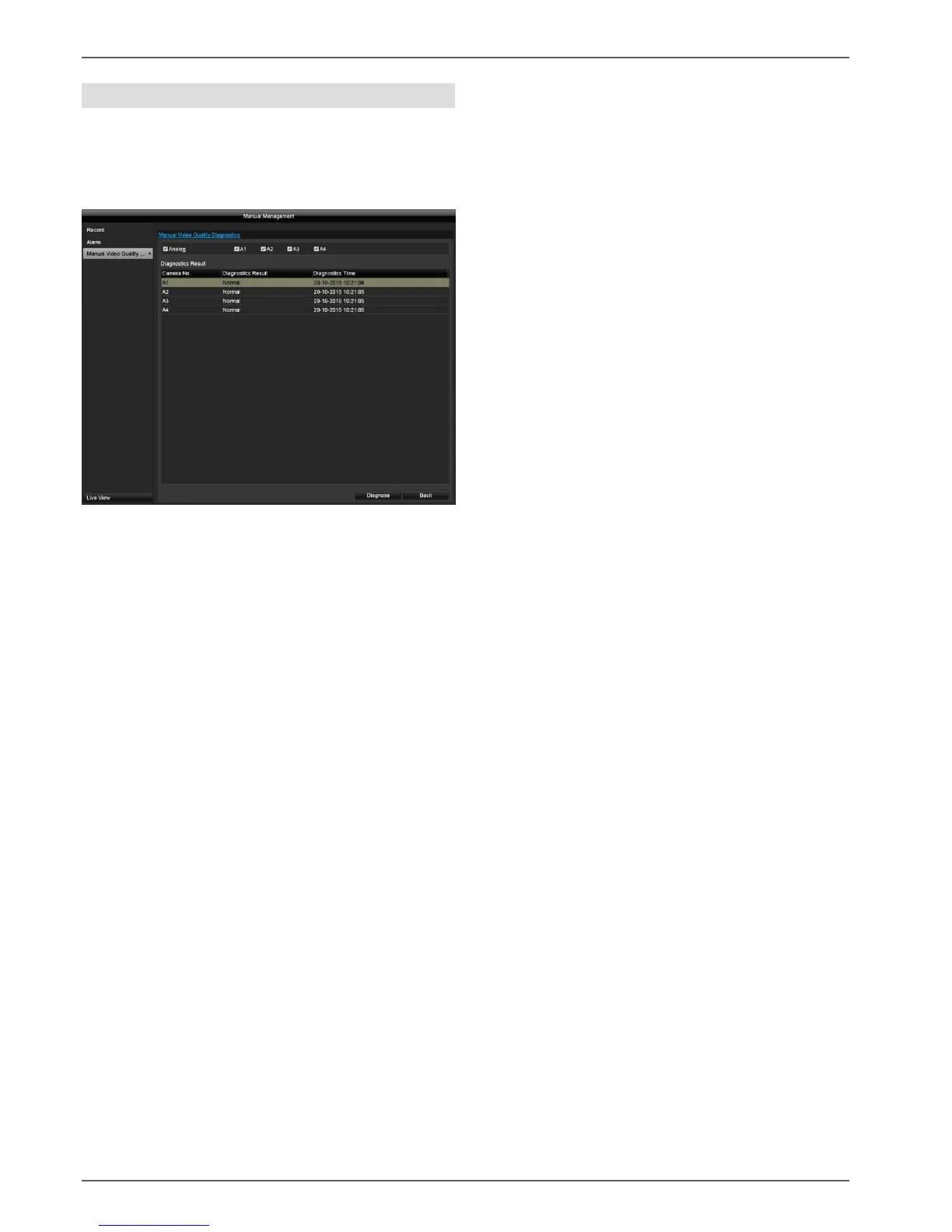
Manual Video Quality Diagnostics
Here, the cameras to be investigated using Manual Video
Quality Diagnostics can be selected. Be aware that the
diagnostics function for each channel must be switched
on and configured under the menu "Camera" in order to
do this.
By pressing the "Diagnose" button, manual analysis is
started. Adjust the settings under the Camera menu if the
diagnose result produces an error message (blurred
image, colour cast etc.) even if the image settings are
correct.
The diagnose result "Normal" indicates a correct camera
image.



 To Next Page