Configuration
97
Warning
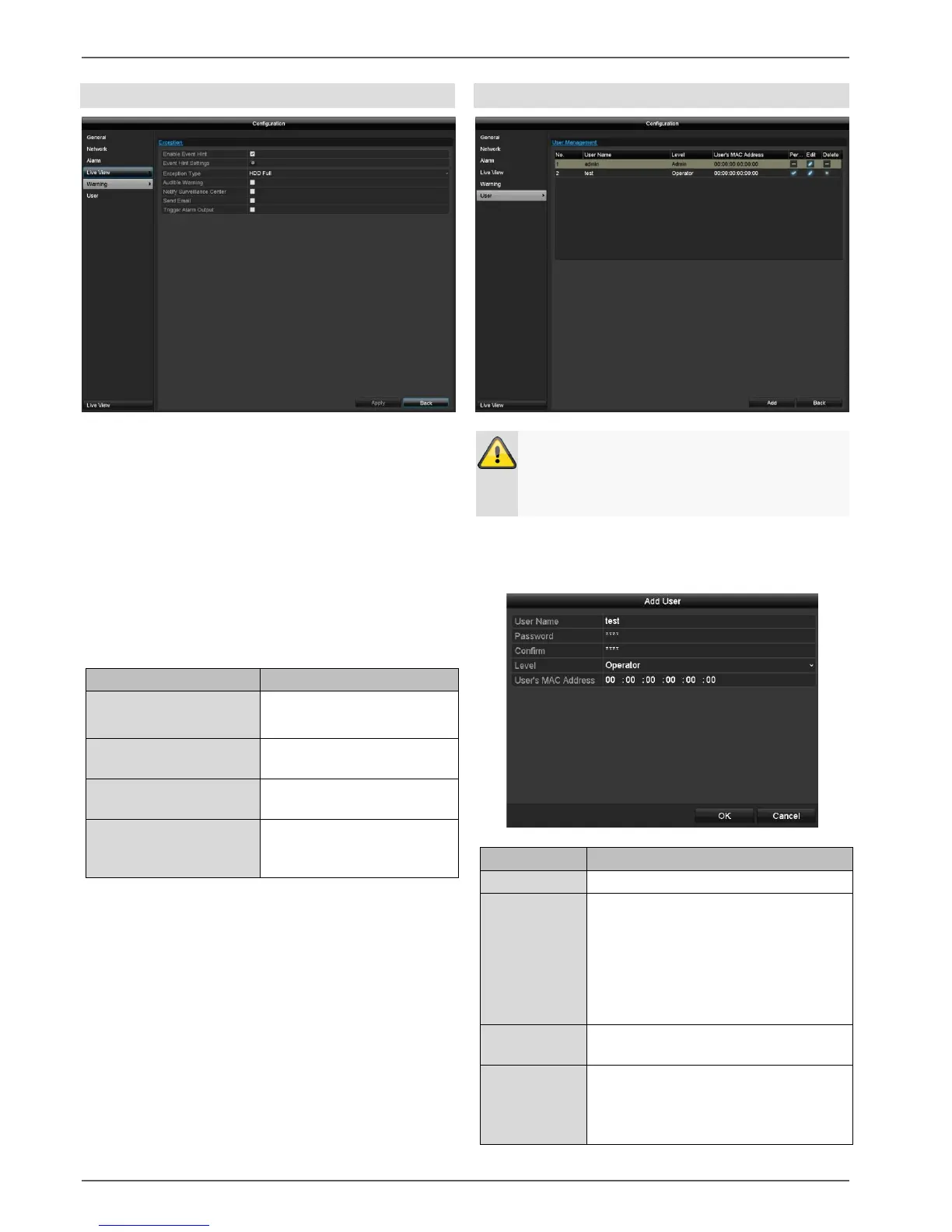
Set the response of the recorder for warning messages
and system events here. To do this, activate the "Enable
Event Hint" setting.
You can trigger a warning for the following error types:
HDD Full
HDD Error
Network Disconnected
IP Conflicted
Illegal Login
Input/recording resolution mismatch
Exception Error
The device emits a repeated
signal tone.
Notify Surveillance
Center
A notification is sent to the
CMS software event log.
An email is sent to a
specified email address.
The selected alarm output is
switched in the event of a
fault.
Note down the admin password.
The preset password is:
"1 2 3 4 5".
In user management, you can add new users, delete
users, and amend existing settings.
To add a new user, select Add.
Access code for the device, for the
purpose of device management.
Note: change your passwords
regularly, using a combination of
letters and numbers etc. and note
them down to be stored in a safe
place.
Enter the access code again for
security.
More rights can be set on the
Operator level than on the Guest
level.



 To Next Page