Live view
Live view
Overview
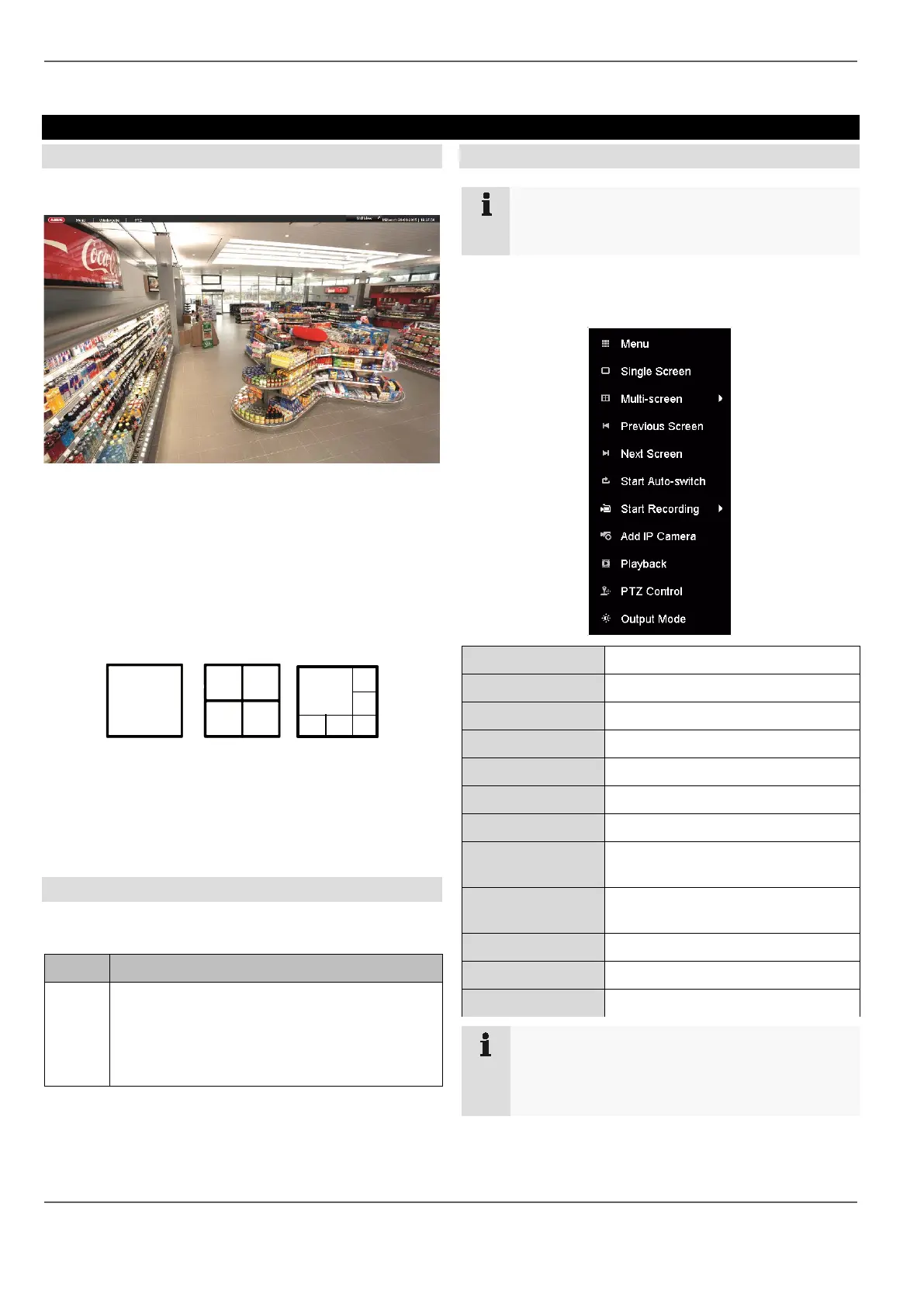
Live view starts automatically when the device is
switched on.
The following menus are found in the header:
• Menu and
• Playback
The device date and time are displayed on the right-hand
side of the header. To the left, you will find the multi view.
• Click on the icon to open the pop-up menu of the
multi view.
• Click on one of the icons in the pop-up bar that ap-
pears in order to switch between the different views.
The signals of the connected cameras are displayed on
the main screen.
• By double clicking with the left mouse button, you
can display the selected camera image in full screen
or switch back to the original view.
Status symbols
• The following symbols are displayed depending on
the operating status of the device:
Symbol
Meaning
R
R
Yellow: motion recording
• recording only upon motion detection
Blue: Recording
• continuous recording
Pop-up menu with mouse operation
Note
Right click when the mouse pointer is positioned
on a live image.
The following settings can be made. The arrow pointing
to the right indicates that a sub-menu opens for selec-
tion:
General menu Selection of preset menus
Menu Opens the main menu
Full Screen Full screen view of a camera
Multi-screen Various camera layouts
Previous Screen Displays the previous screen
Next Screen Displays the next screen
Start Auto-switch Starts the camera sequence display
Start Recording Start all cameras’ motion-detection-
based or continuous recording.
Add network cam-
era
Adds additional network cameras
Playback Switches to playback mode
PTZ Open PTZ menu
Monitor Mode Starts the monitor mode
Note
Start Auto-switch:
Specify the display sequence delay in the display
settings.
21



 To Next Page