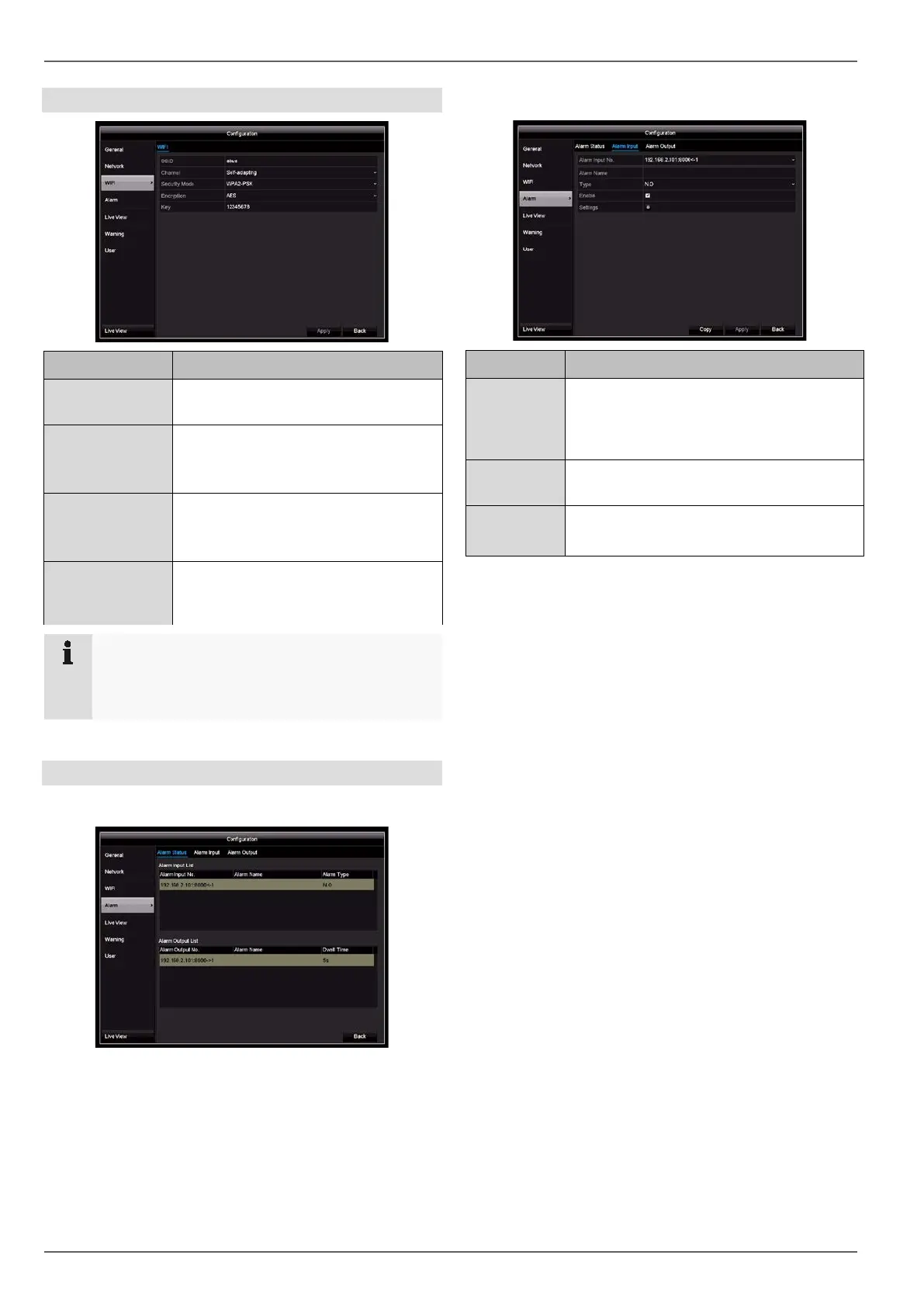
Configuration
Wi-Fi
Parameter Setting
SSID Establish the name of the Wi-Fi net-
work here.
Channel Establish the channel for the Wi-
transmission here.
(Recommended: self-adapting)
Security mode Here you can select the security mode
for the Wi-Fi network.
(Recommended: WPA2-PSK)
Key
Establish the key with which you would
like to connect to the Wi-
the recorder here.
Note
In case of disruptions in your Wi-
which Wi-Fi channels in your area are the least
busy and use this channel for your recorder.
Alarm
Alarm Status tab
Here you can see a list of all the alarm inputs and out-
puts and their current status.
Alarm Input tab
Parameter Setting
Alarm Input
No.
Select the alarm input to adjust the set-
tings. You can select the alarm input for an
IP camera using the network address
data.
Alarm Name
Enter a clear description, e.g. warehouse
door contact
Type N.O.: normally open circuit
N.C.: normally closed circuit
• Activate the alarm input by ticking the “Settings” box.
• Define the response of the recorder in the event of
an alarm under “Settings”.
• Click on Copy to apply these settings to other cam-
eras.
• Confirm the settings by clicking on Apply and exit
the menu by clicking on Back.
33



 To Next Page